Audio
A Home Assistant media player, a Sendspin player for Music Assistant, and a Bluetooth speaker.
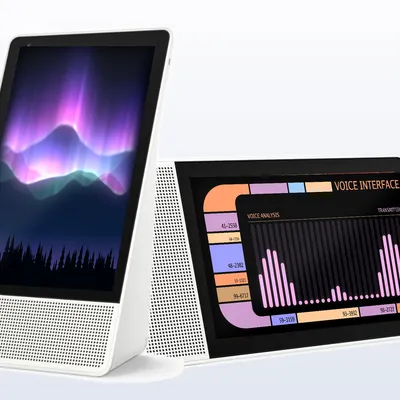

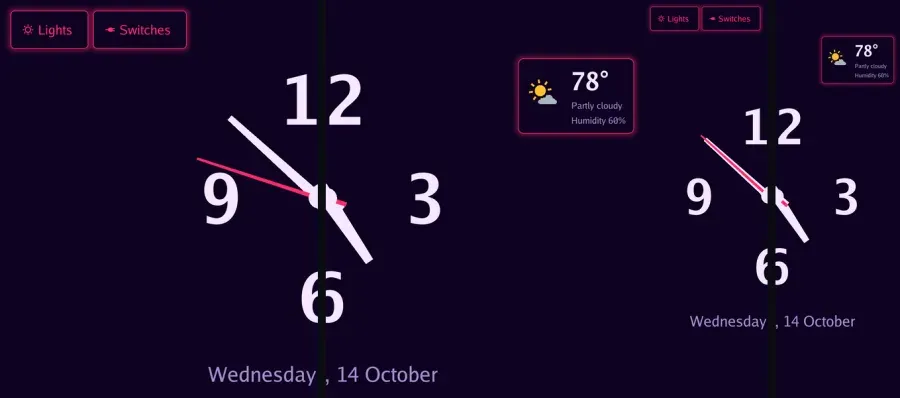
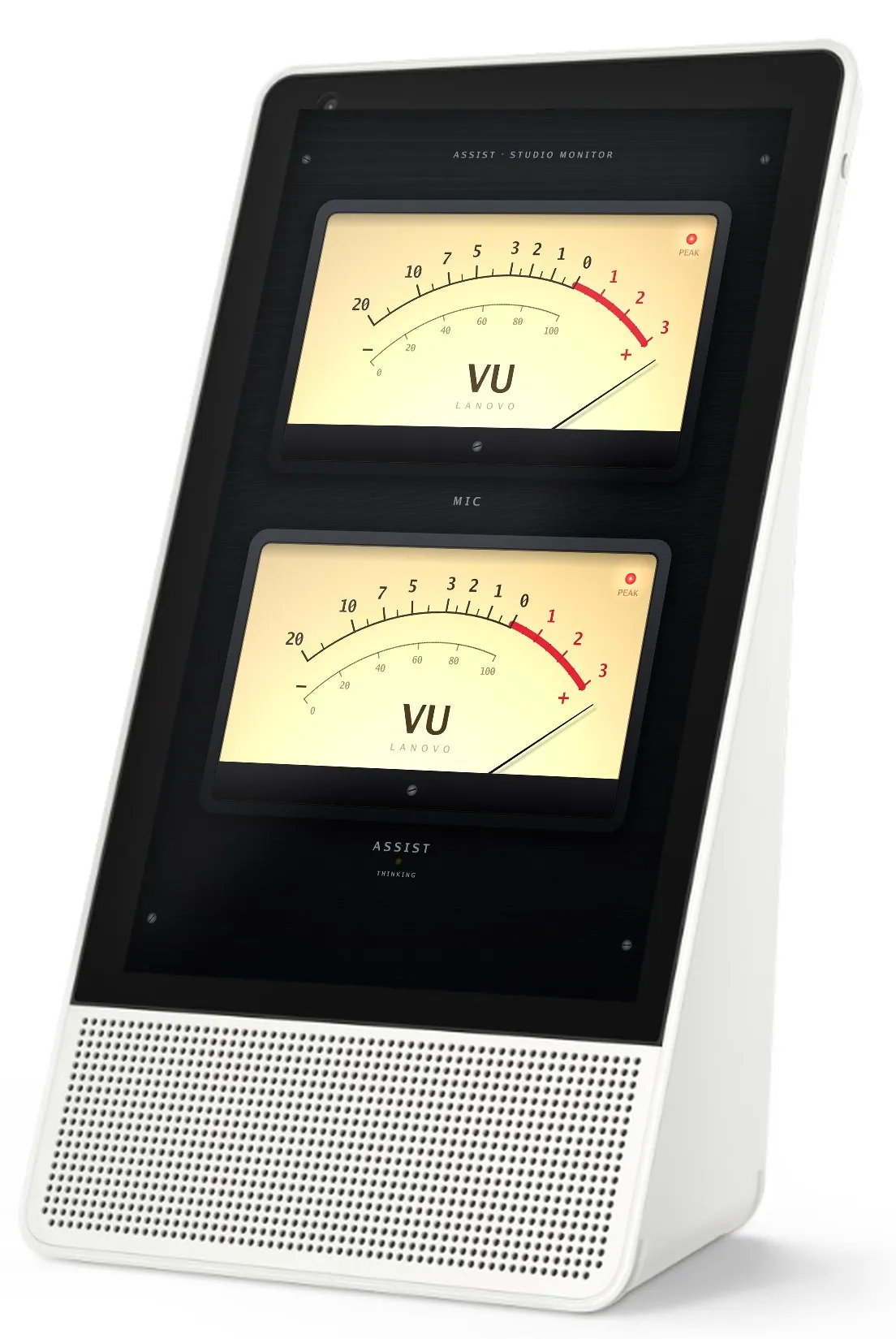
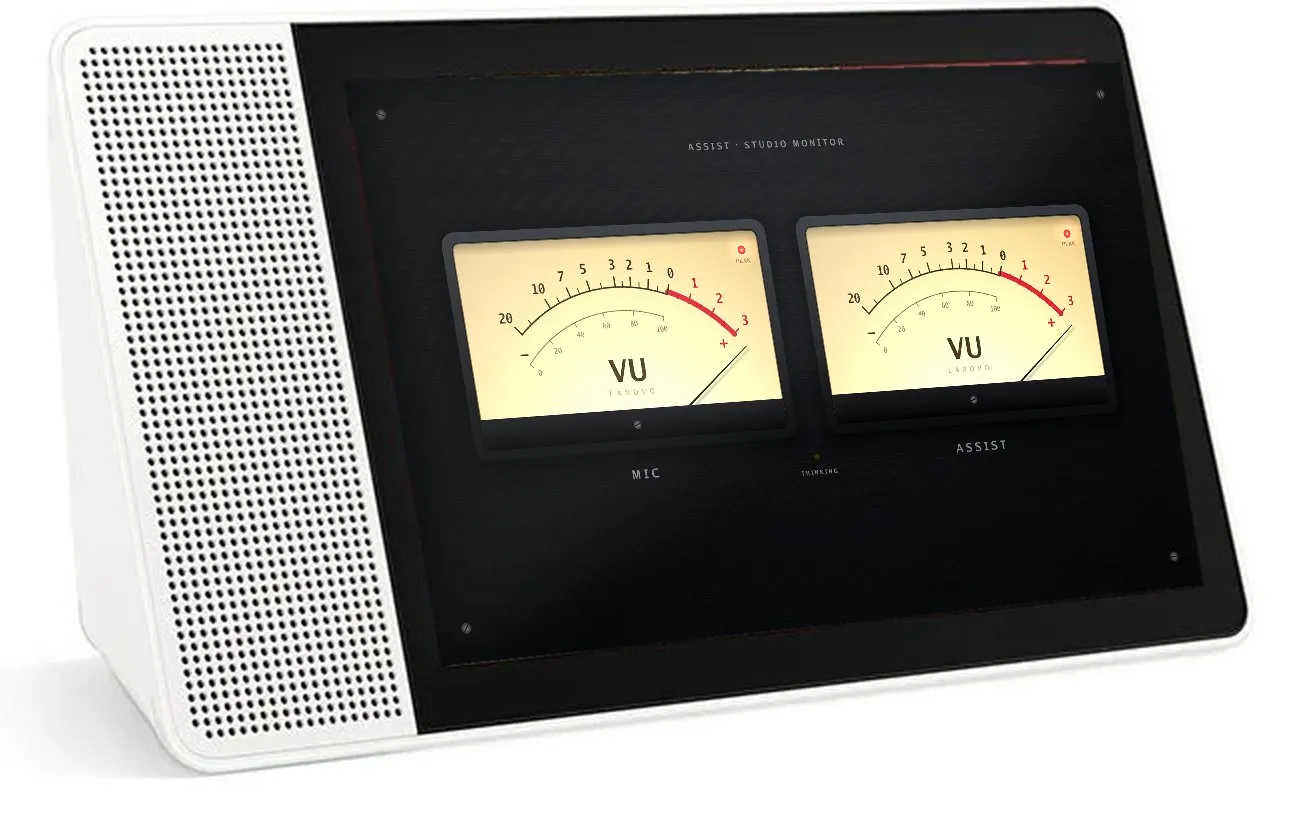
33 audio visualizers for the screen saver, all GPU shaders at the screen’s full resolution. Each one reacts to the microphone, to what’s playing, or both.
Lenovo’s Smart Displays have a good screen, stereo speakers, two far-field microphones, a camera with a shutter, and a proximity sensor. Google stopped updating them.
LANovo replaces the whole Android stack with a single program that drives the screen, speakers, microphones, camera and radios directly, and talks only to your Home Assistant.
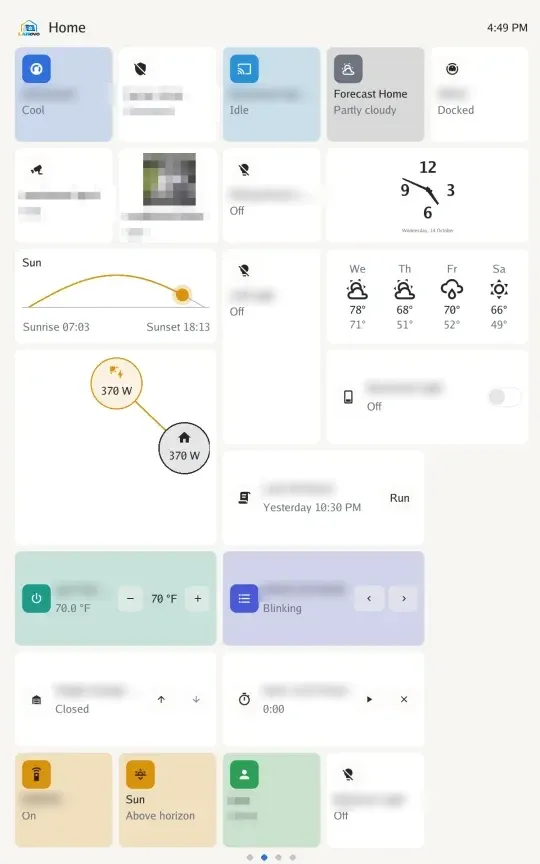
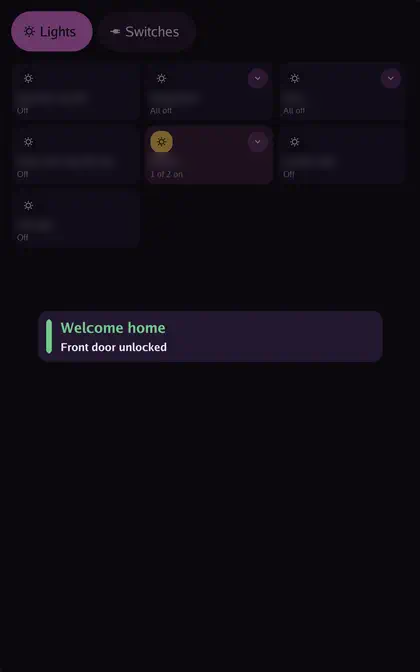
Lay out pages in Tessera’s editor in Home Assistant and the display draws them. Most of Tessera’s tiles and features are supported, in every style and theme.
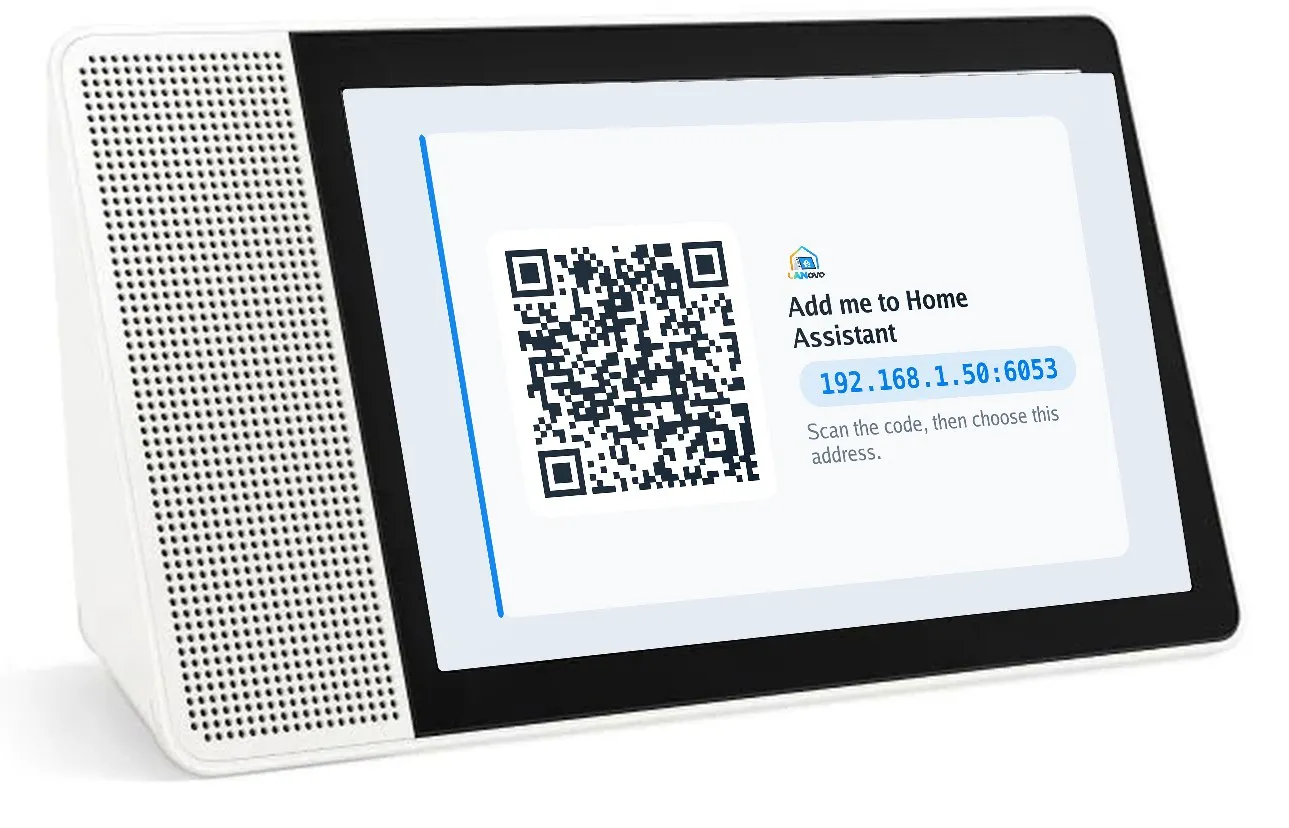
After install the display shows a code. Scan it and submit, and Home Assistant adds it through the ESPHome integration. No YAML, no add-on, no key to copy.
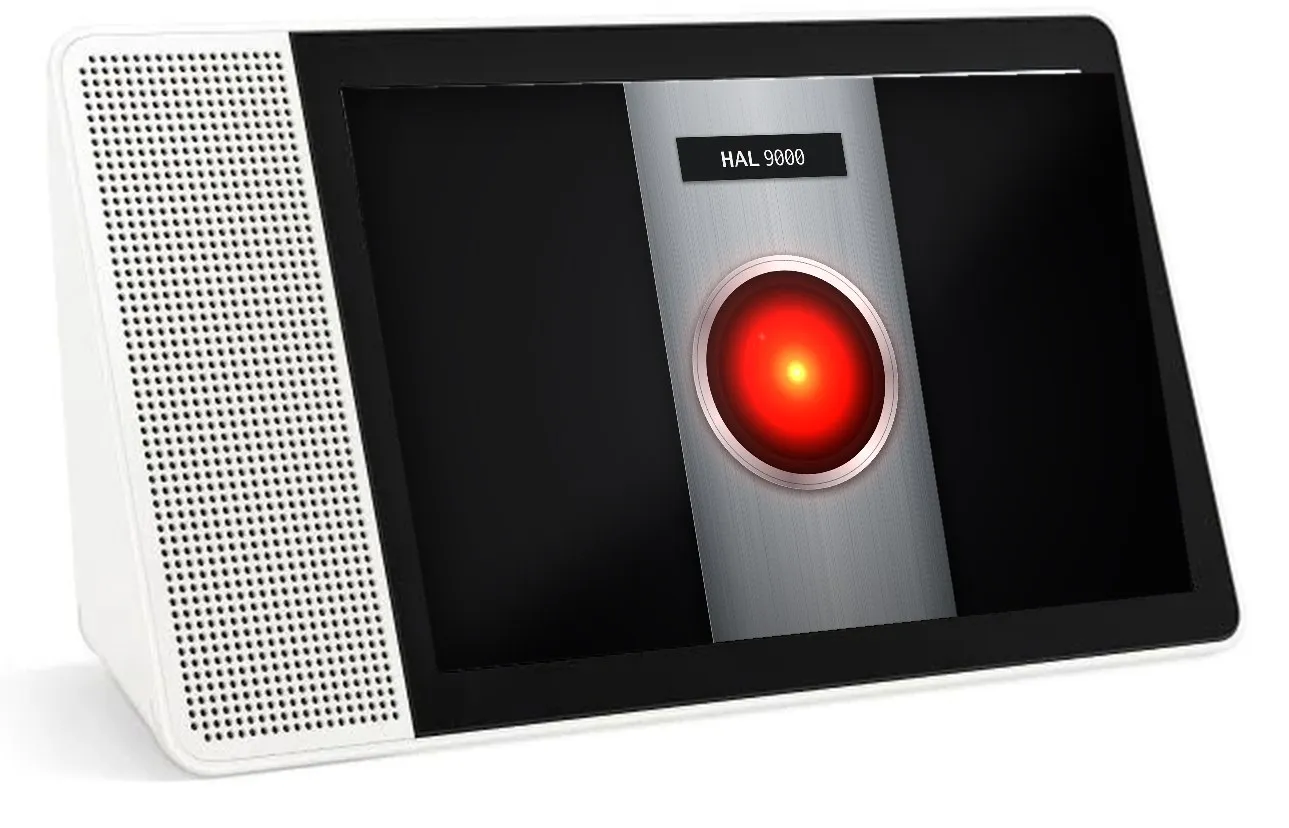
Two wake words, each with its own Assist pipeline and its own visuals for listening, thinking and answering. “Stop” works without a wake word.
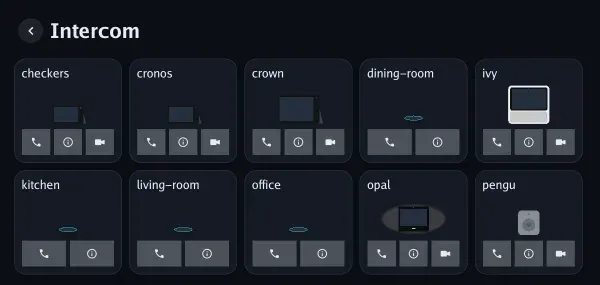
Audio and video calls between LANovo displays and EchoLocal devices on your network, with auto-answer for the devices you choose.
Messages from any automation in four tones and four styles, each with its own chime. Timers in six styles.
Audio
A Home Assistant media player, a Sendspin player for Music Assistant, and a Bluetooth speaker.
Chromecast
YouTube with SponsorBlock, YouTube Music, YouTube TV and Prime Video. Experimental.
Camera
RTSP with main and sub streams, ONVIF discovery, and a snapshot camera in Home Assistant.
Privacy switches
The microphone switch and camera shutter are physical. Home Assistant sees their state but can’t change it.
Sensors
Proximity wake, adaptive brightness, and night mode when the room is dark.
Updates
From Home Assistant’s Updates page or from System on the display. The previous version is kept until the new one runs, and an earlier release can be installed again.
The Smart Display 10, Smart Display 8 and ThinkSmart View rotate automatically. The dashboards, settings, camera and everything else turn with them.
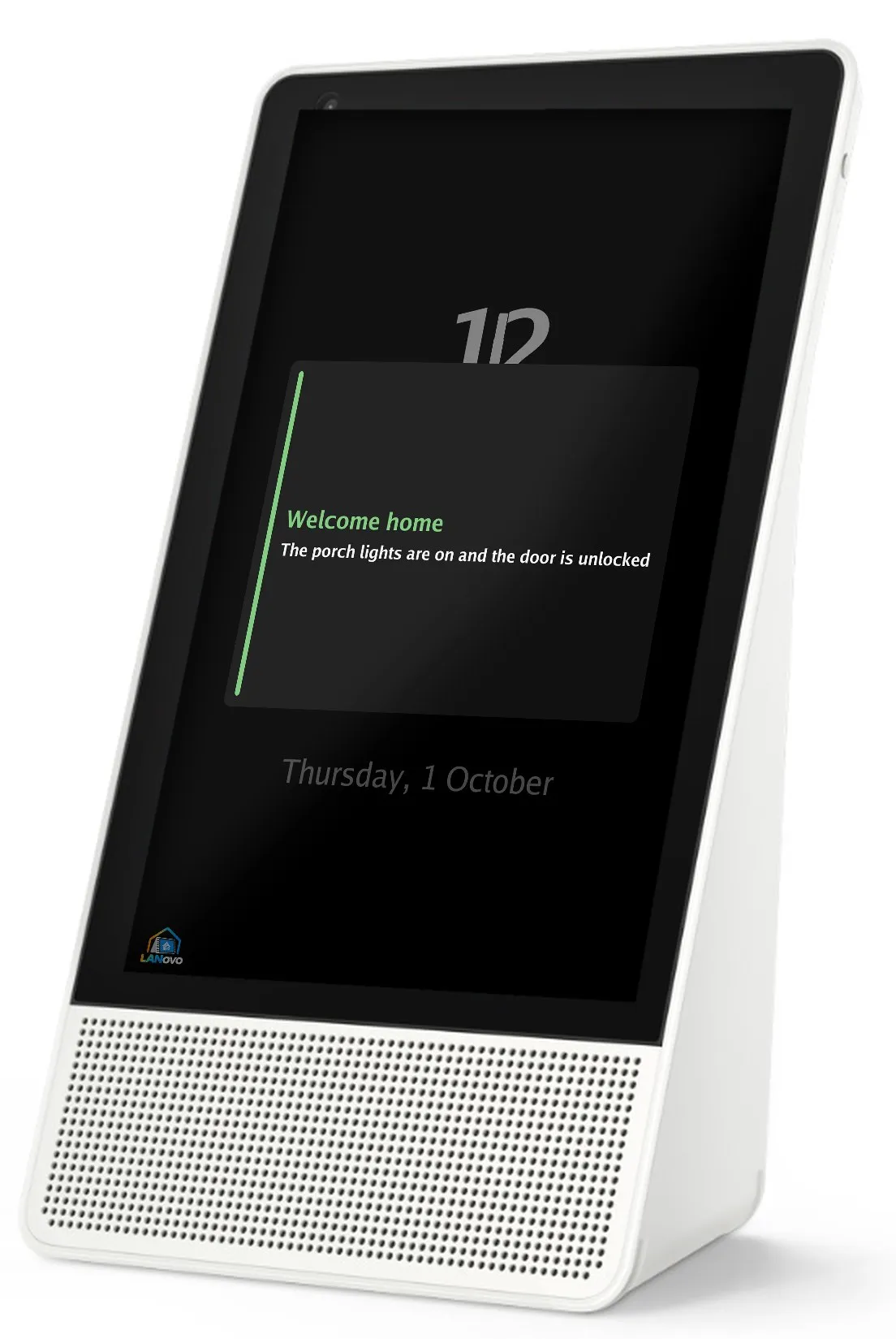
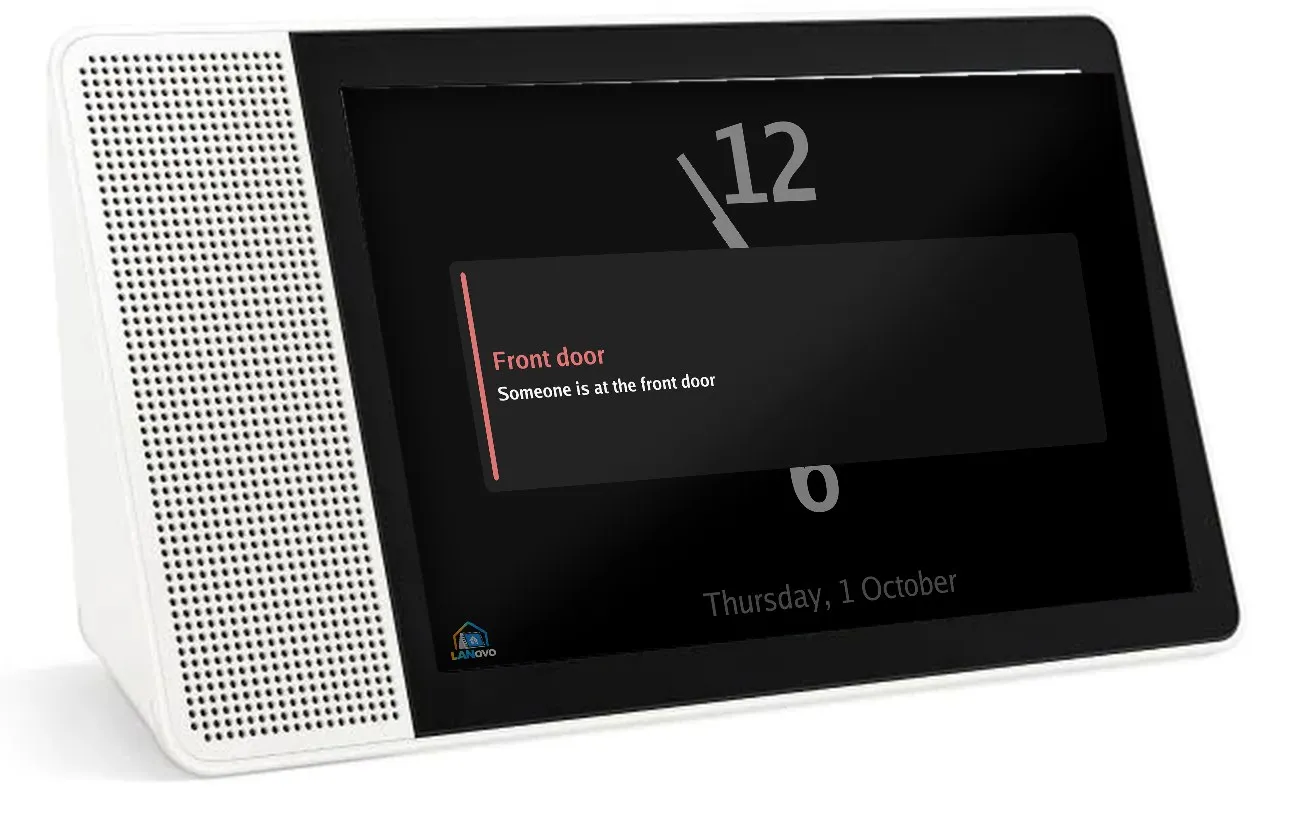
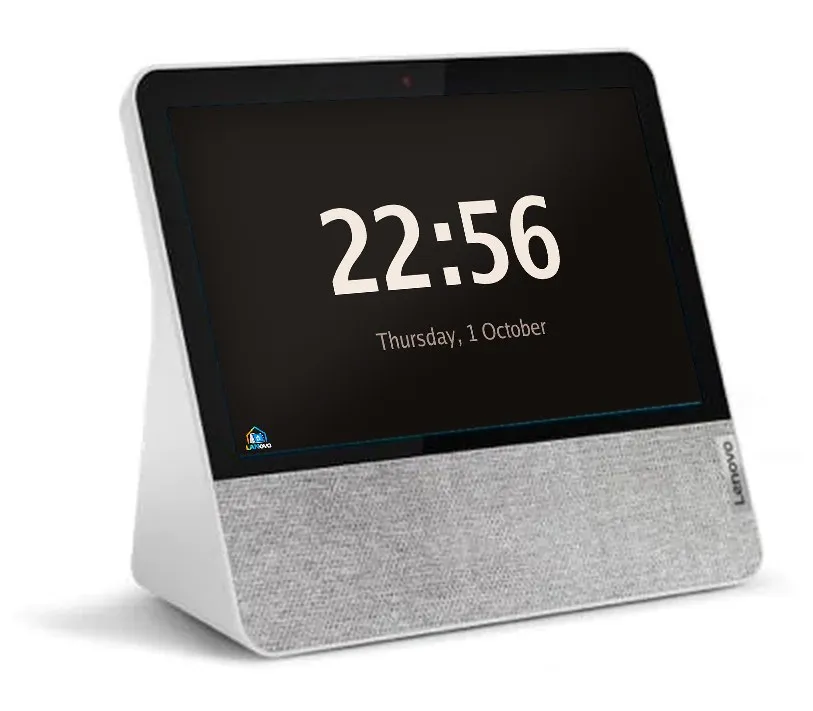
The Smart Display 7 gets a compact layout for its smaller screen. The JBL Link View and the Lenovo ThinkSmart View are supported too.
Optional, from HACS, and shared with LANovo’s sister project EchoLocal: a card for every display, a dashboard with all of them and your Echo devices, Fleet to compare and copy settings between them, turn history with recordings, a wake word library, custom tones, groups and health.