
Messages, timers and alarms
Messages
Section titled “Messages”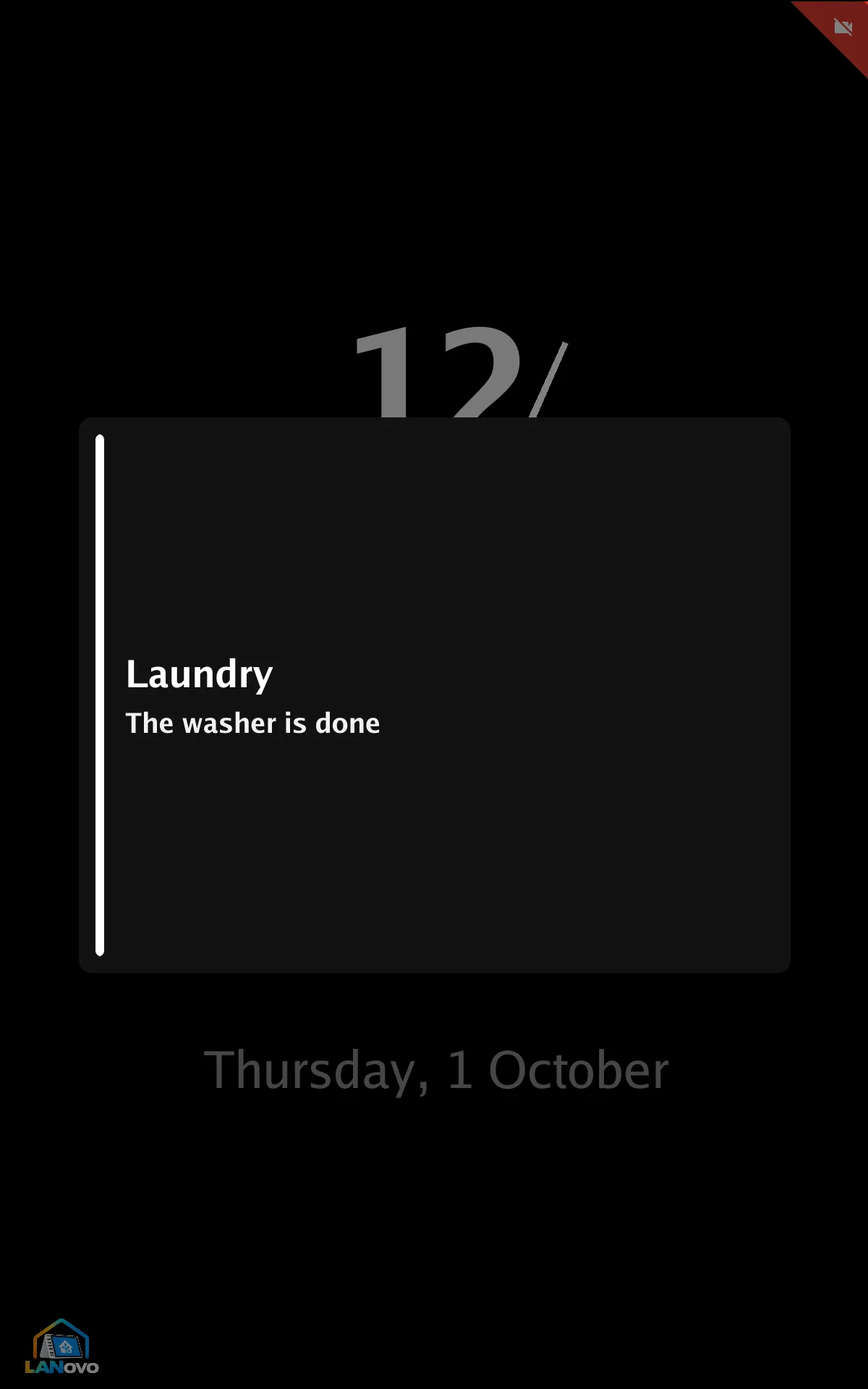


Use the display’s show message action:
action: esphome.kitchen_show_messagedata: title: Laundry body: The washer is done tone: info seconds: 30| Field | |
|---|---|
body |
Required |
title |
Optional |
tone |
info, success, warning or alert: color and chime |
seconds |
Default 15, up to an hour |
A new message replaces the current one. Tap to dismiss, or use the clear message action. The
action name comes from the display’s name: a display named Kitchen has
esphome.kitchen_show_message.
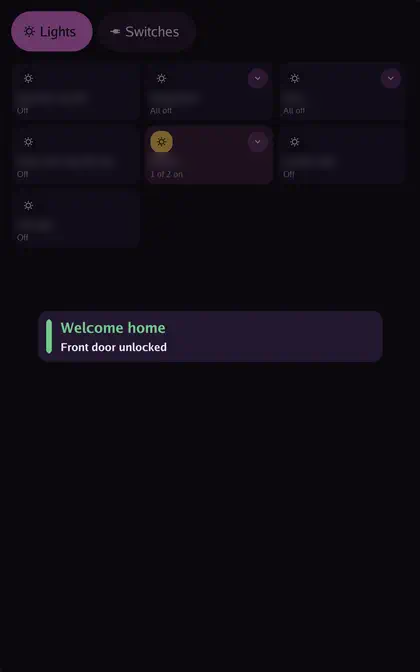
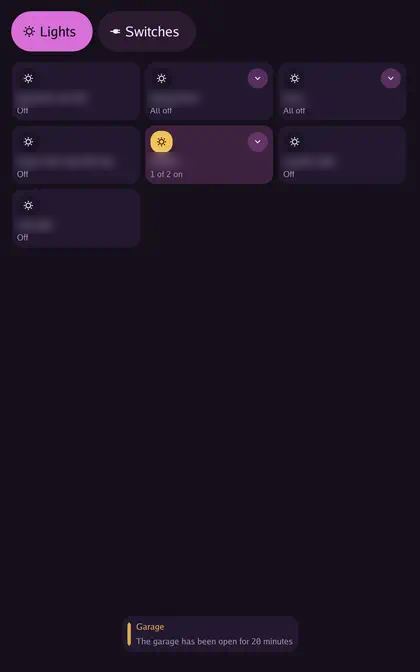
Alert styles and chimes
Section titled “Alert styles and chimes”Settings → Alerts & Alarms:
- Alert style: Banner, Card, Toast or Full screen
- Info, Success, Warning and Alert chime: a sound for each tone, a custom tone, or none
Timers
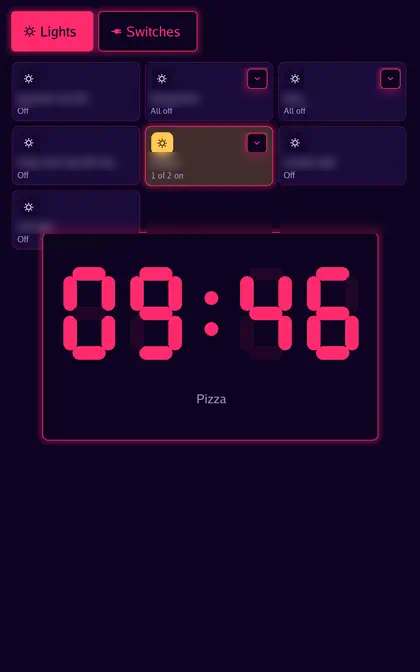
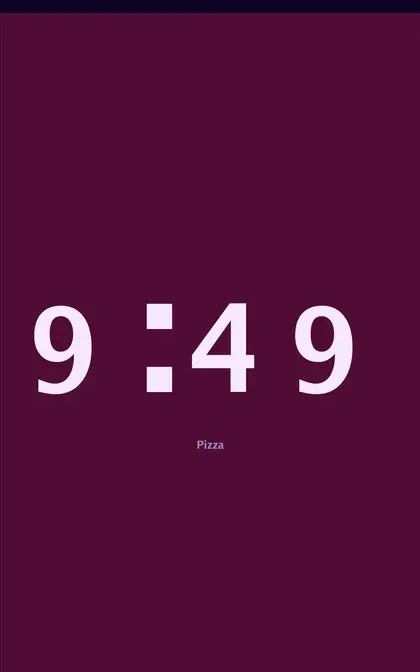
Section titled “Timers”Timers set by voice show on screen. Settings → Alerts & Alarms → Timer style:
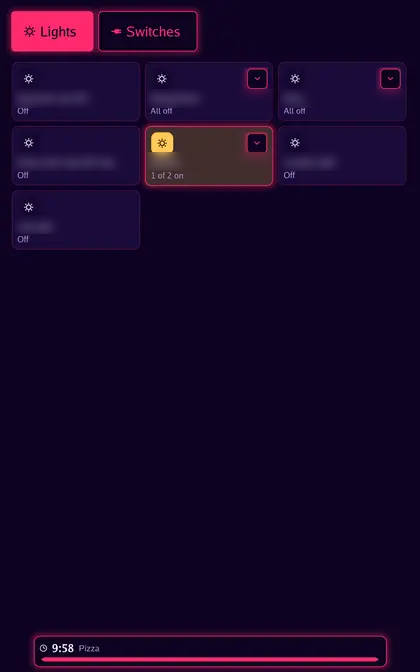
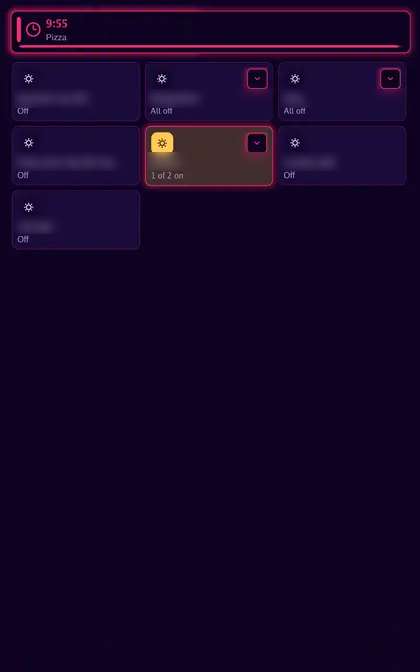
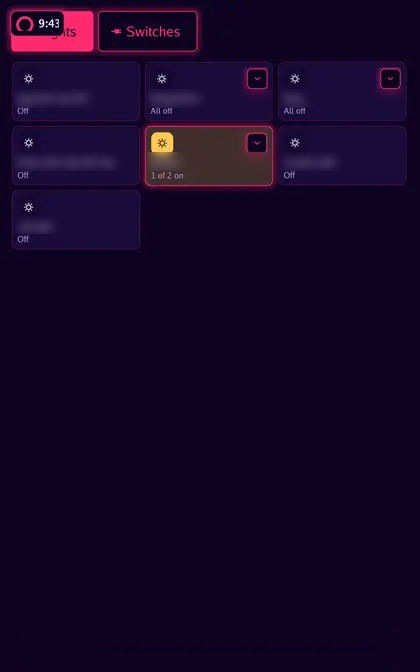
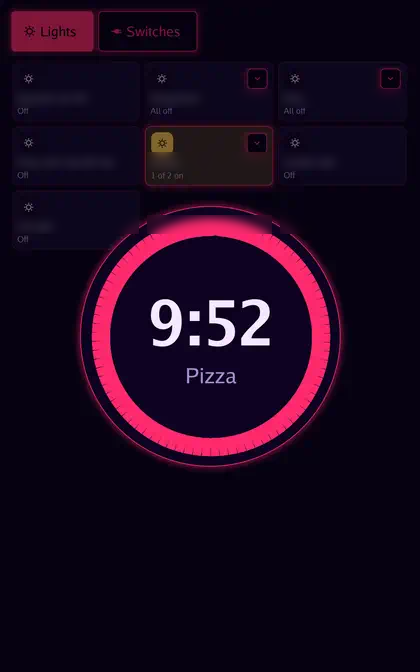
| Style | |
|---|---|
| Bar | Progress bar at the bottom |
| Banner | Strip at the top |
| Corner | Badge in the corner |
| Dial | Ring |
| Clock face | Countdown in the clock face |
| Full screen |
A finished timer rings until stopped, up to Timer rings for (1, 5, 15 or 30 minutes, default 15). Timer sound sets the ring. Stop it by saying “stop” or tapping the screen.
The Timers sensor in Home Assistant lists running timers.
Alarms
Section titled “Alarms”Open Alarms from the Apps screen to add one. Each alarm has:
| Field | |
|---|---|
| Name and time | |
| Repeat | Once, Every day, Weekdays, Weekends, or chosen days |
| Sound | Any chime or custom tone |
| Snooze | Minutes per snooze, up to 60 |
| Volume | Steady, Gentle (ramps up from quiet) or Silent |
| Wake light | Minutes before the alarm to start brightening the screen, up to 30 |
The wake light’s color is Settings → Alerts & Alarms → Wake light: Sunrise, White or Ember. An alarm rings for Timer rings for.
To stop a ringing alarm, tap Stop or say “stop”; tap Snooze to snooze.
From Home Assistant
Section titled “From Home Assistant”action: esphome.kitchen_alarm_setdata: name: Weekdays time: "06:45" days: mon,tue,wed,thu,fri enabled: true sound: rise snooze_minutes: 9 volume: gentle ramp_seconds: 60 light_minutes: 10| Field | Value |
|---|---|
time |
HH:MM, 24-hour |
days |
Day names separated by commas or spaces (sun … sat, or longer, like monday). Empty rings once |
sound |
A chime (chirp, ding, rise, timer, trouble) or a custom tone’s key |
volume |
static, gentle or silent |
ramp_seconds |
How long gentle takes to reach full volume, 15–300 |
snooze_minutes |
0–60 |
light_minutes |
Wake light lead, 0–30 |
id |
Leave out to add an alarm; pass an existing id to change it |
| Action | |
|---|---|
alarm_list |
The alarms and their ids |
alarm_set |
Add an alarm, or change one by passing its id |
alarm_enable |
Turn one on or off |
alarm_delete |
Remove one |
alarm_stop, alarm_snooze |
Stop or snooze the one ringing |
When an alarm rings, is snoozed or stops, Home Assistant gets the events esphome.alarm_ringing,
esphome.alarm_snoozed and esphome.alarm_stopped, for automations such as turning on the lights.