
Interface gallery
Browse the interface by function. Select an image to enlarge it.
Dashboards
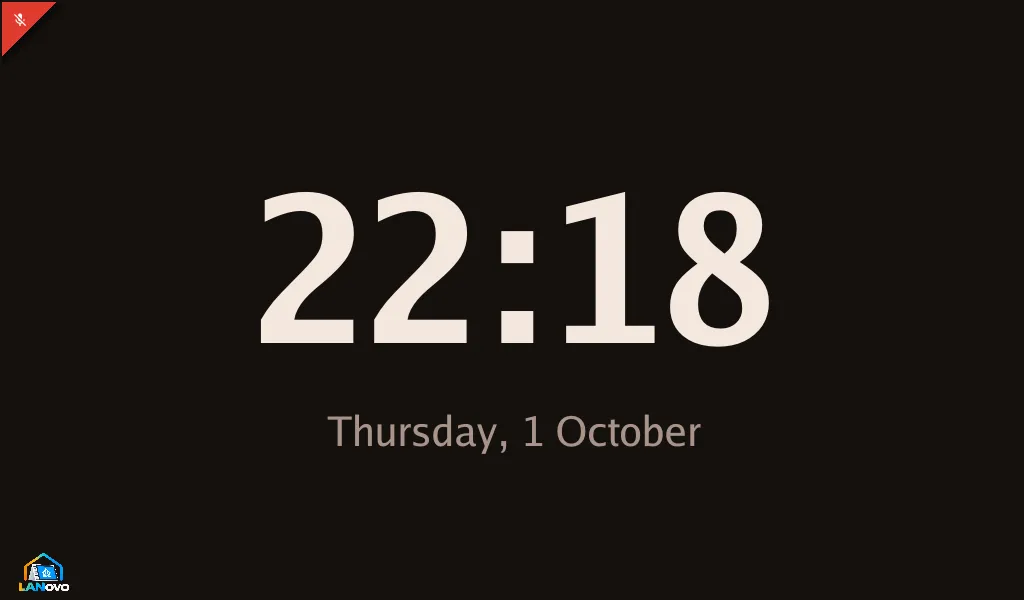
Section titled “Dashboards”Choose the native clock and home-control tabs, or custom pages designed in Home Assistant with Tessera. Dashboard modes and setup.
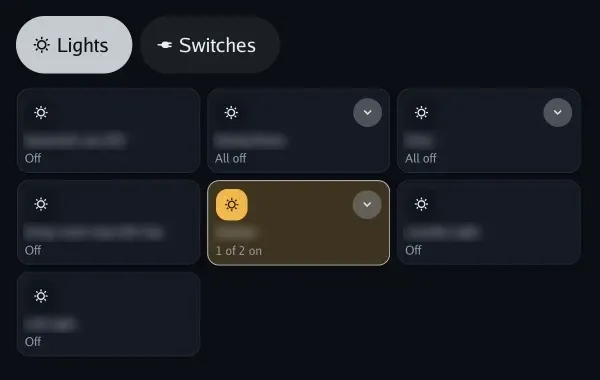
Lights grouped by room on the native dashboard.
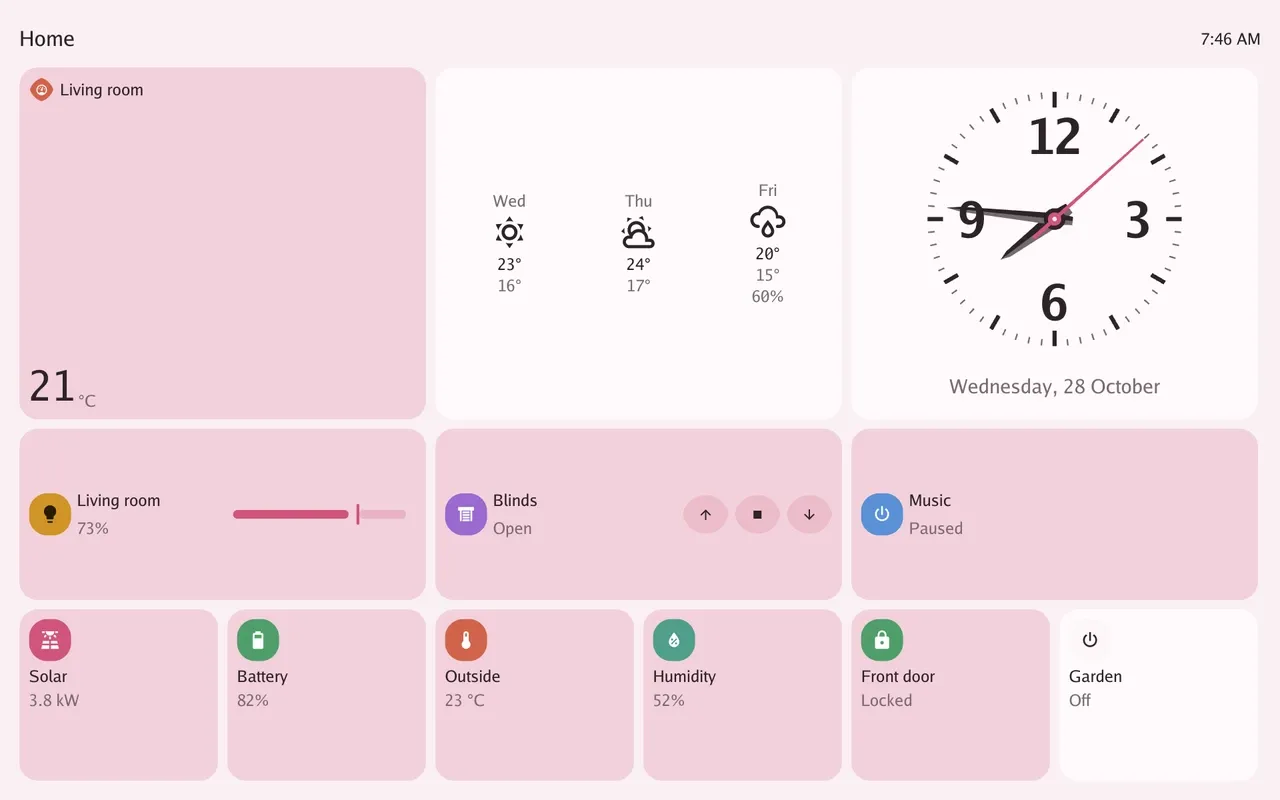
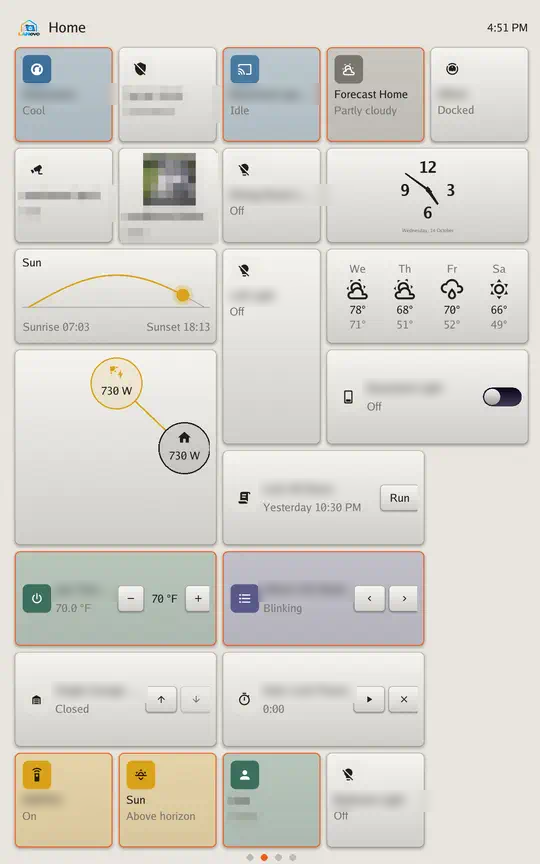
A demonstration layout with weather, a clock, media, sensors and home-control tiles.
Apps and home control
Section titled “Apps and home control”The launcher, shopping list and home-alarm panel. Every app and its setup.
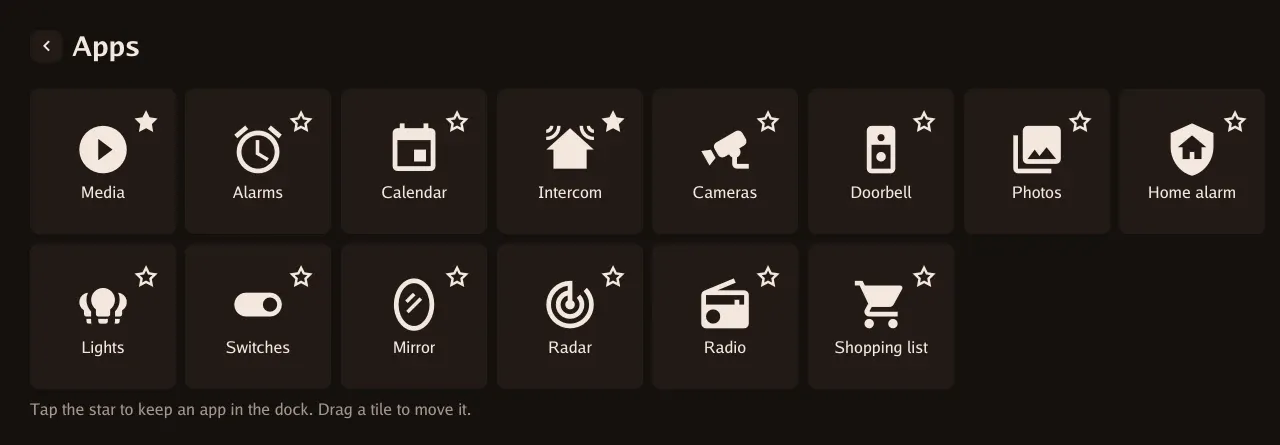
The complete app launcher; stars keep favourites in the dock.
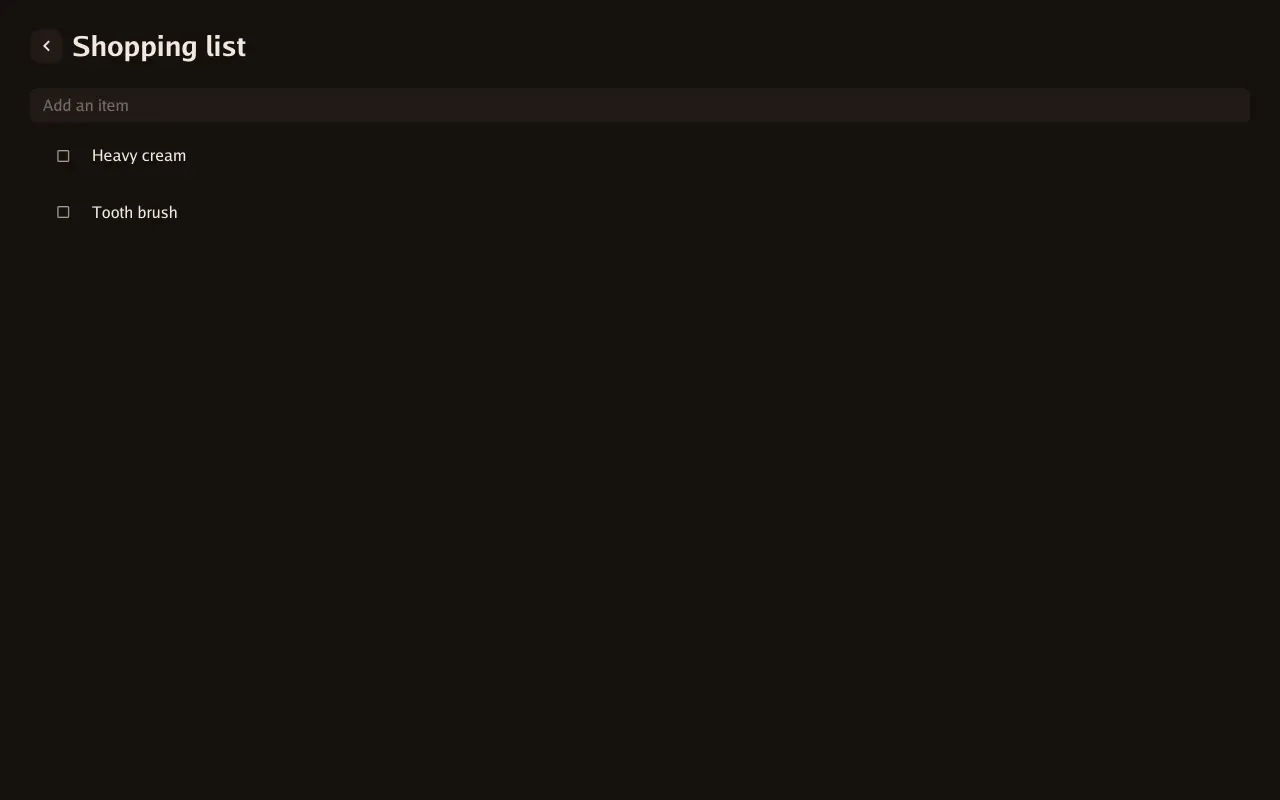
Add and check off items in a Home Assistant to-do list.
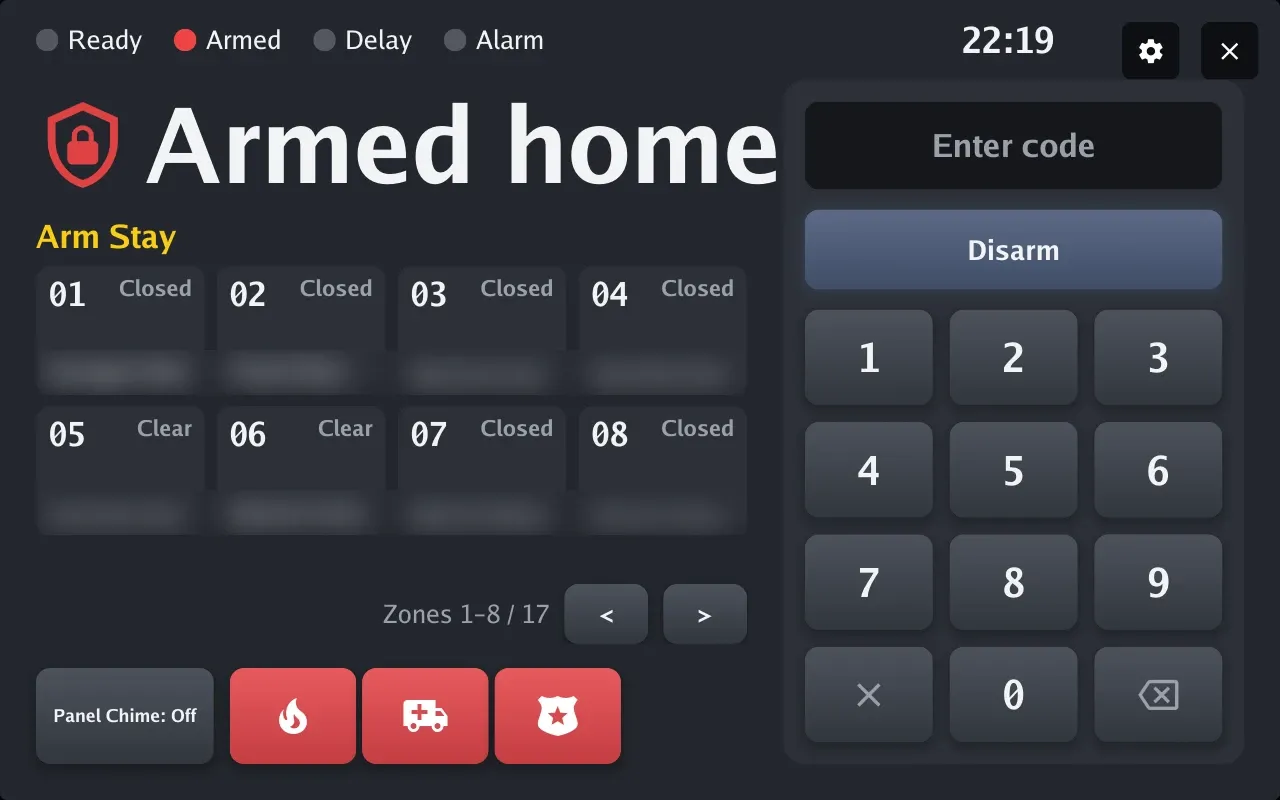
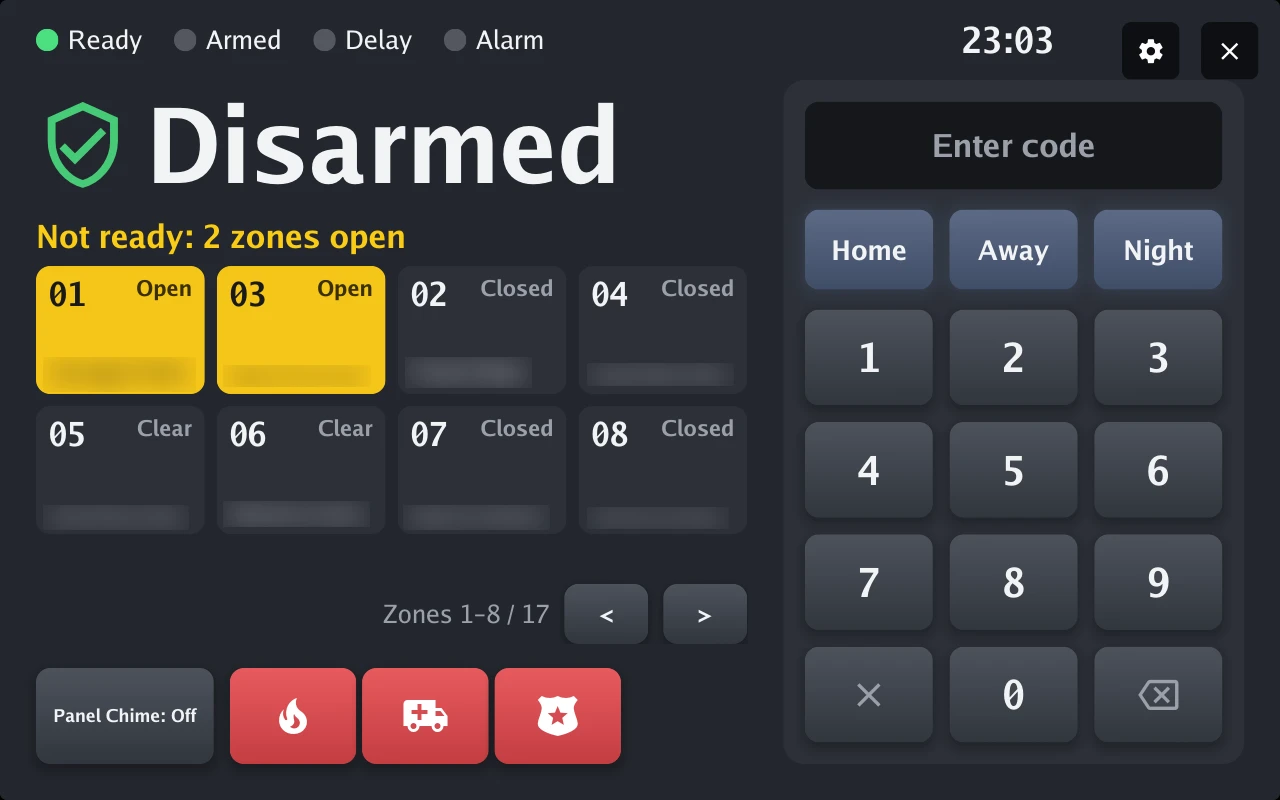
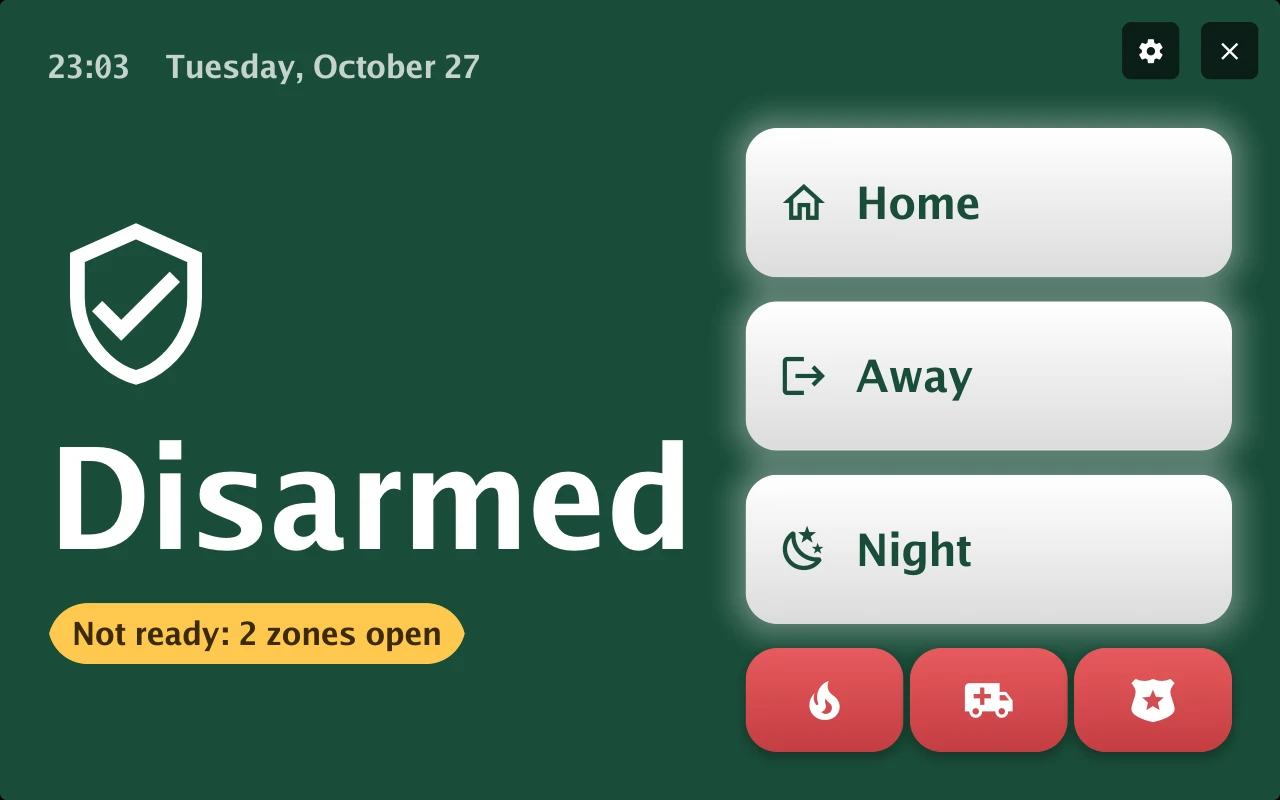
Alarm state, zones, keypad and supported panel actions.
Music, Sendspin, Bluetooth and casting. The player example uses demonstration artwork and a sample title.
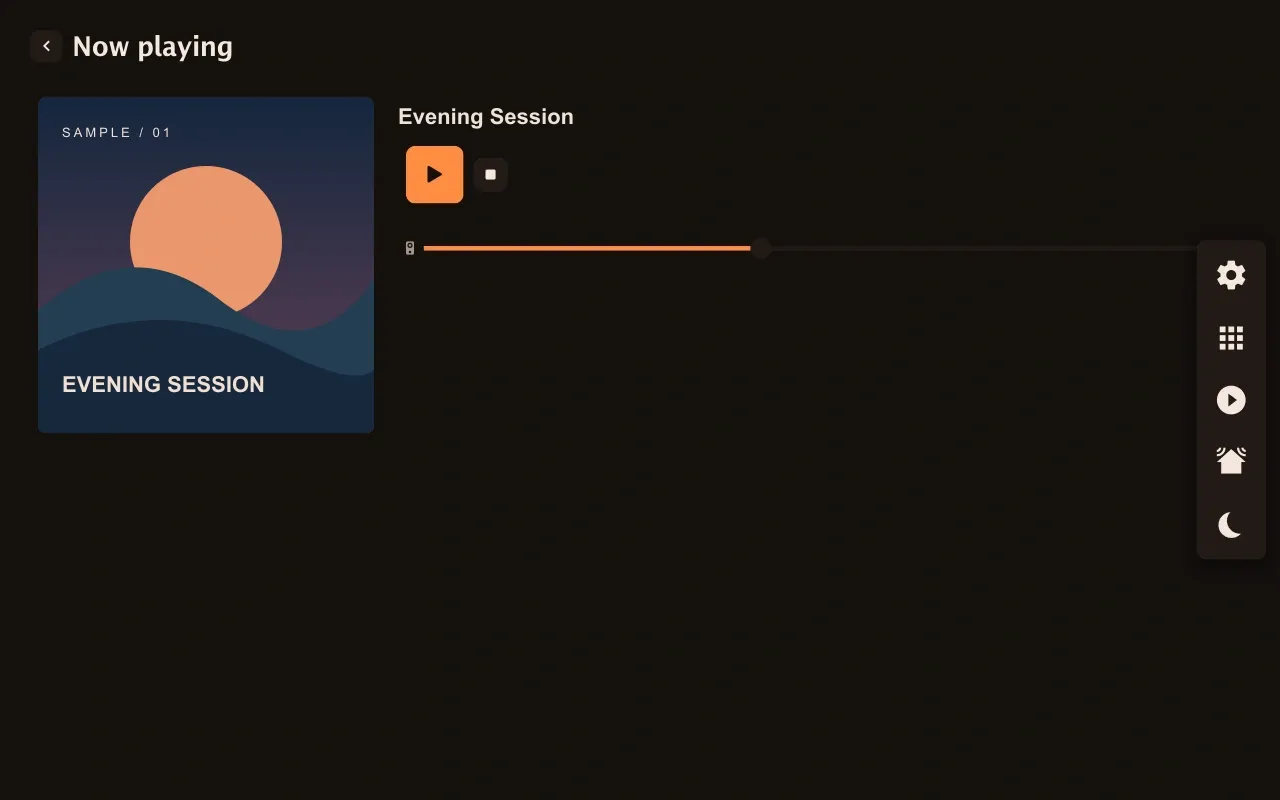
Demonstration artwork and track title.
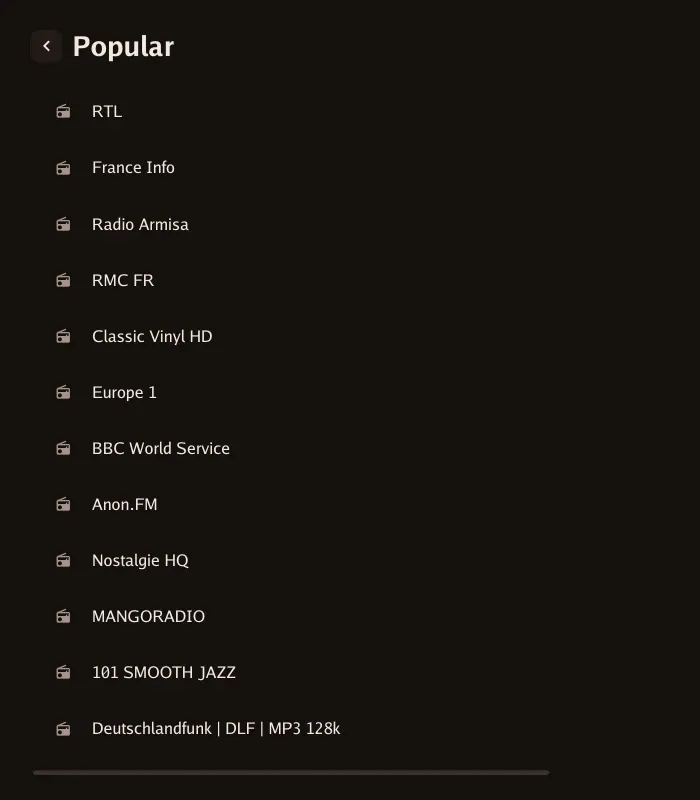
Popular stations from Radio Browser.
Photos and wallpaper
Section titled “Photos and wallpaper”On-screen photo settings, every fit and transition choice, and both library providers. Photo setup and options.
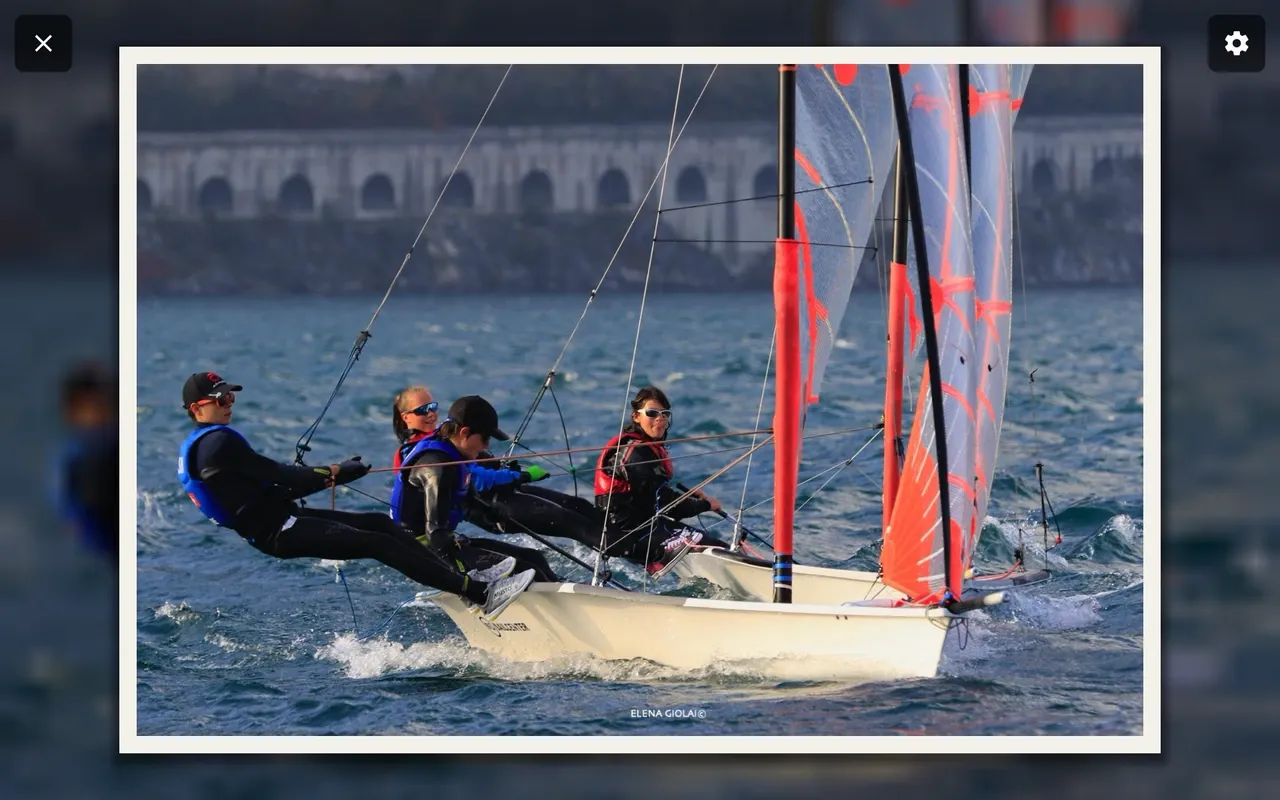
A Google Photos album in full-screen photo mode, using Framed fit.
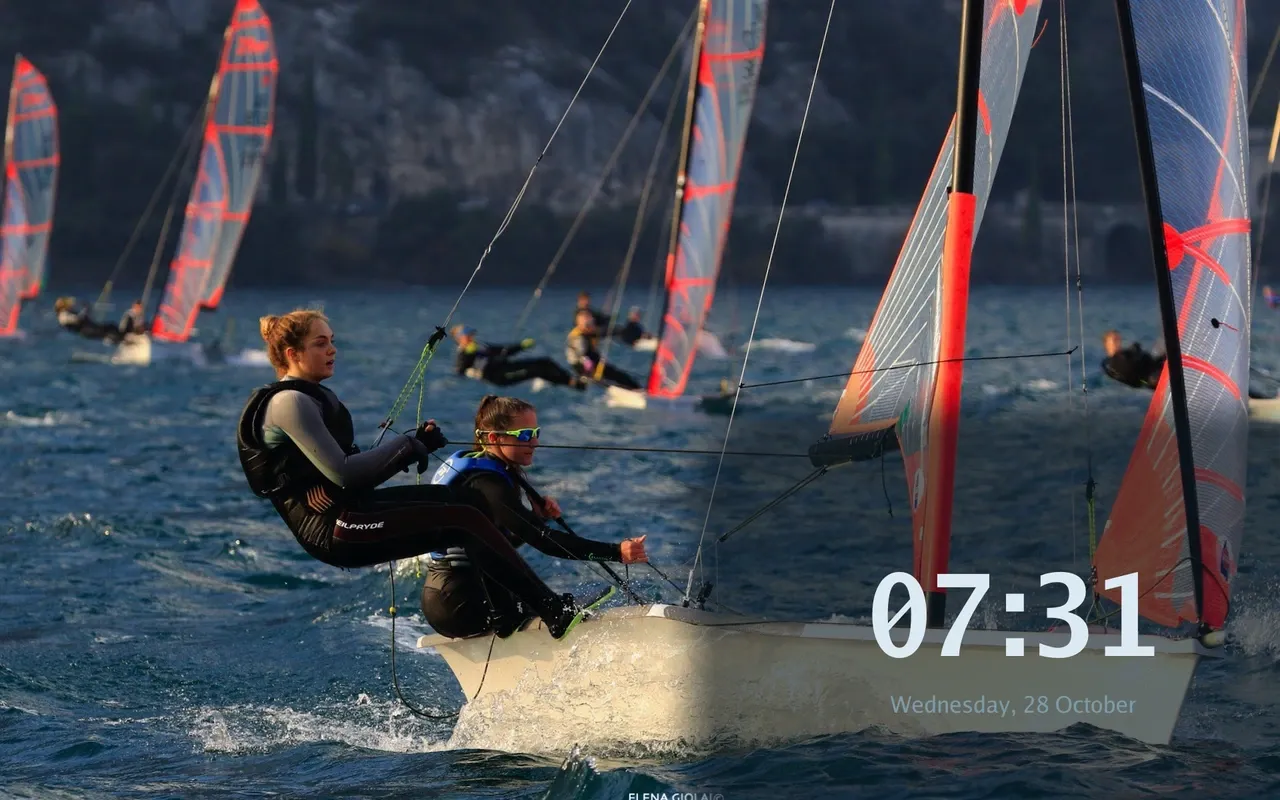
A small corner clock over a Google Photos image.
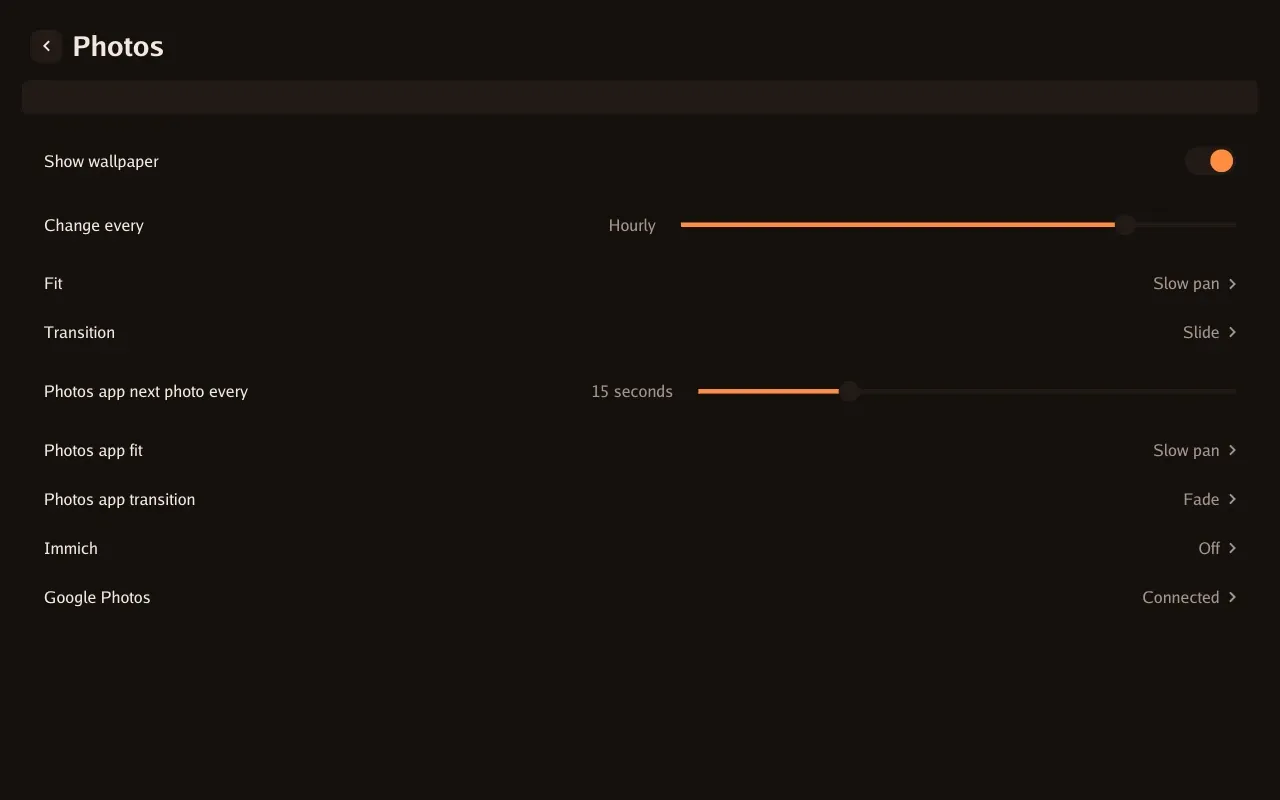
Wallpaper, Photos app timing, fit and transitions.
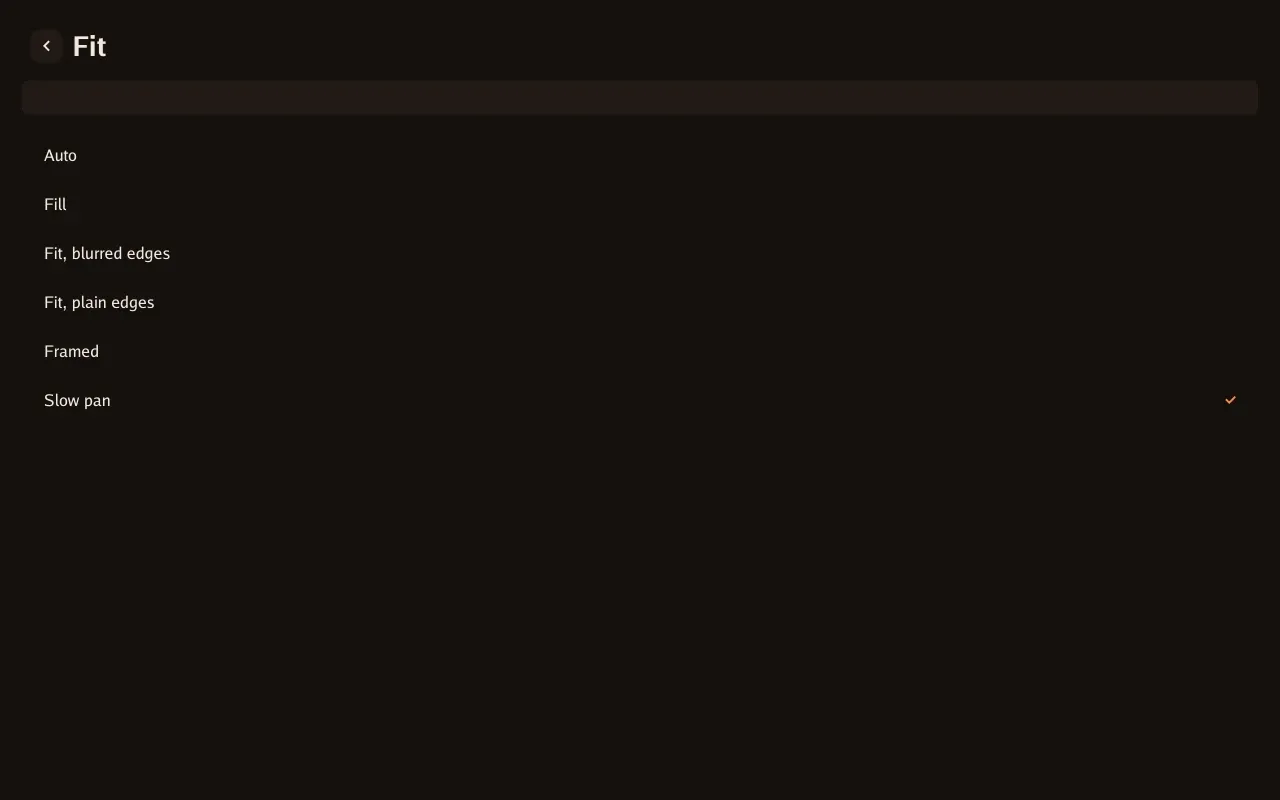
Every fit option in the on-screen picker.
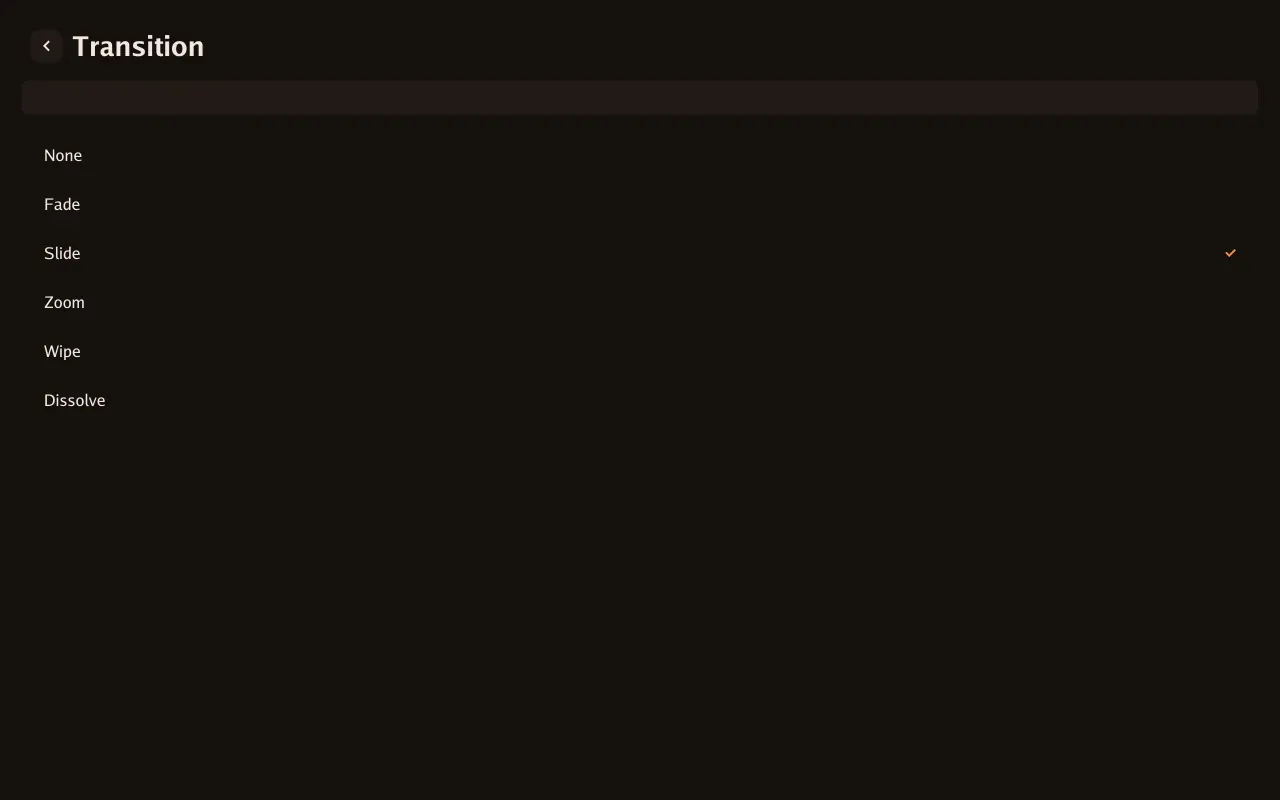
Every transition in the on-screen picker.
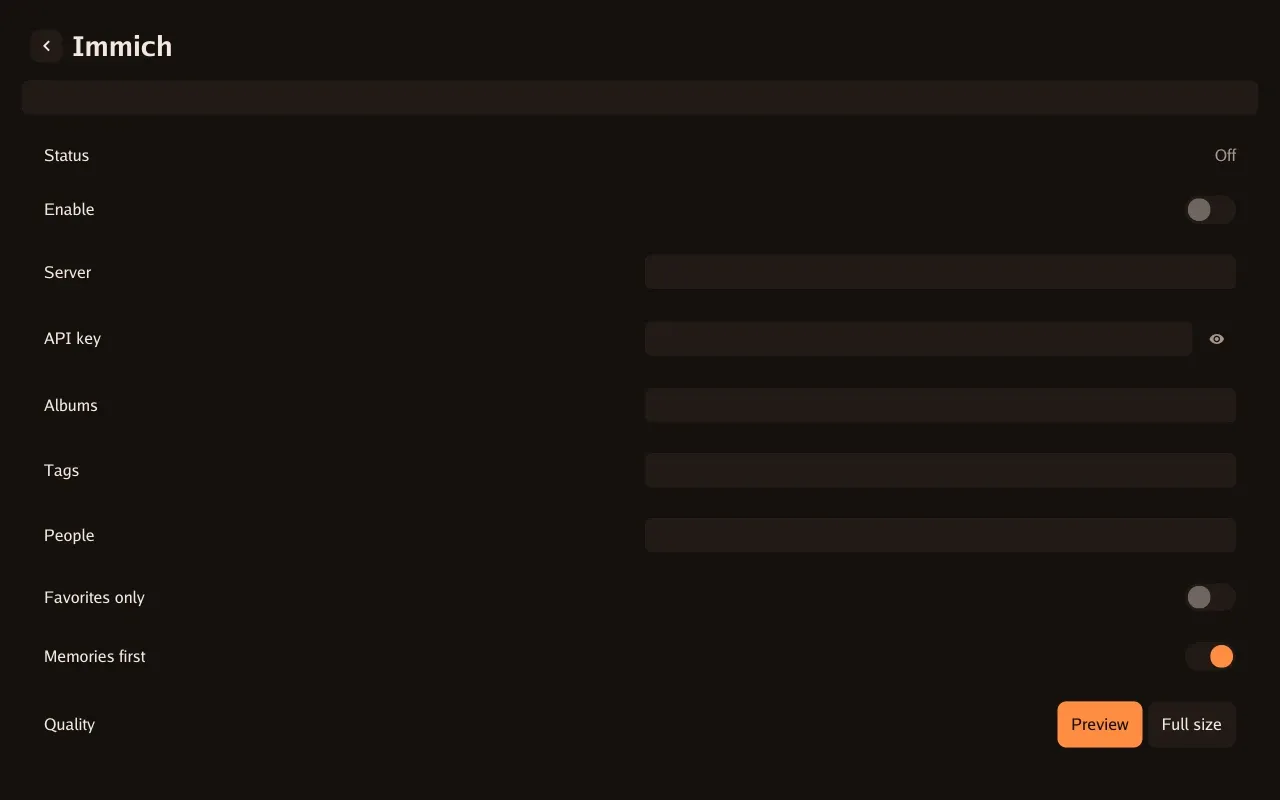
Server, API key, library filters and image quality.
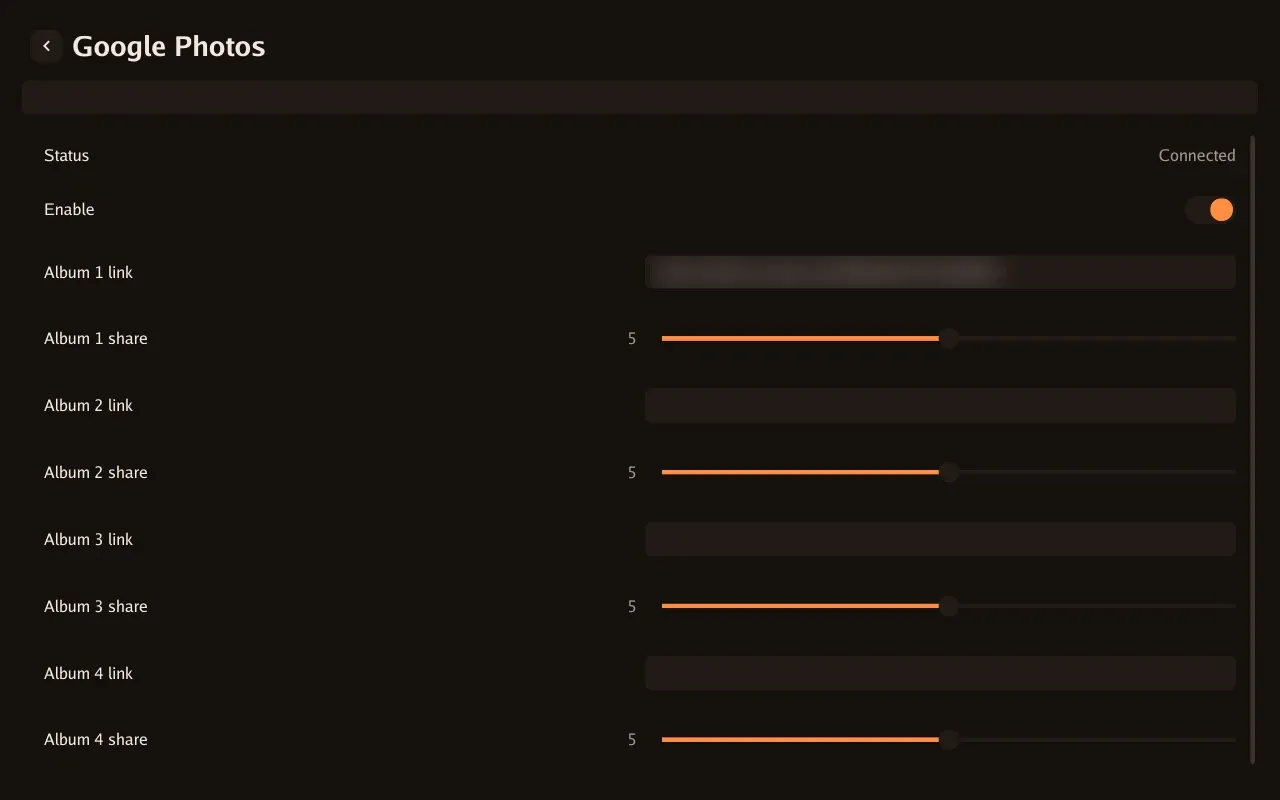
Shared albums and relative album weights. Private links are blurred.
Saved alarms
Section titled “Saved alarms”Saved wake-up alarms are separate from the Home Assistant security panel. Alarms, timers and messages.
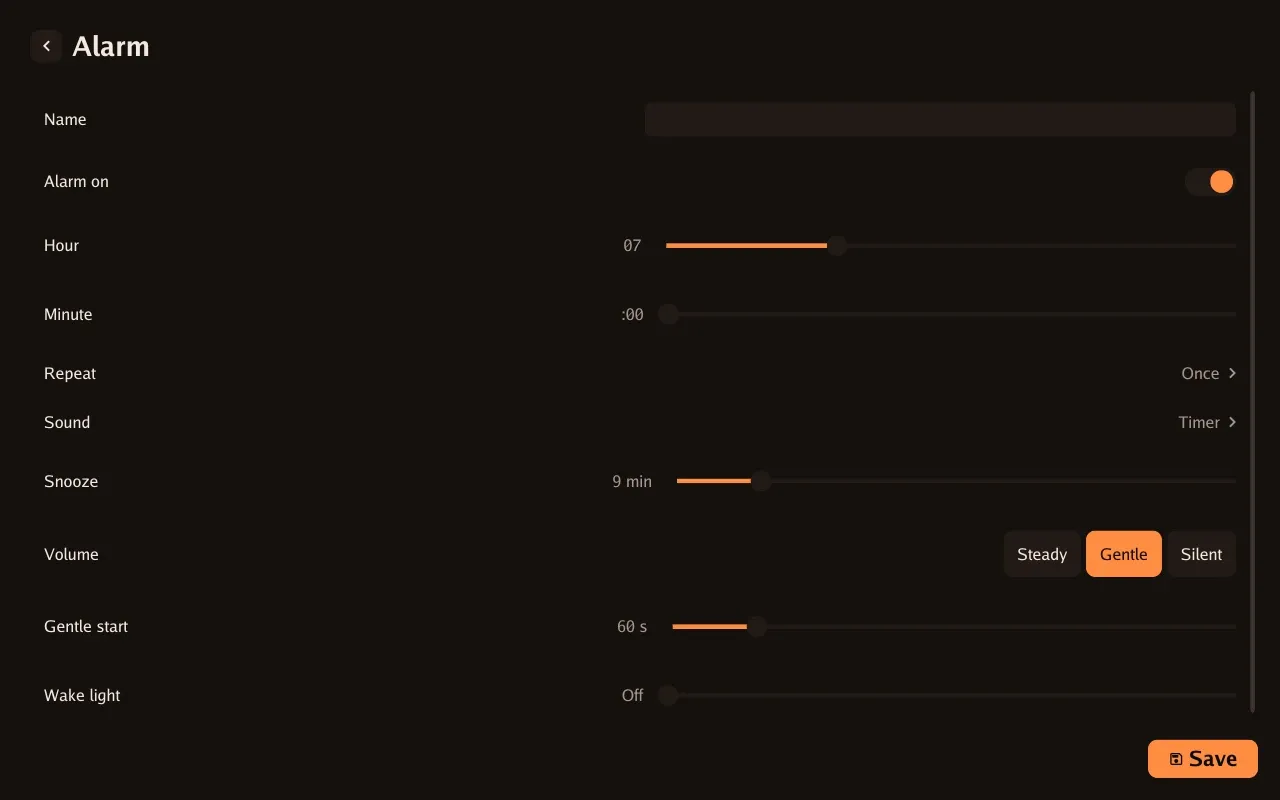
Time, repeat schedule, sound, snooze, volume and wake light.
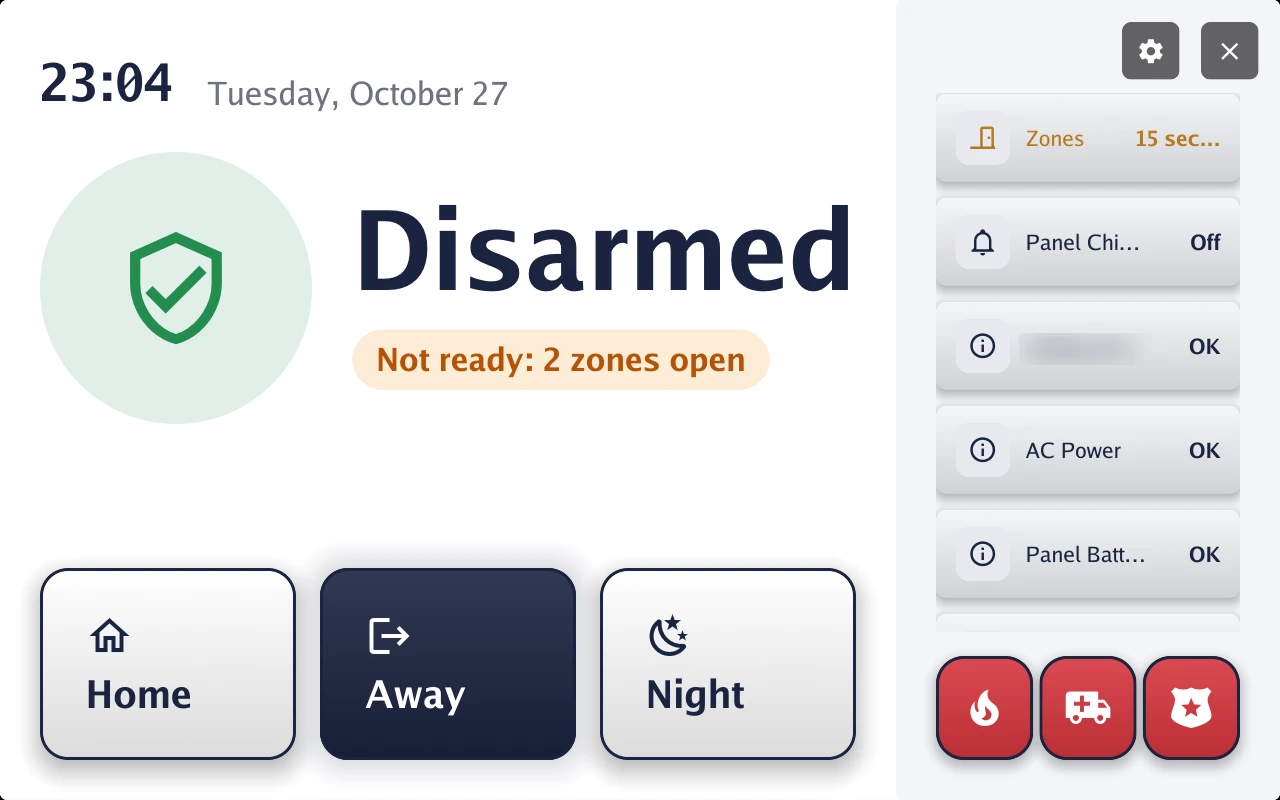
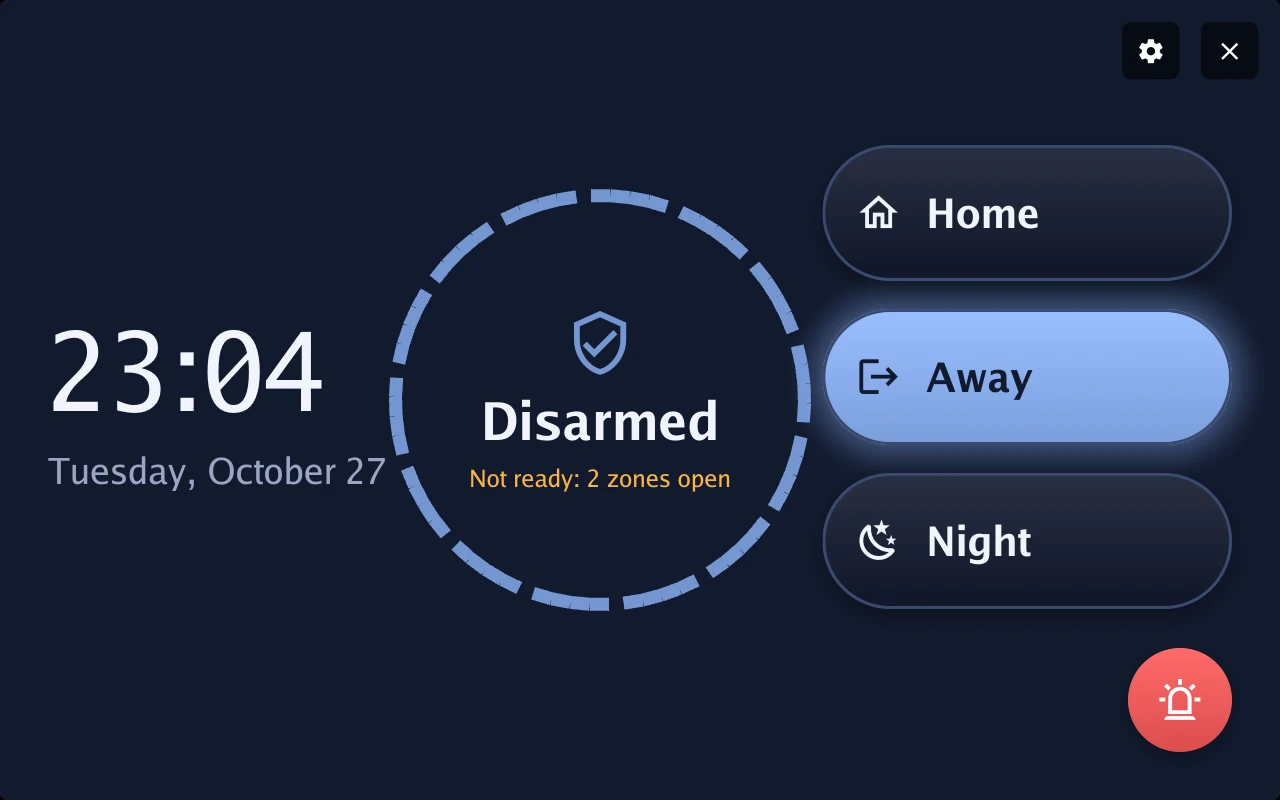
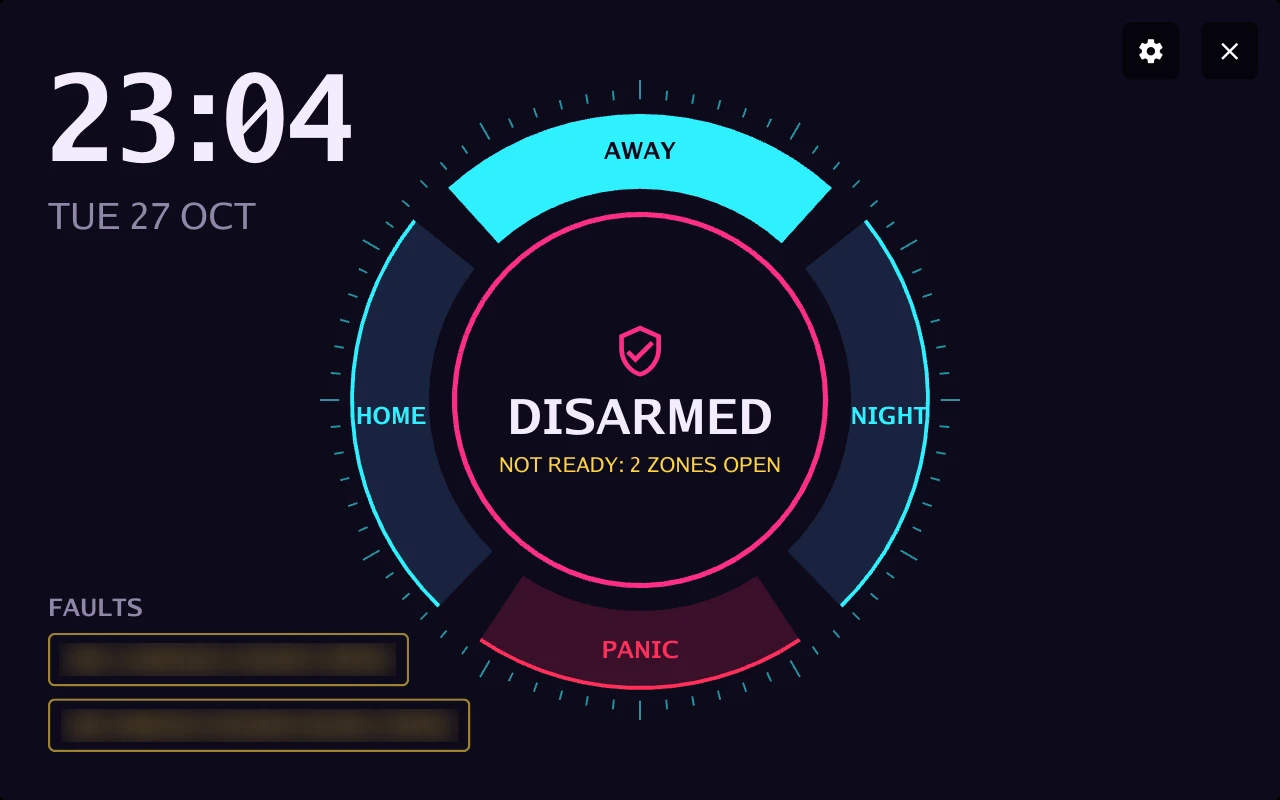
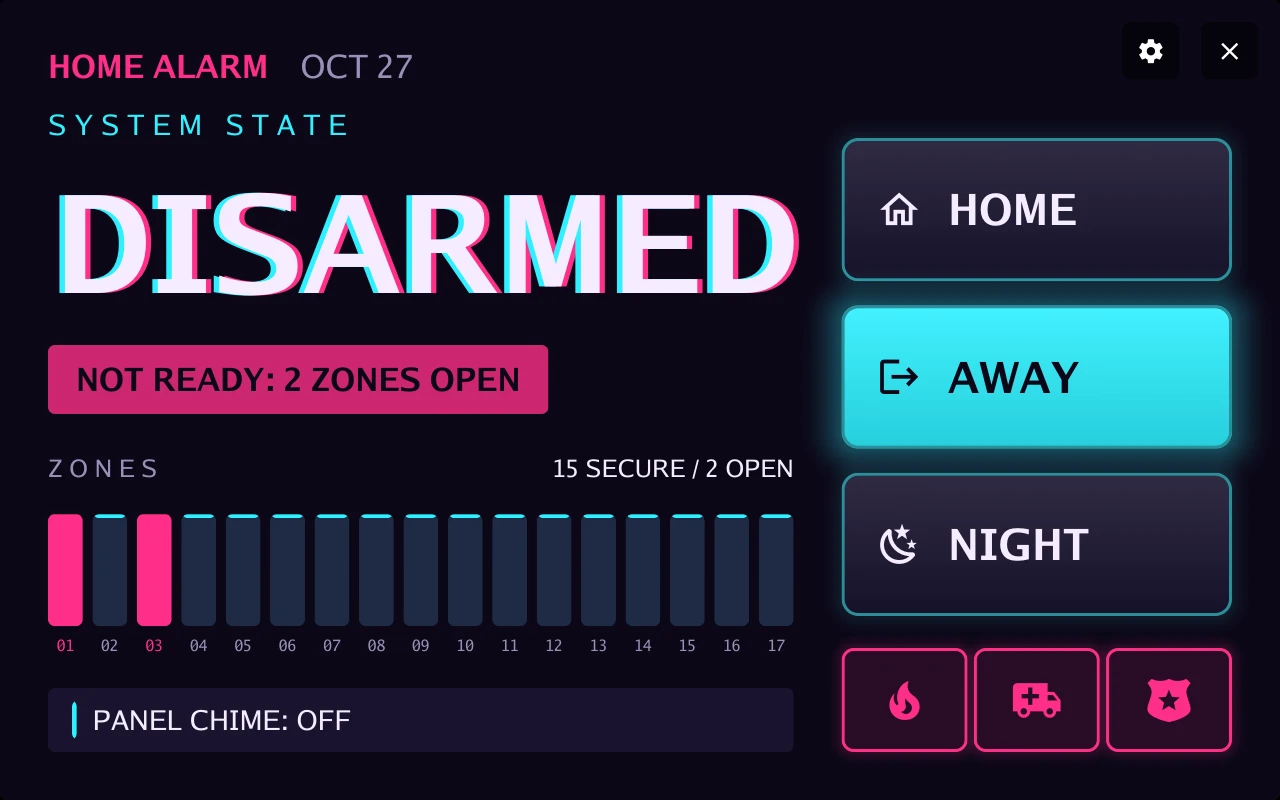
Home-alarm designs
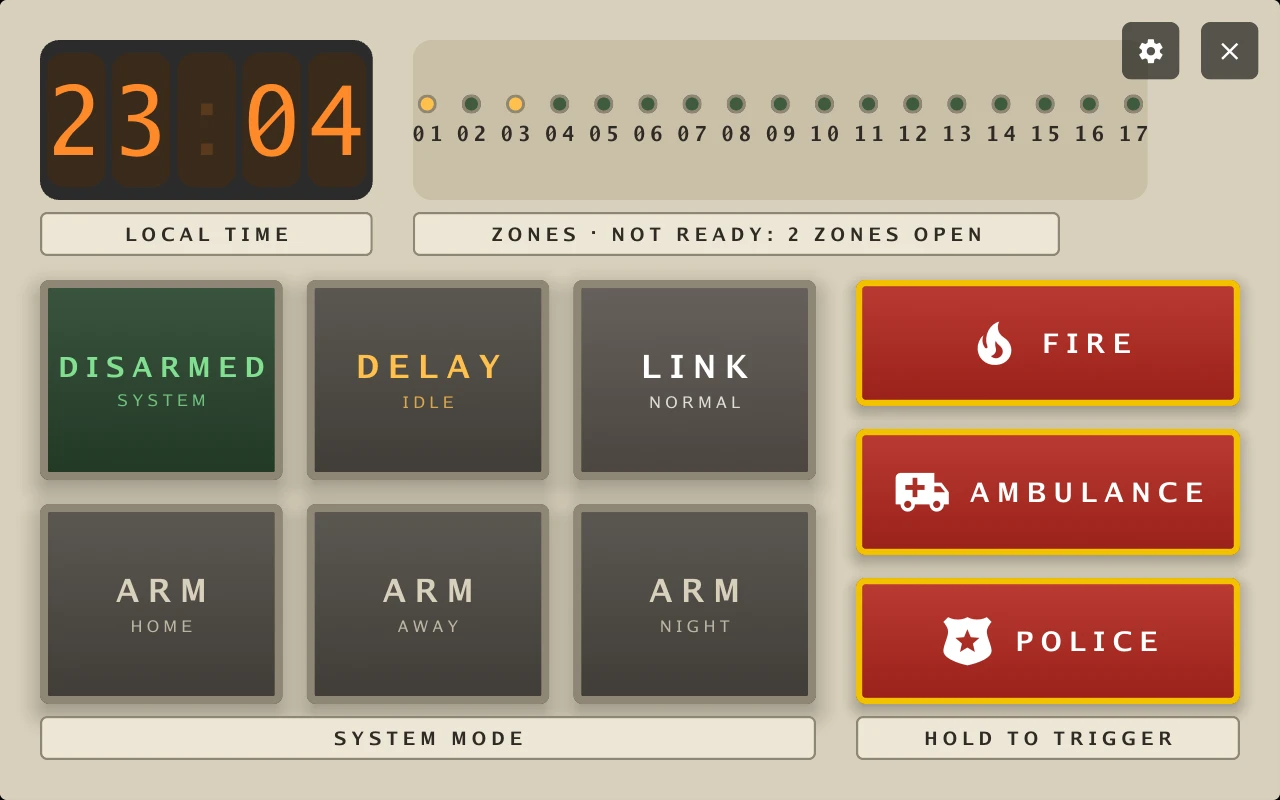
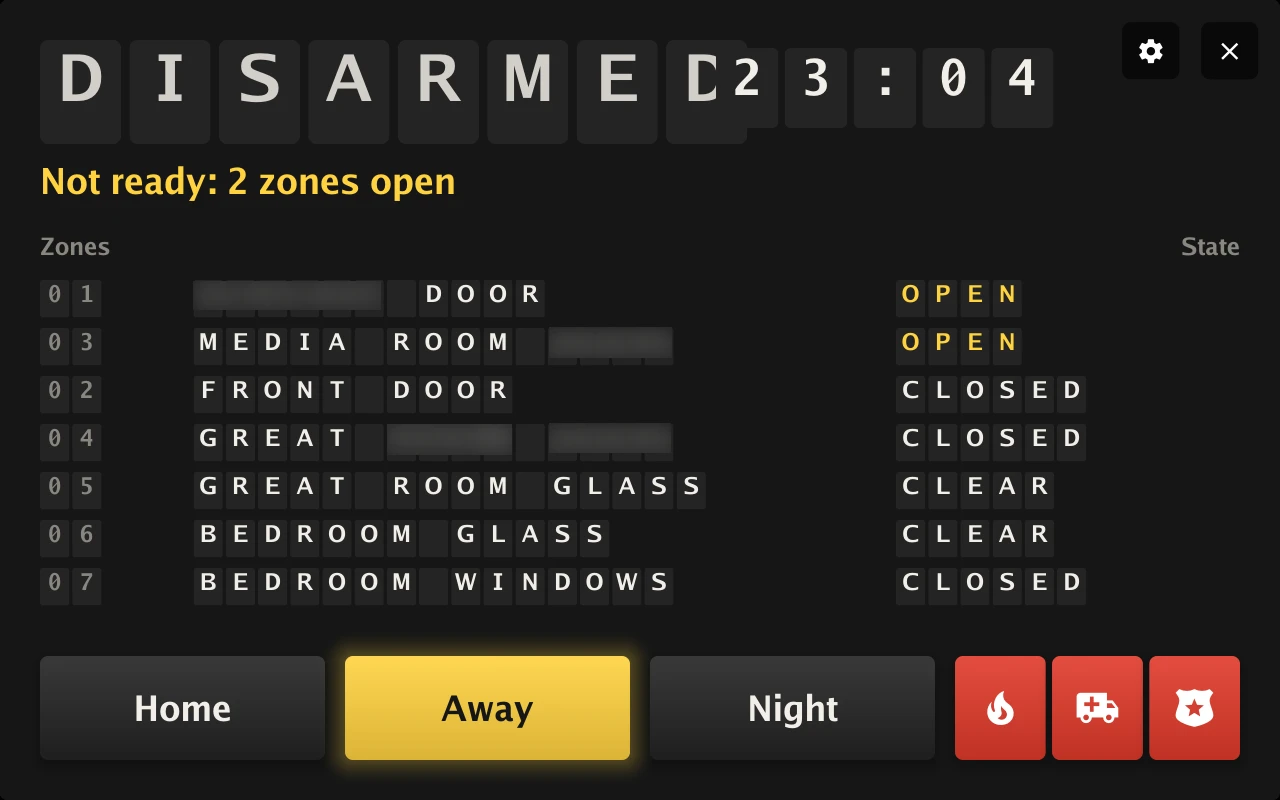
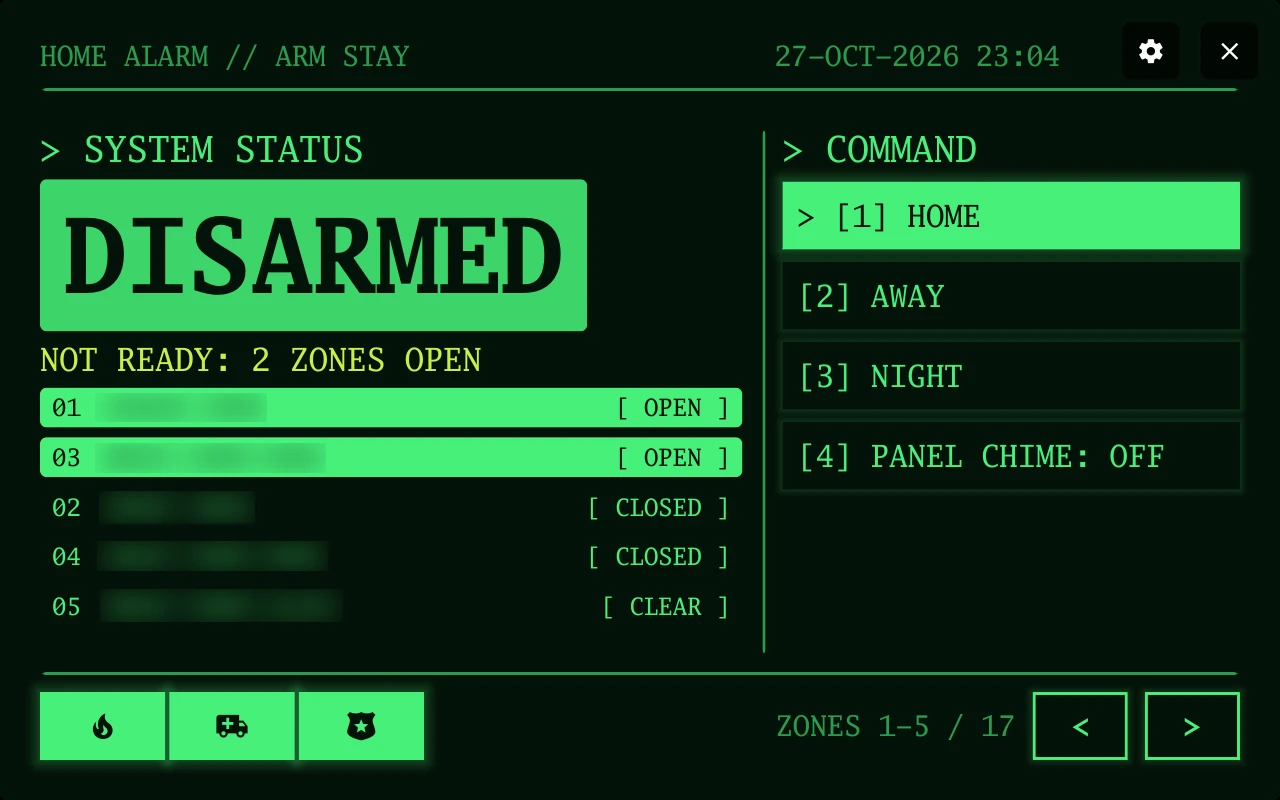
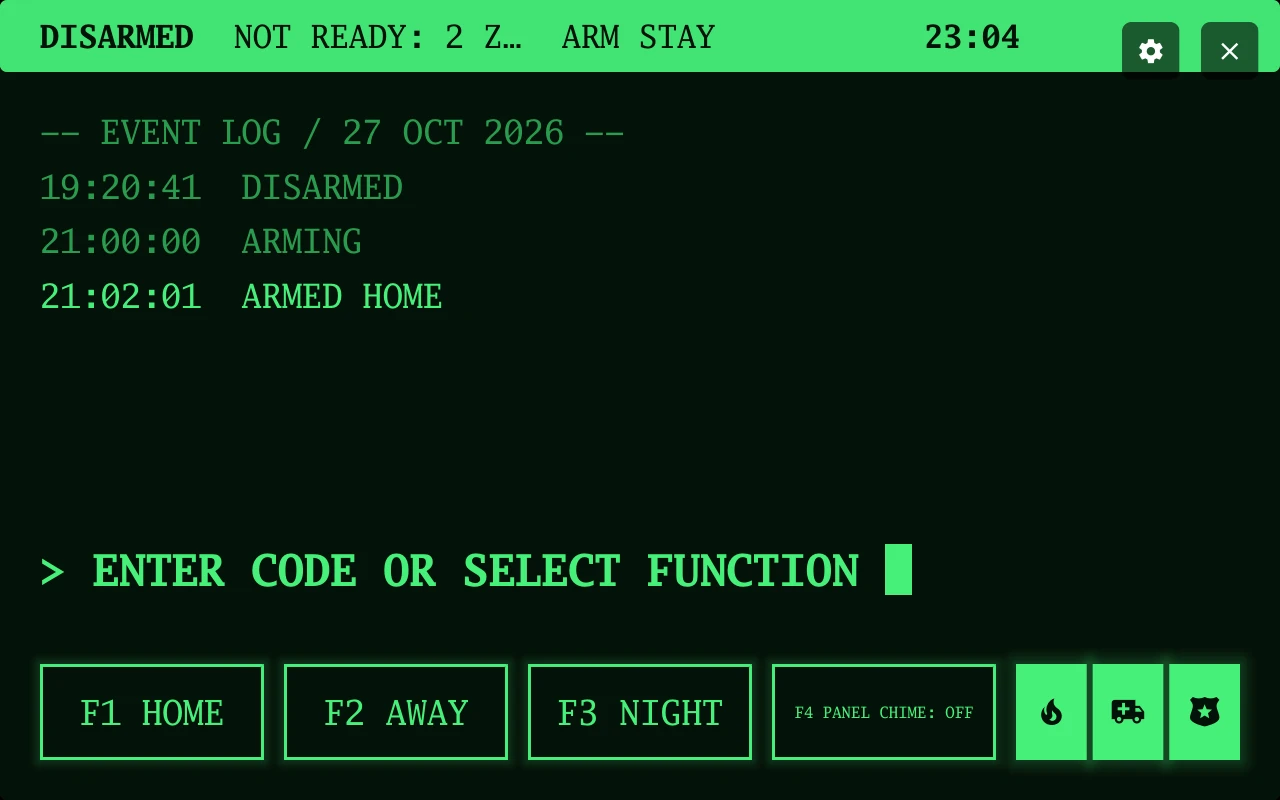
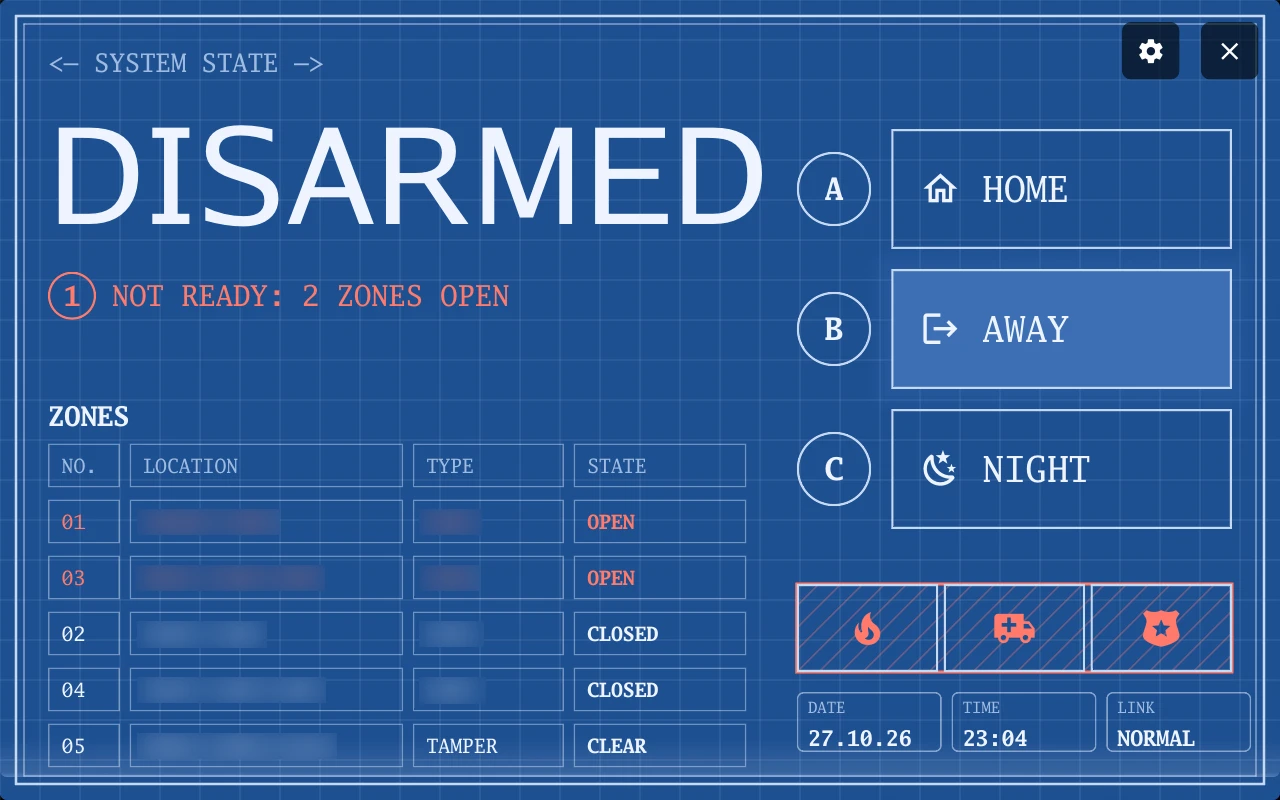
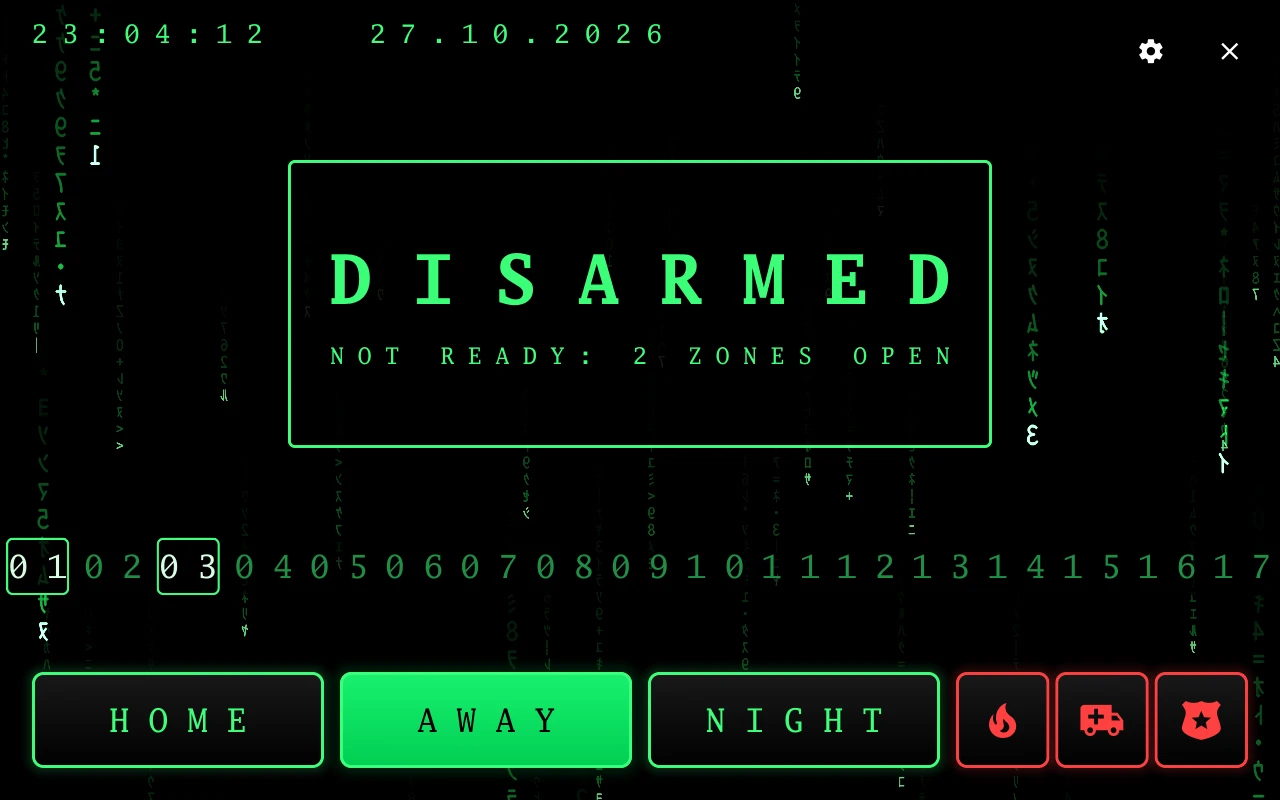
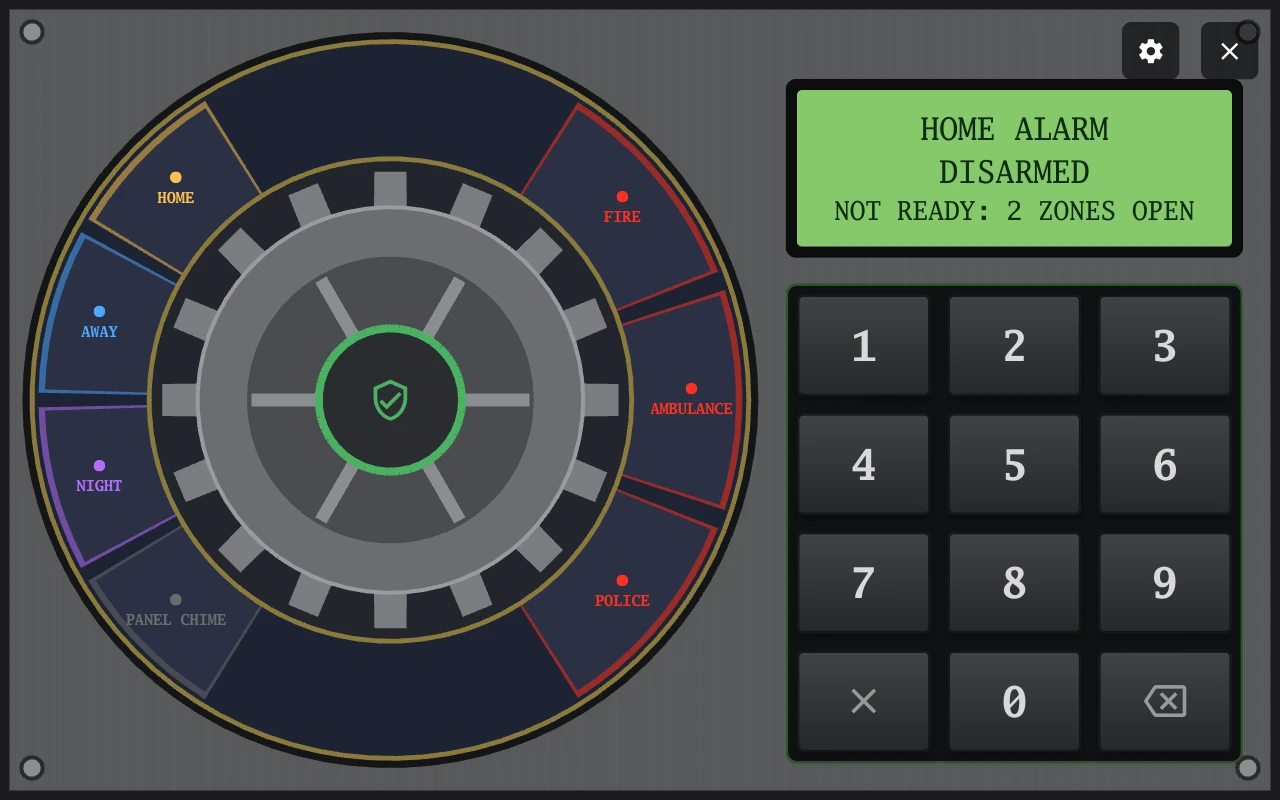
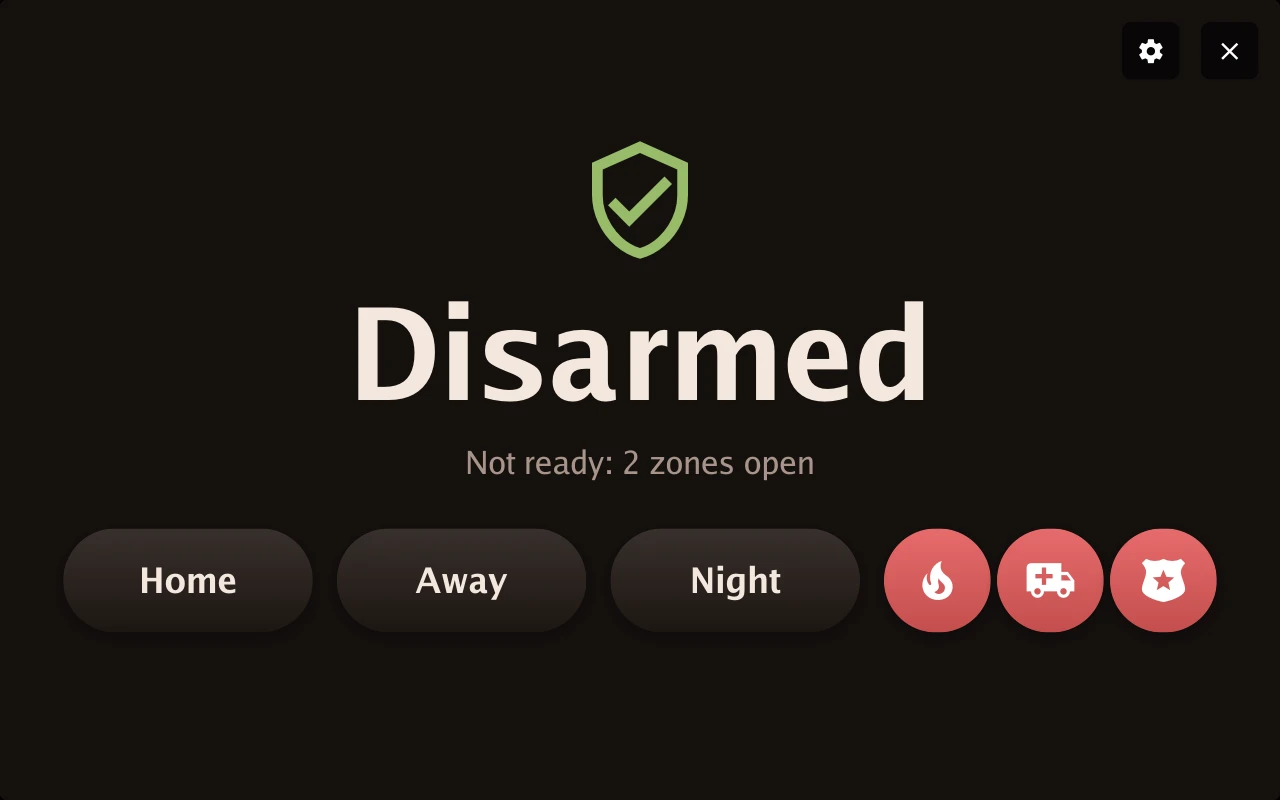
Section titled “Home-alarm designs”Every design at full width, using silent rehearsal data. Private zone names are blurred. Home alarm setup and controls.
Calls and broadcasts
Section titled “Calls and broadcasts”The shared device directory, browser calls and recorded announcements. Intercom setup.
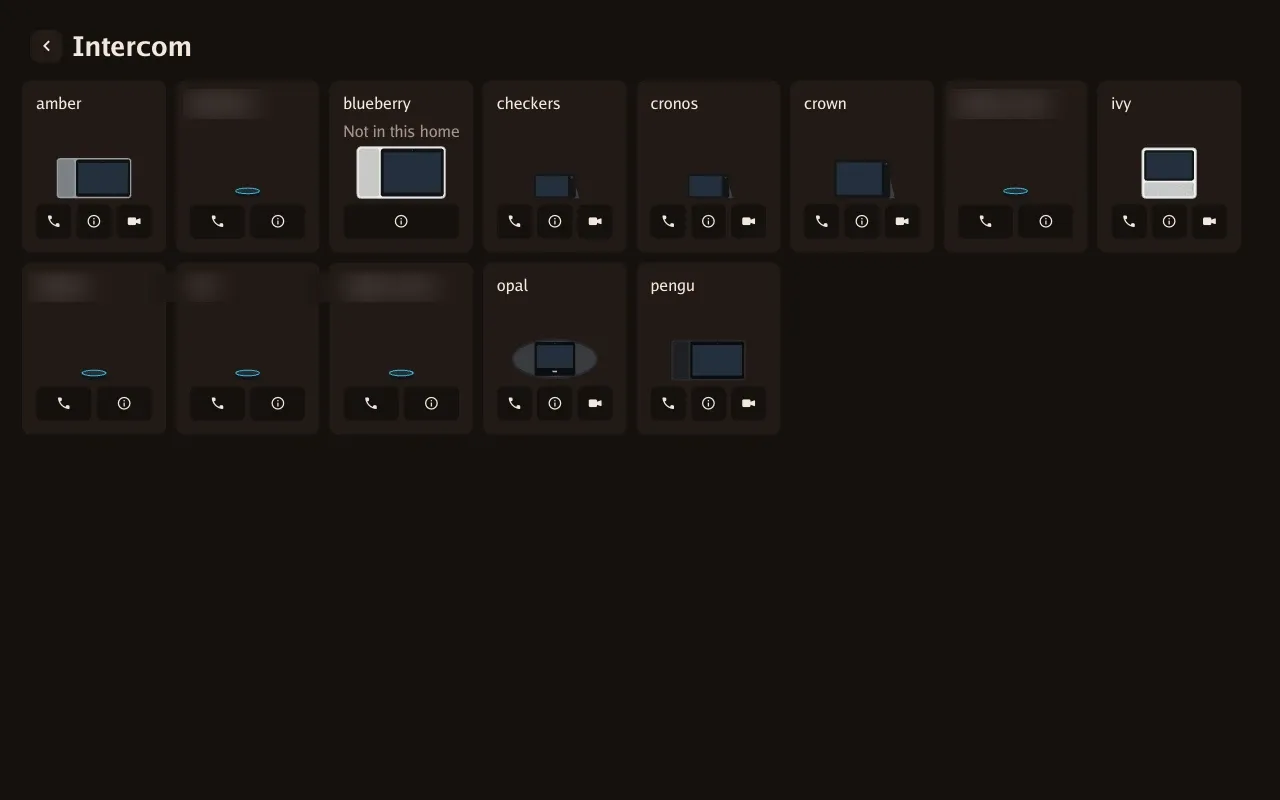
LANovo and EchoLocal devices together, with audio and video call controls.
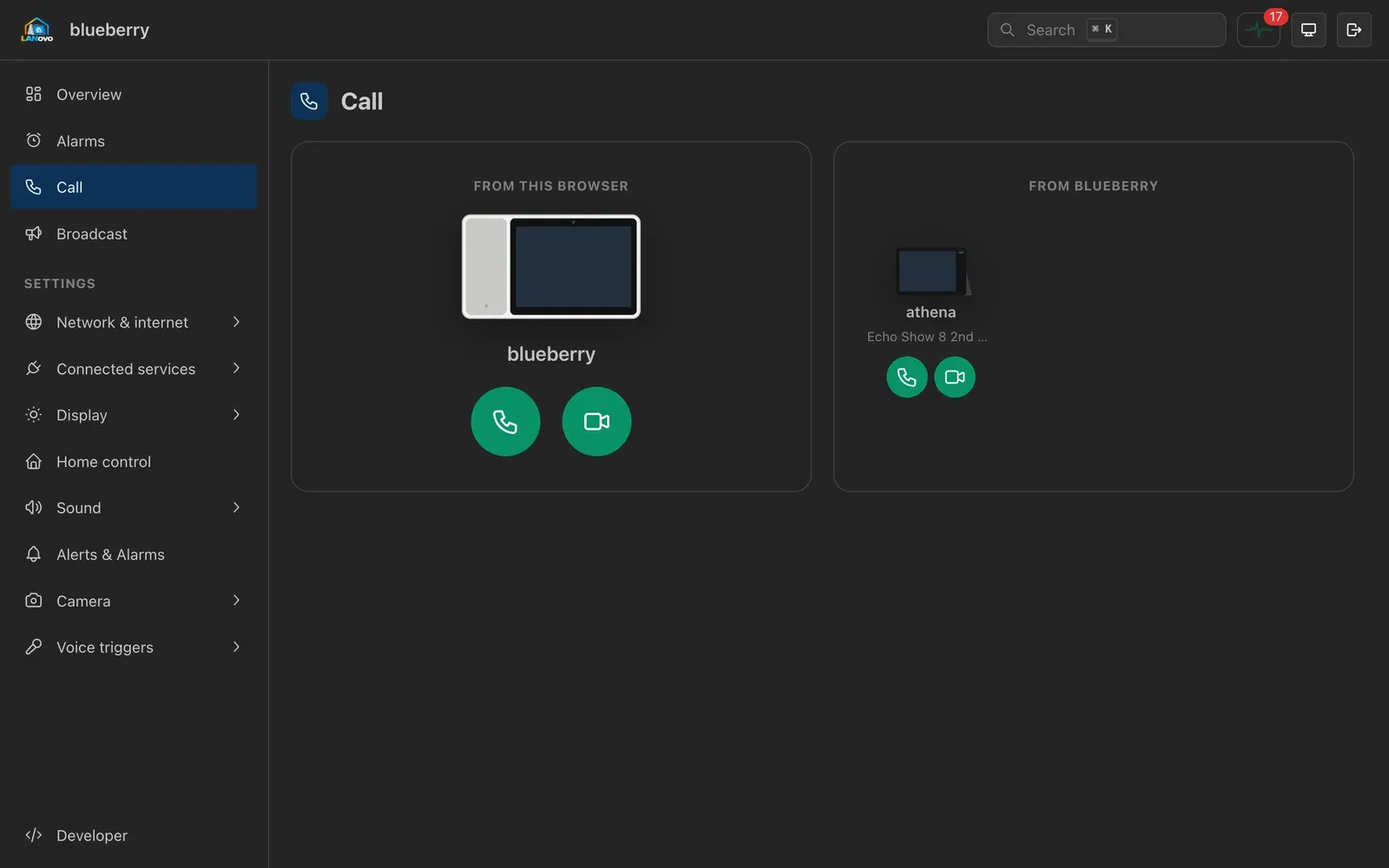
Call a device from the browser, or ask it to call another device.
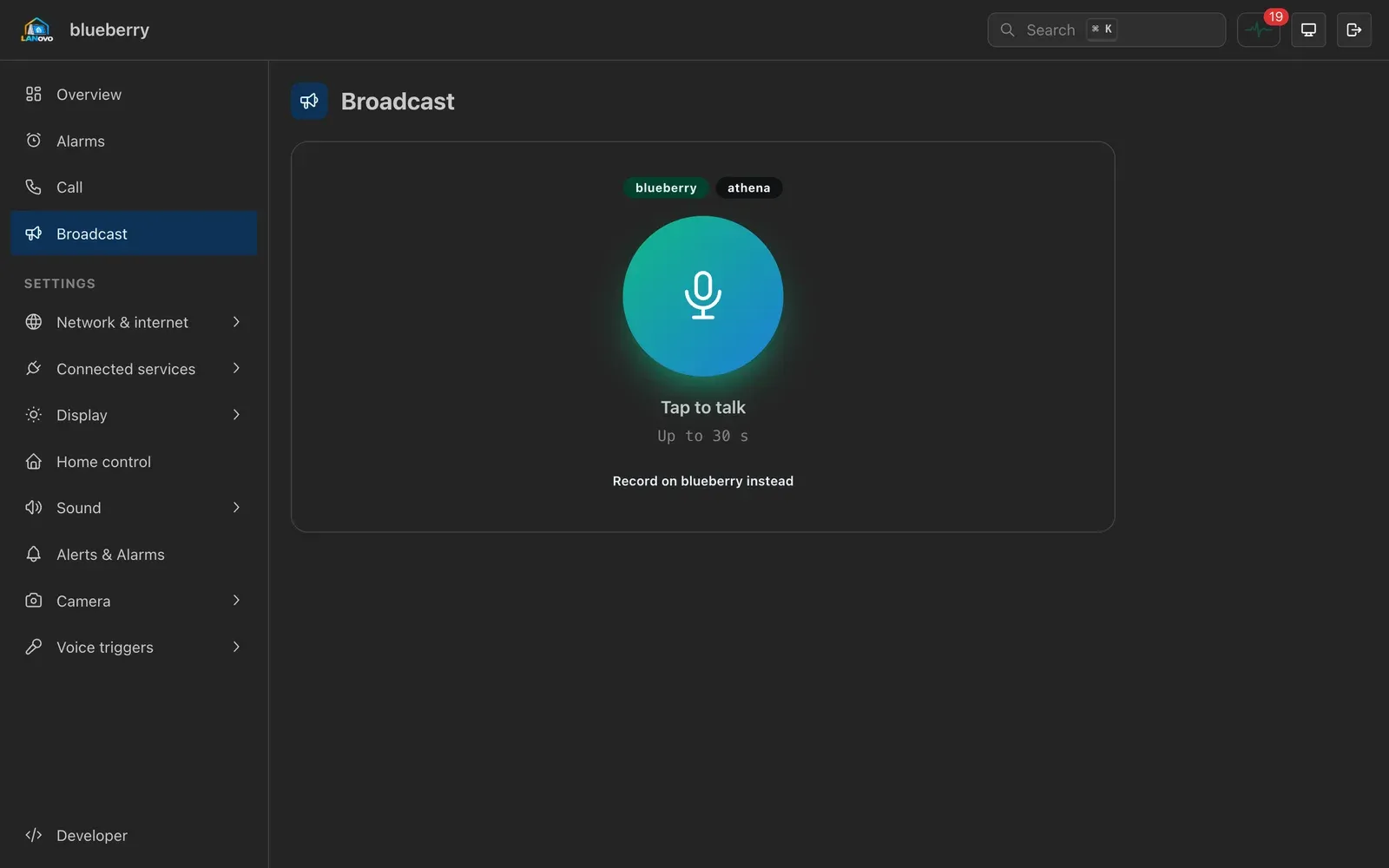
Record a spoken message in the browser or on the device.
On-screen settings
Section titled “On-screen settings”Search settings and configure the display. Settings menu guide.
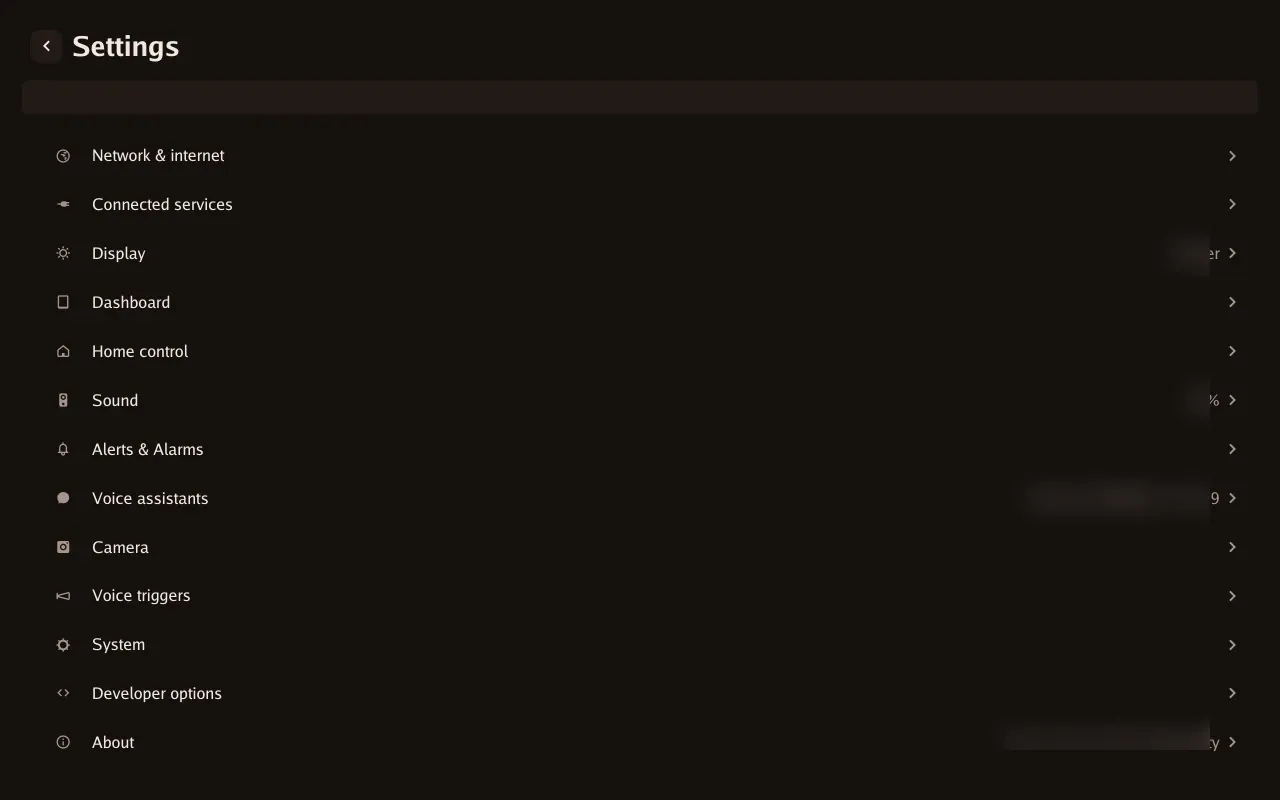
Settings categories and search.
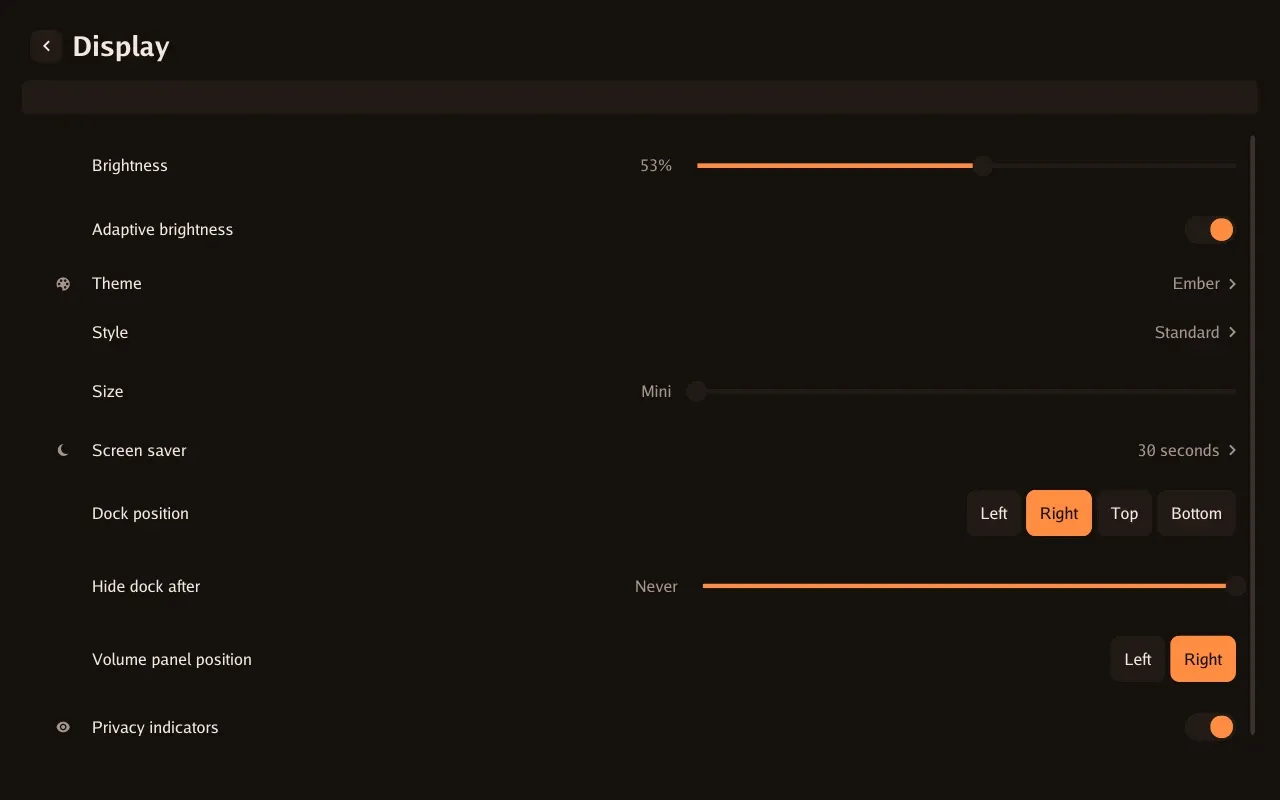
Brightness, theme, style, size, dock and screen-saver controls.
Browser controls
Section titled “Browser controls”Settings, alarms, diagnostics and screen control from the device’s own web interface. Browser access and controls.
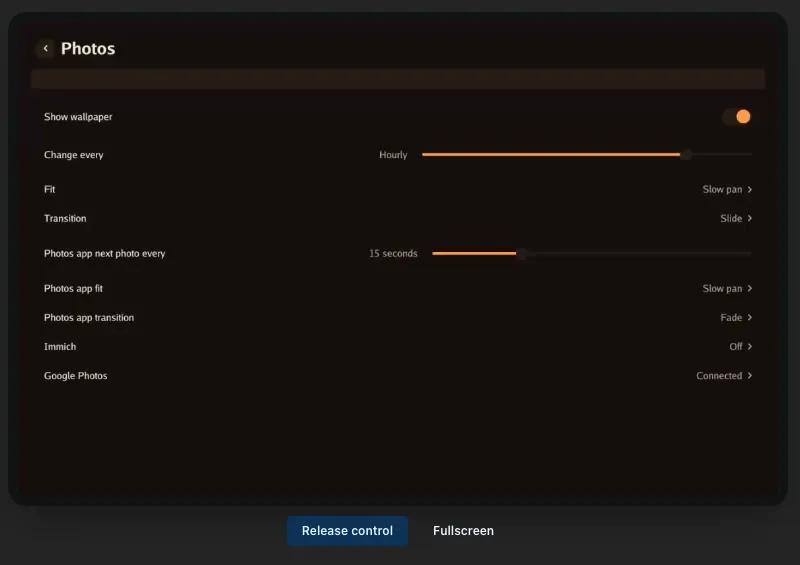
The device screen with an active remote-control session.
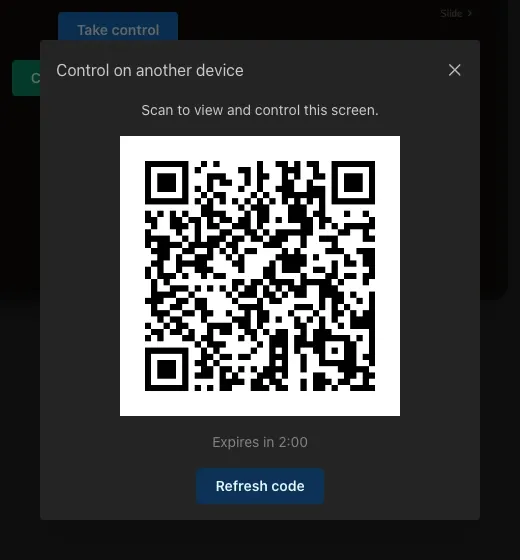
Pair a second browser. The pictured code has been invalidated.
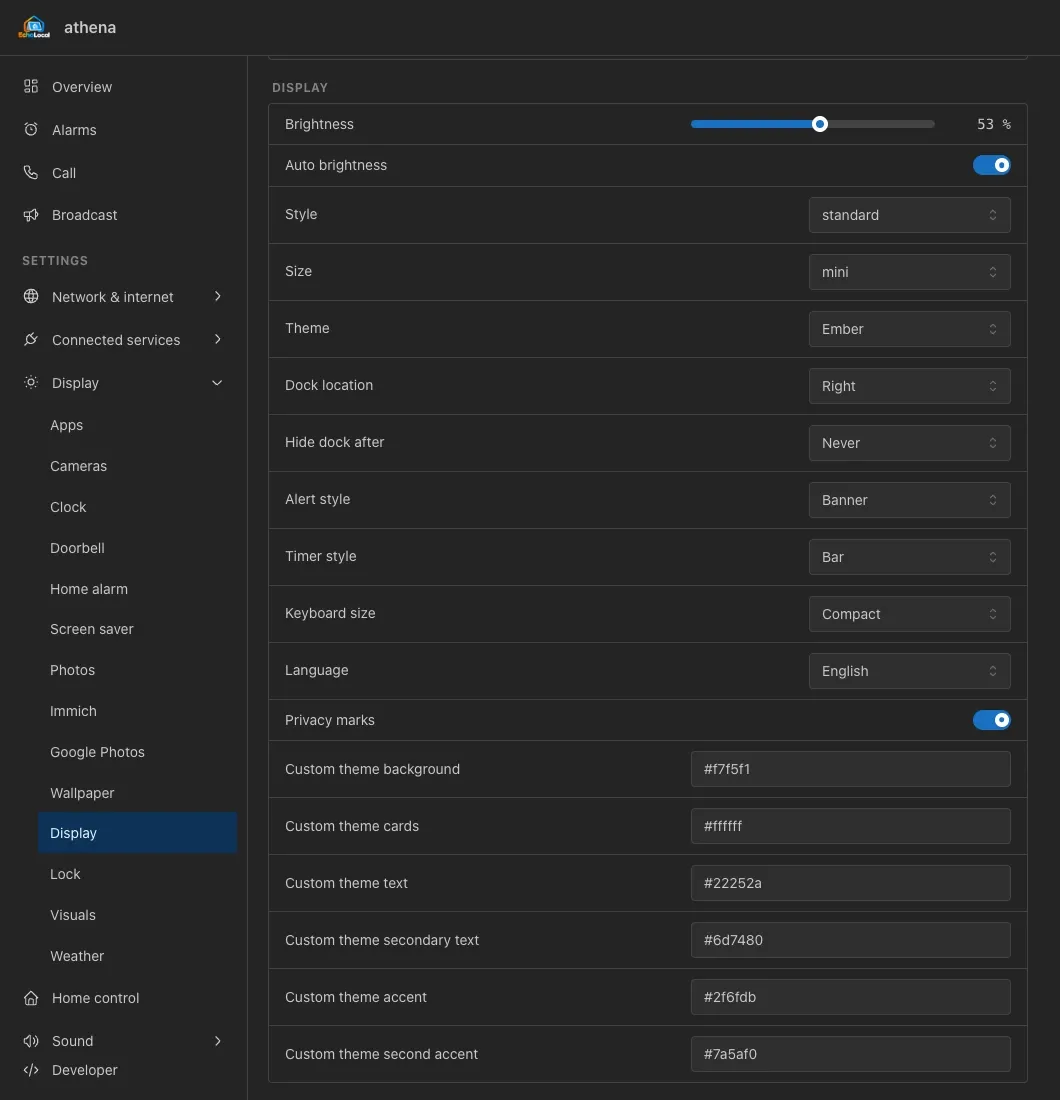
Theme, style, size, brightness and layout controls.
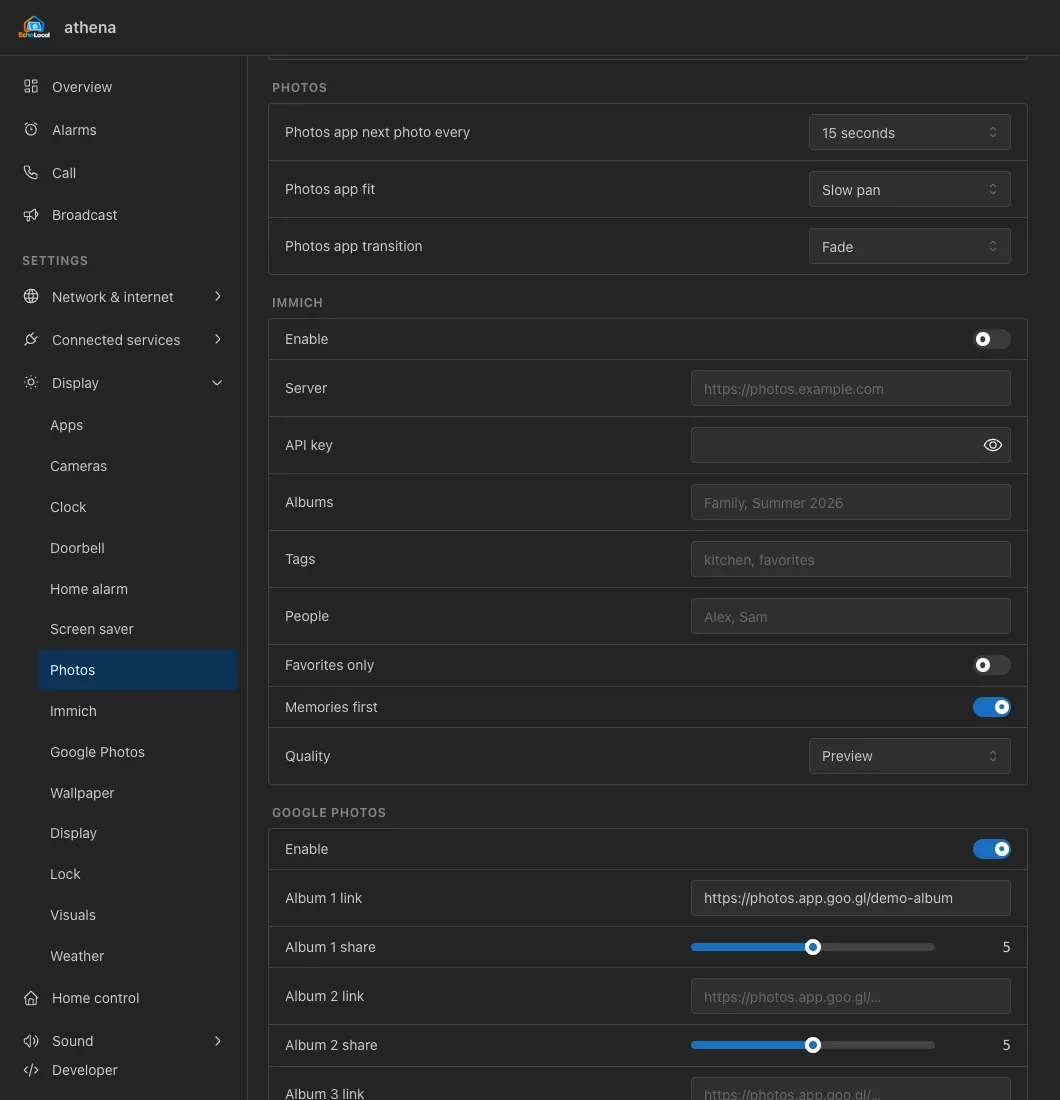
Photos app timing, fit and transitions.
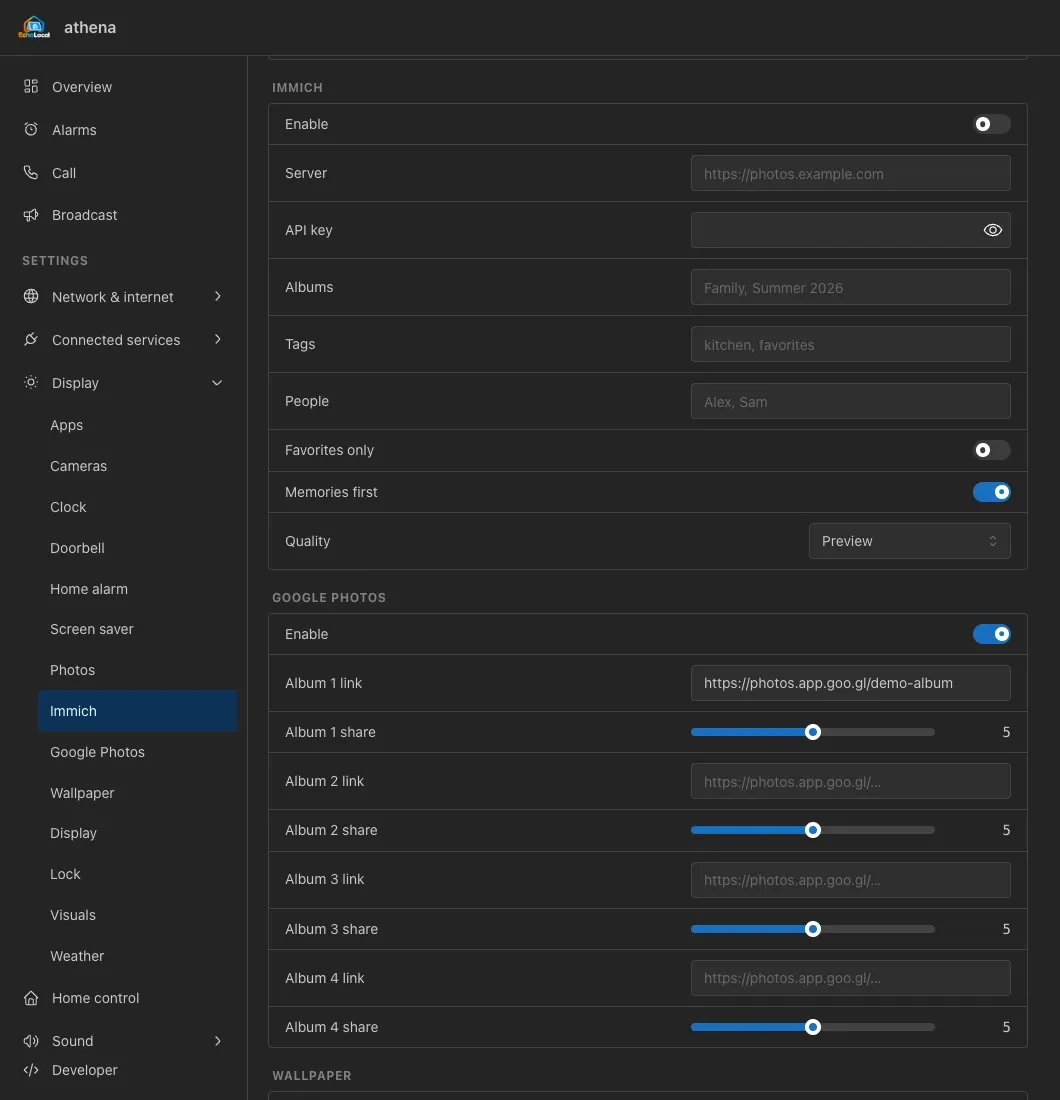
Library connection, filters and image quality.
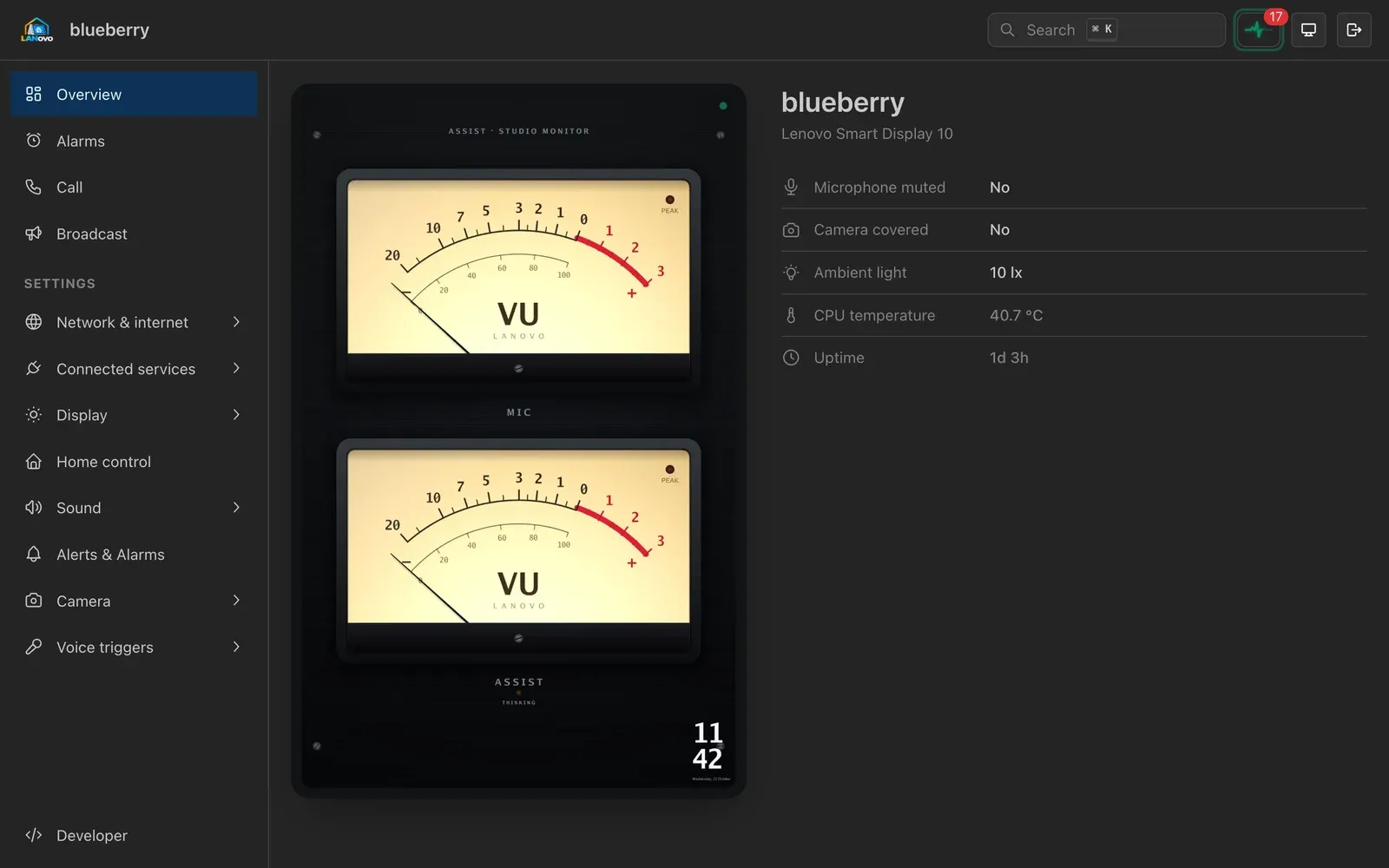
Device status and screen preview, with live remote control on screened devices.
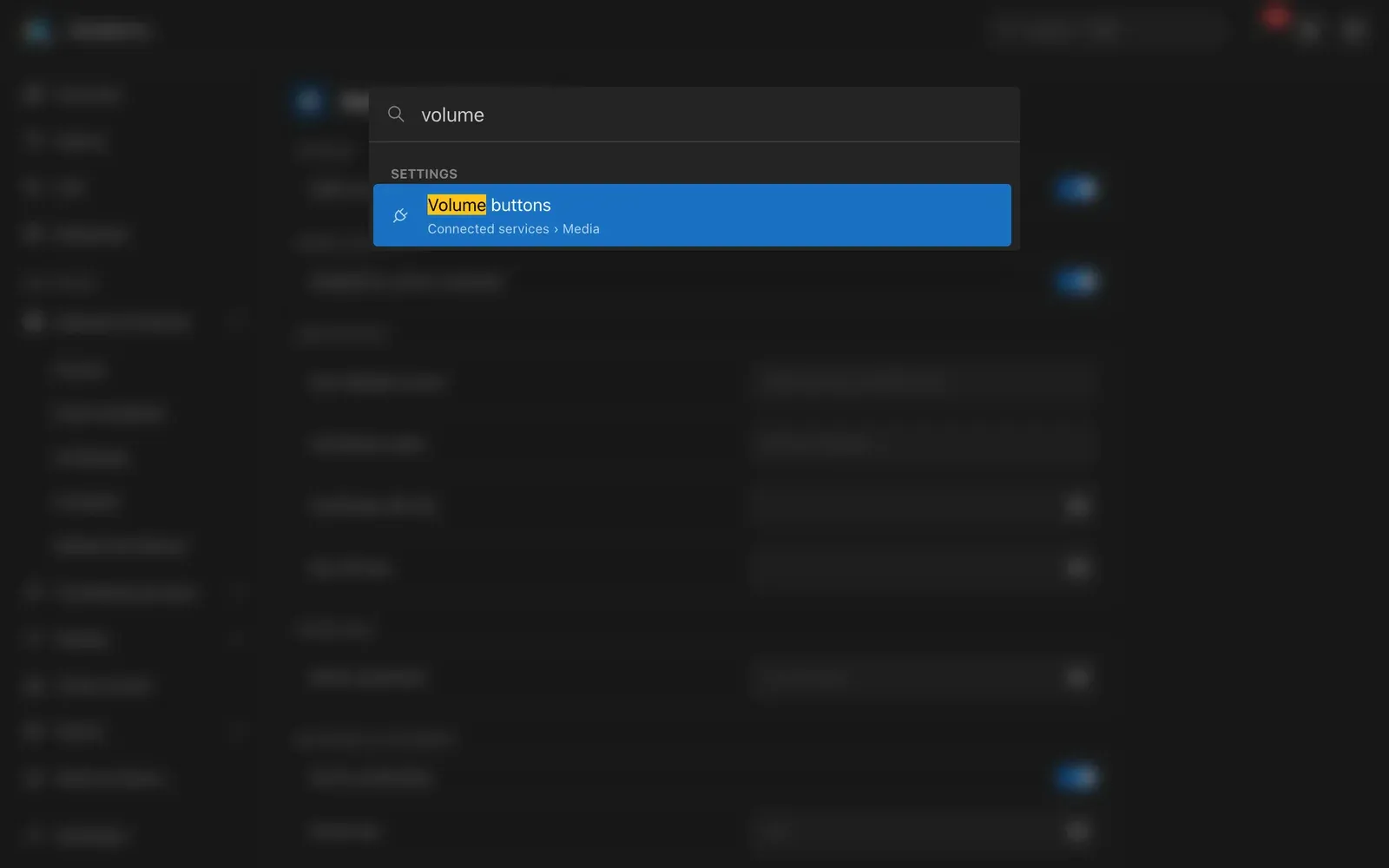
Find settings by name without working through the menus.
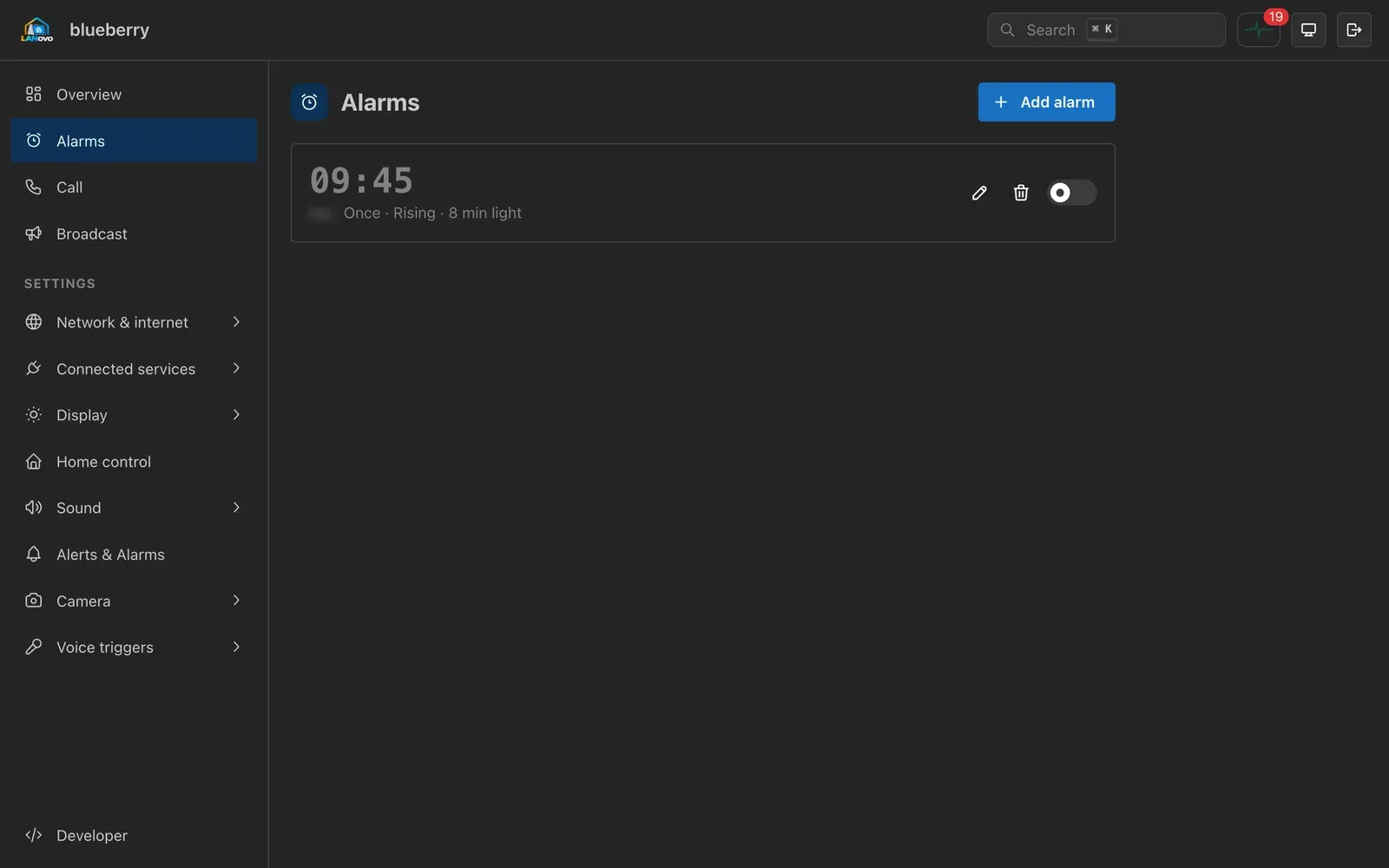
Manage saved alarms without using the touchscreen.
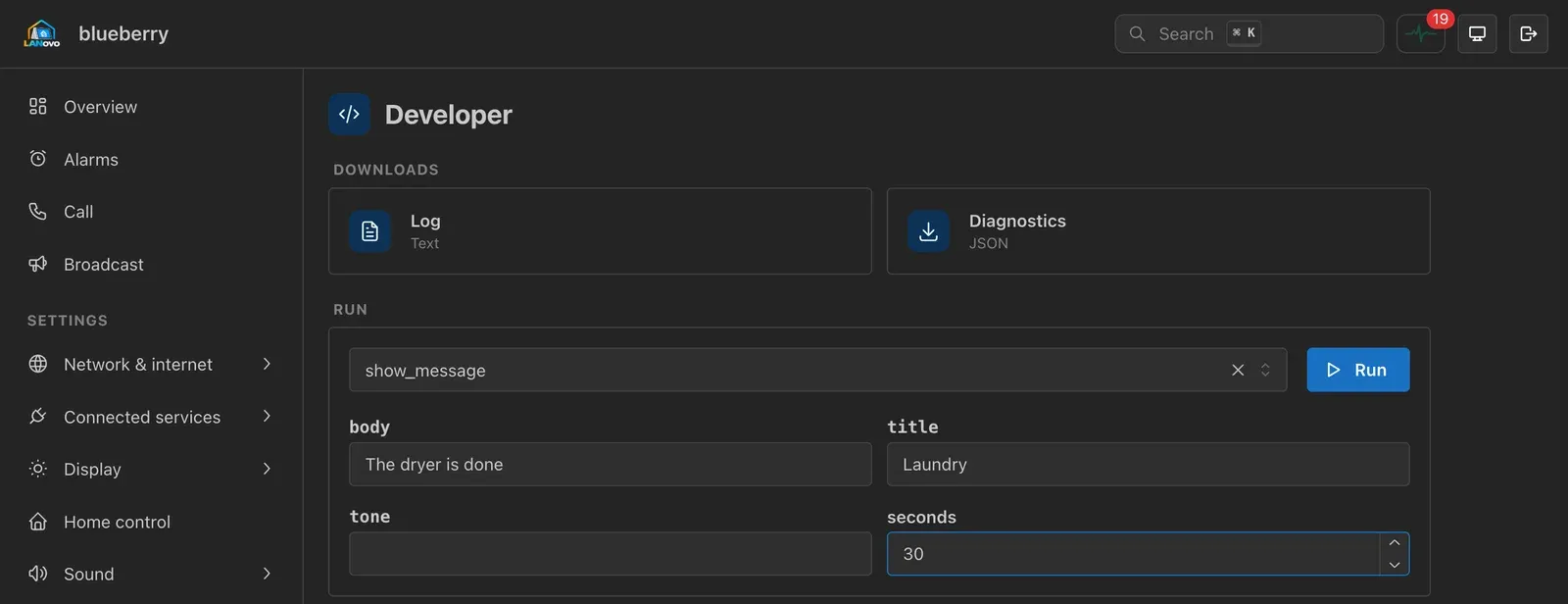
Download diagnostics and run the actions exposed to Home Assistant.
Home Assistant and Fleet
Section titled “Home Assistant and Fleet”The optional integration adds device cards, activity and shared management. Integration setup and Fleet.
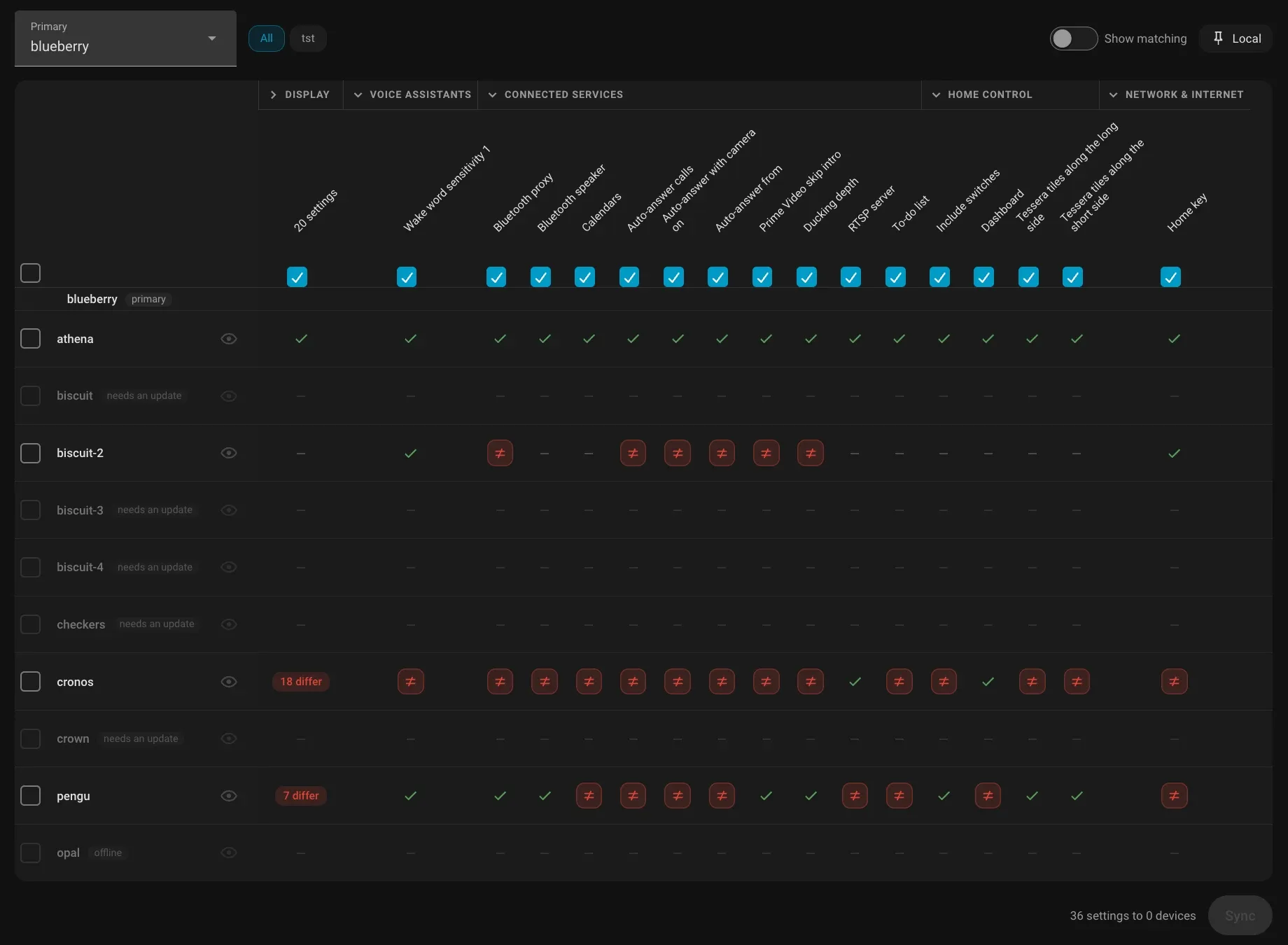
Compare and manage LANovo and EchoLocal devices in Home Assistant.
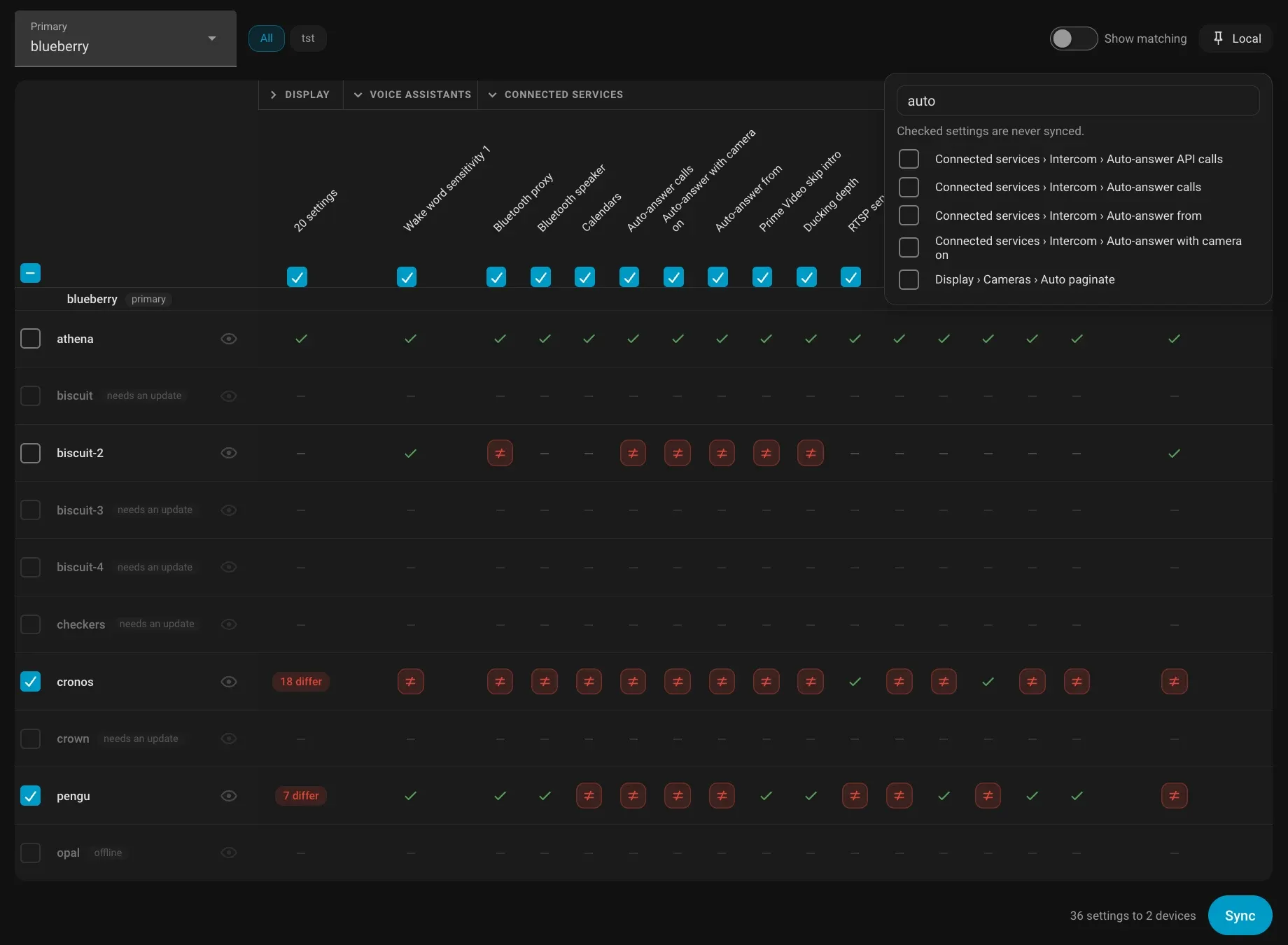
Review portable settings before applying them to another device.
Clock faces
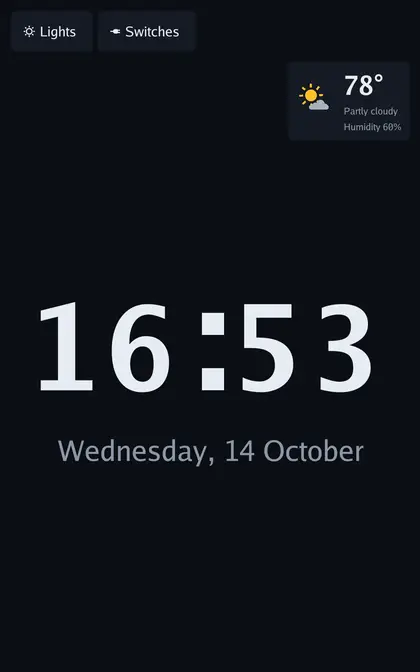
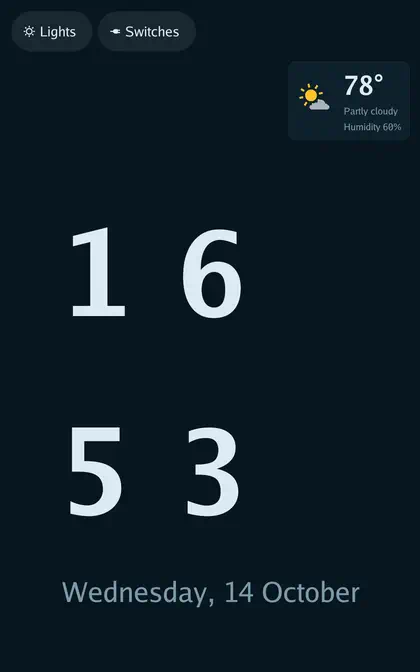
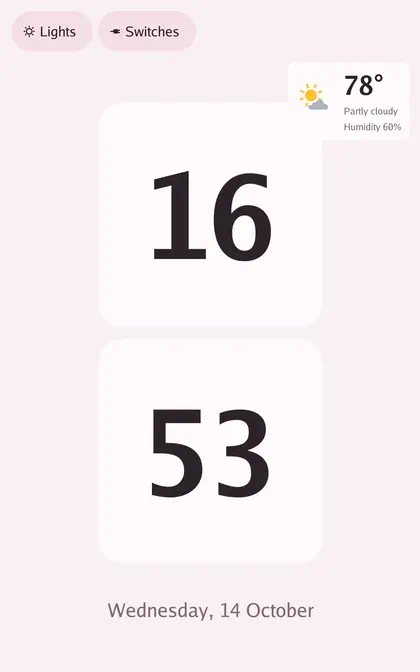
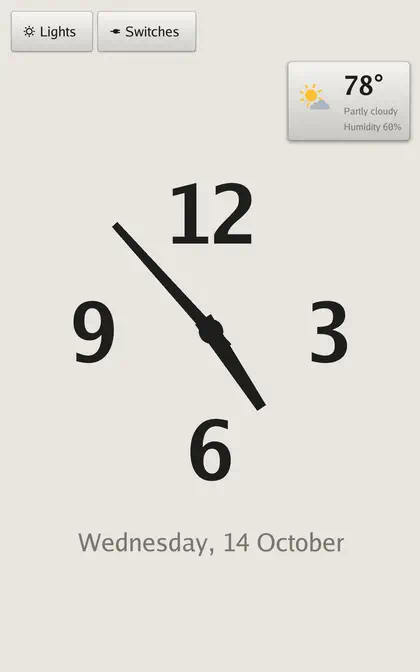
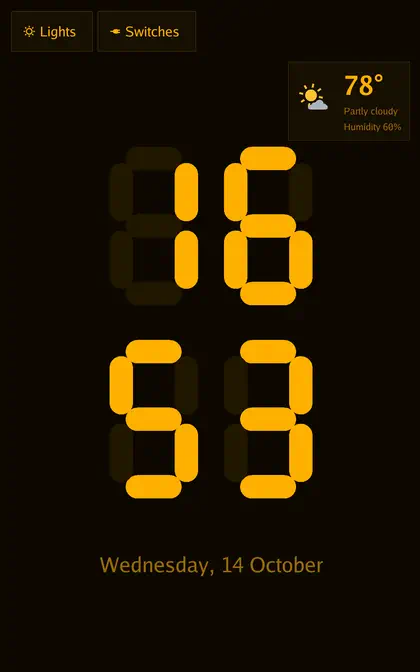
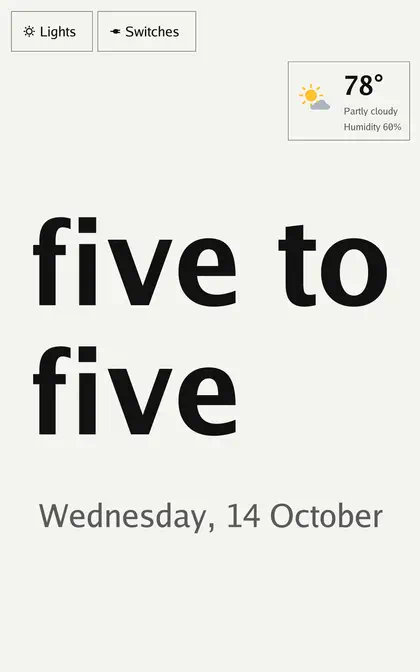
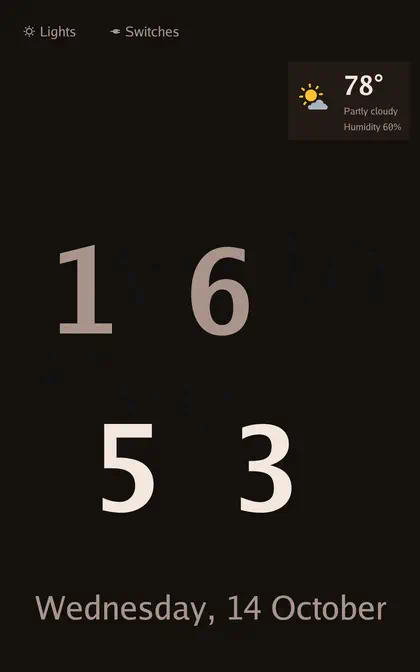
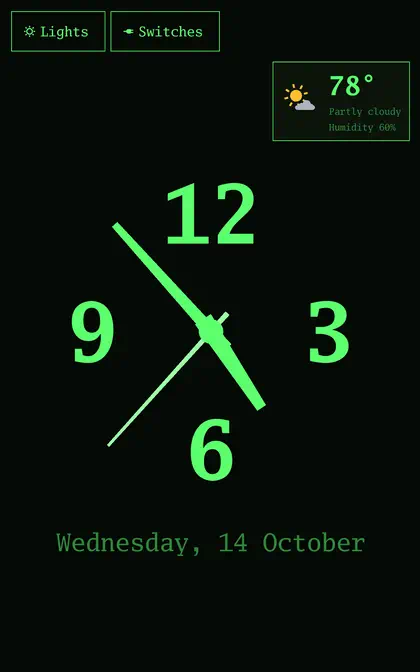
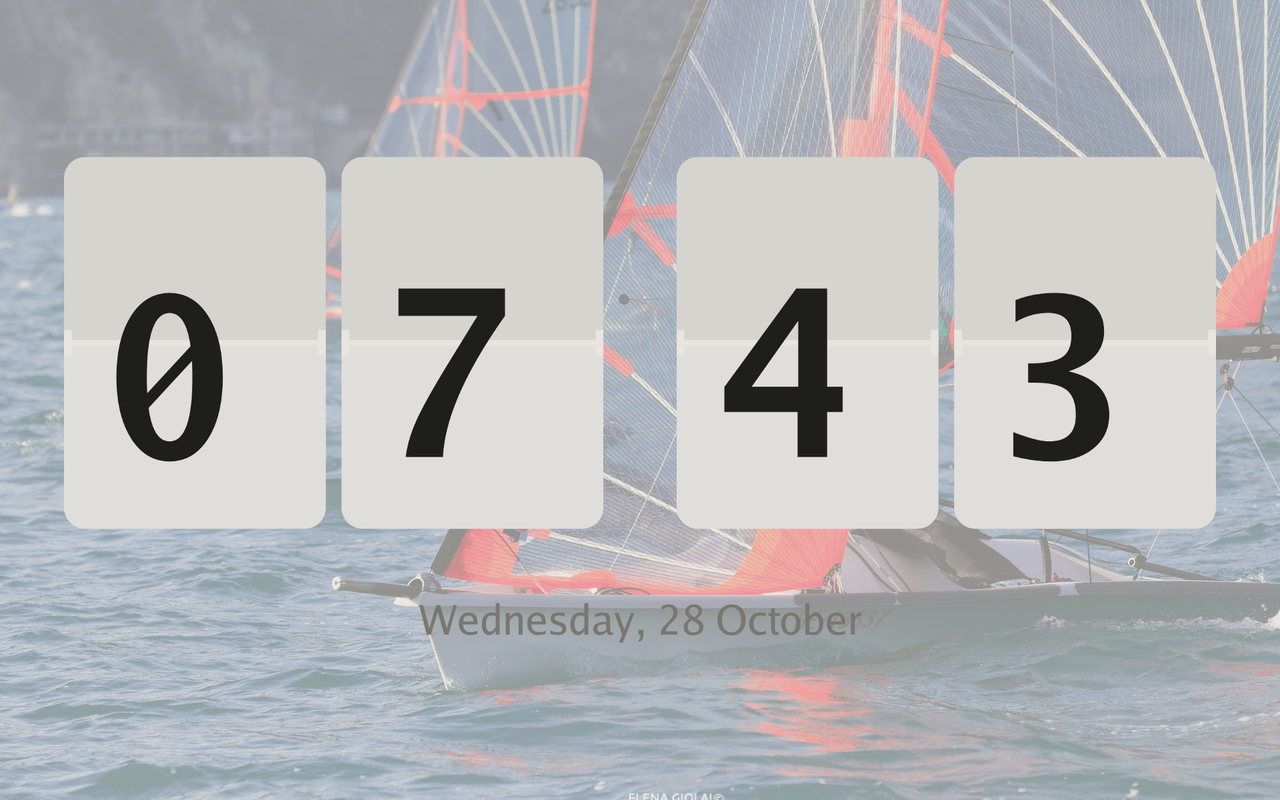
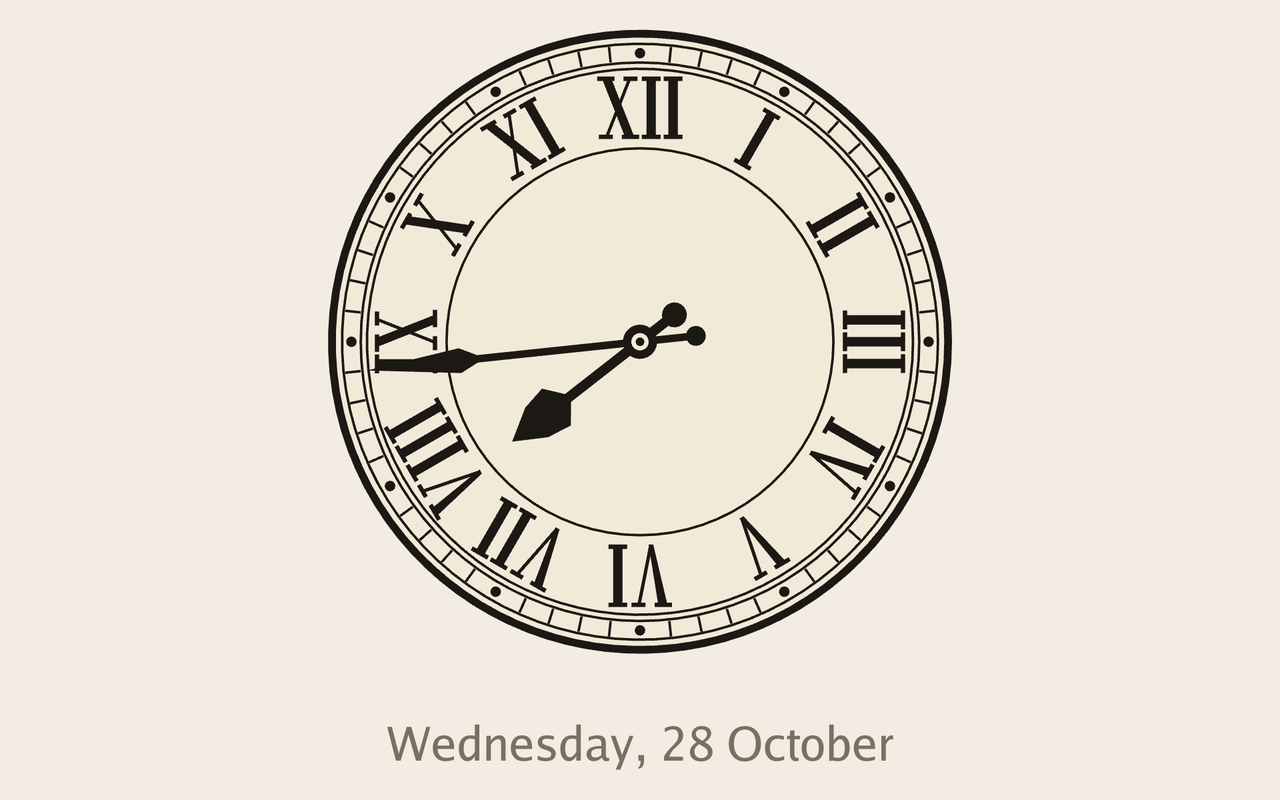
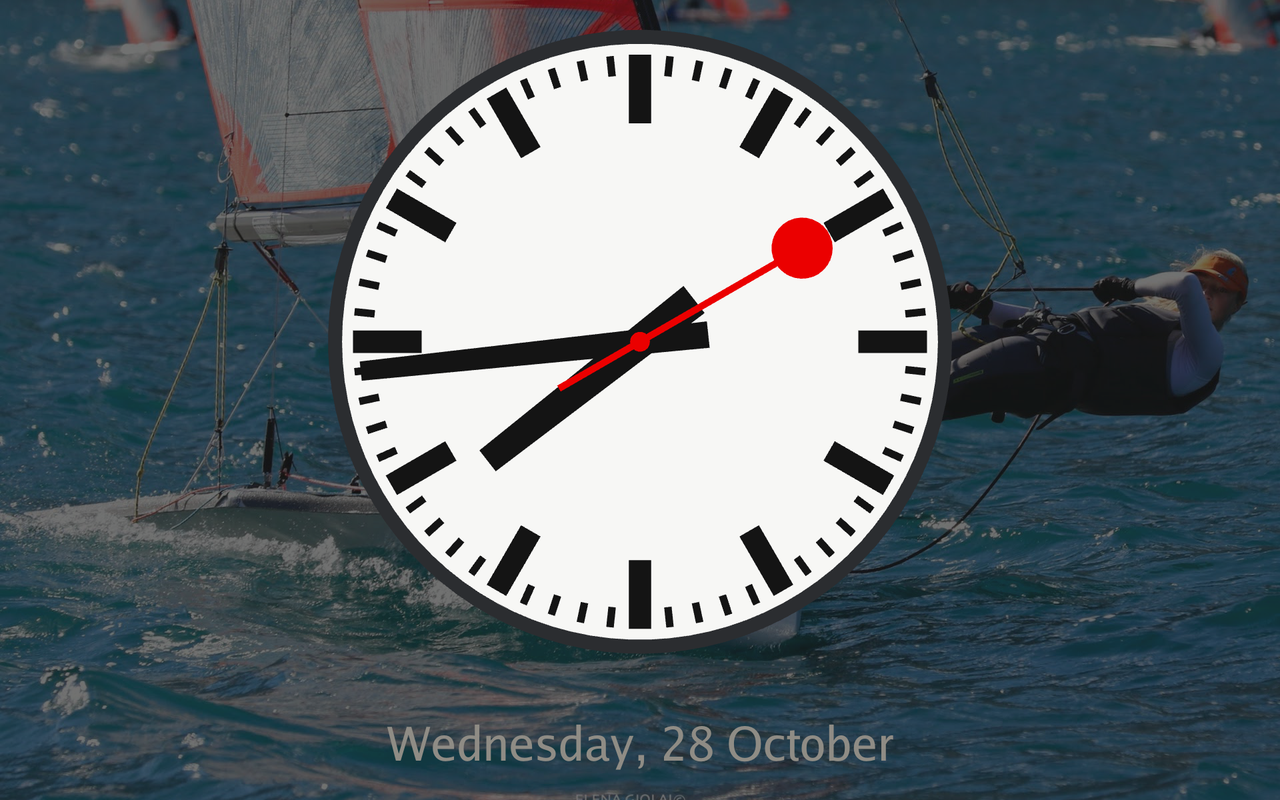
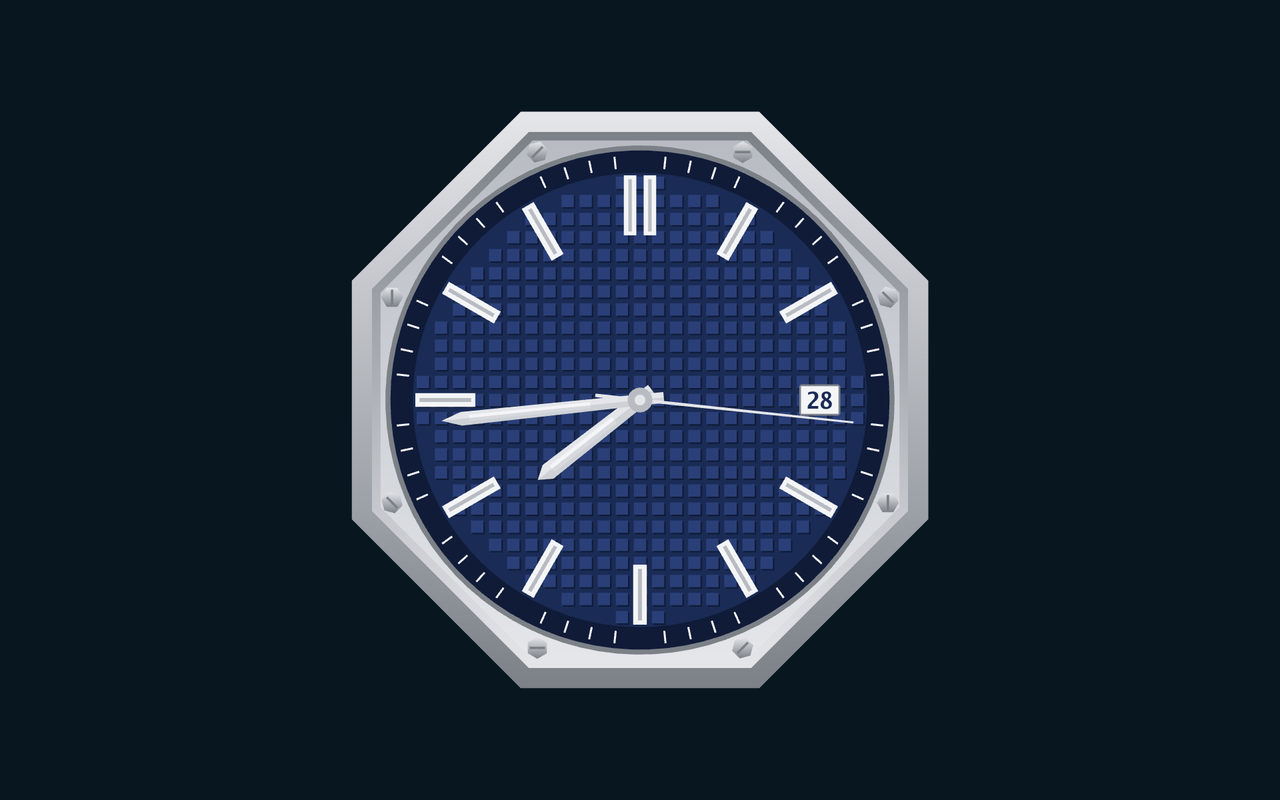
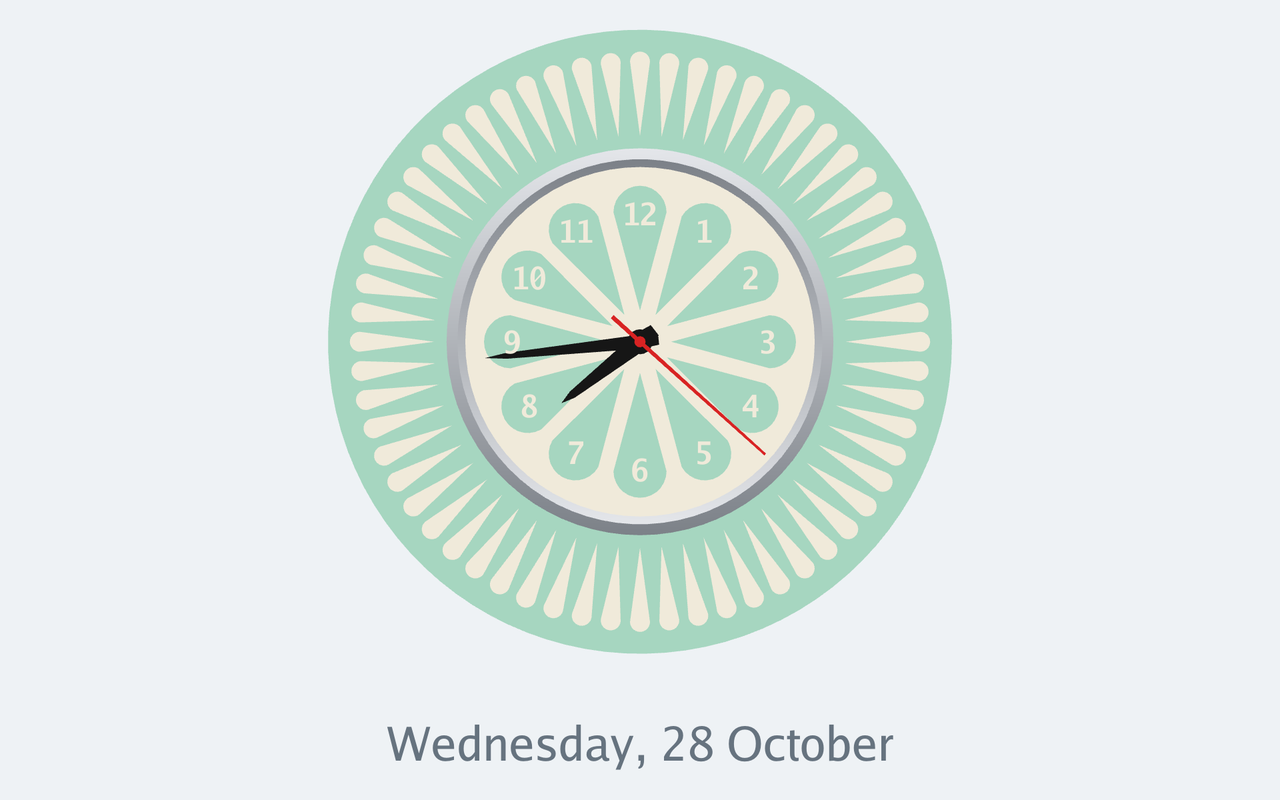
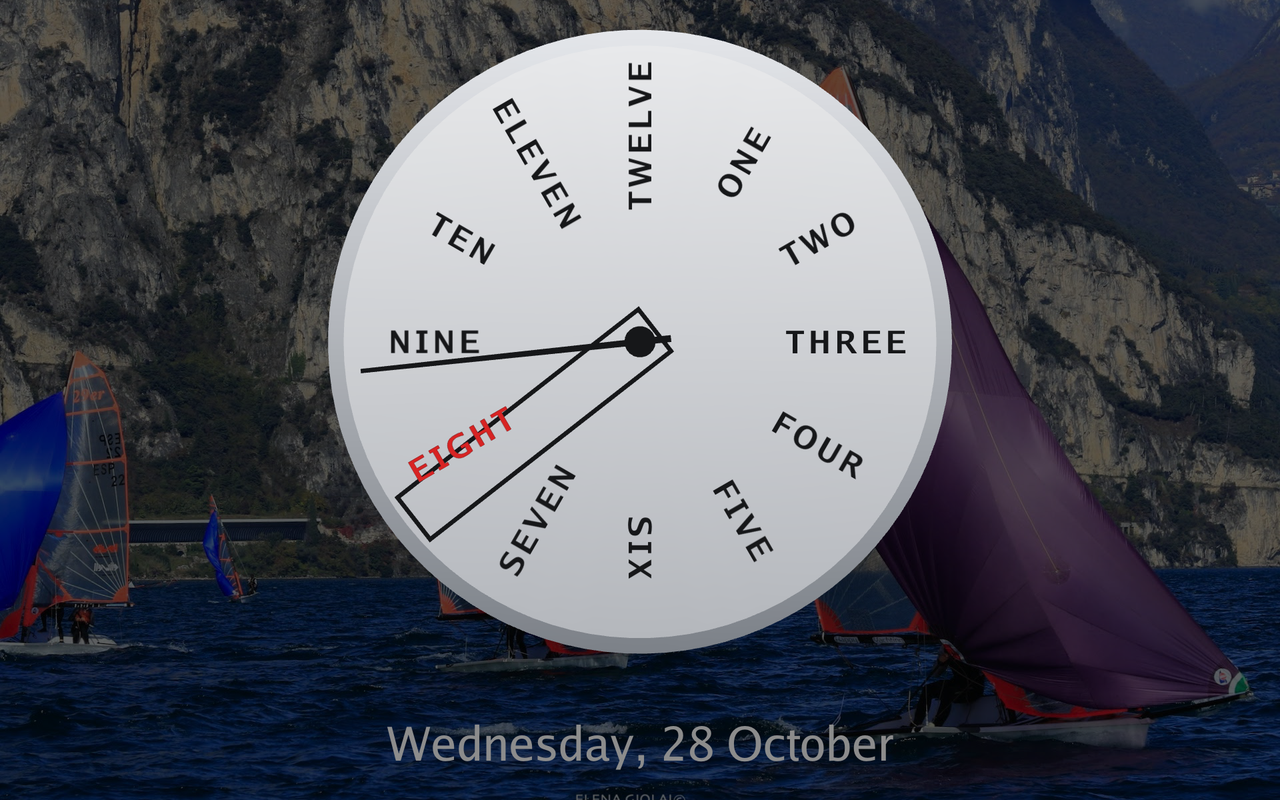
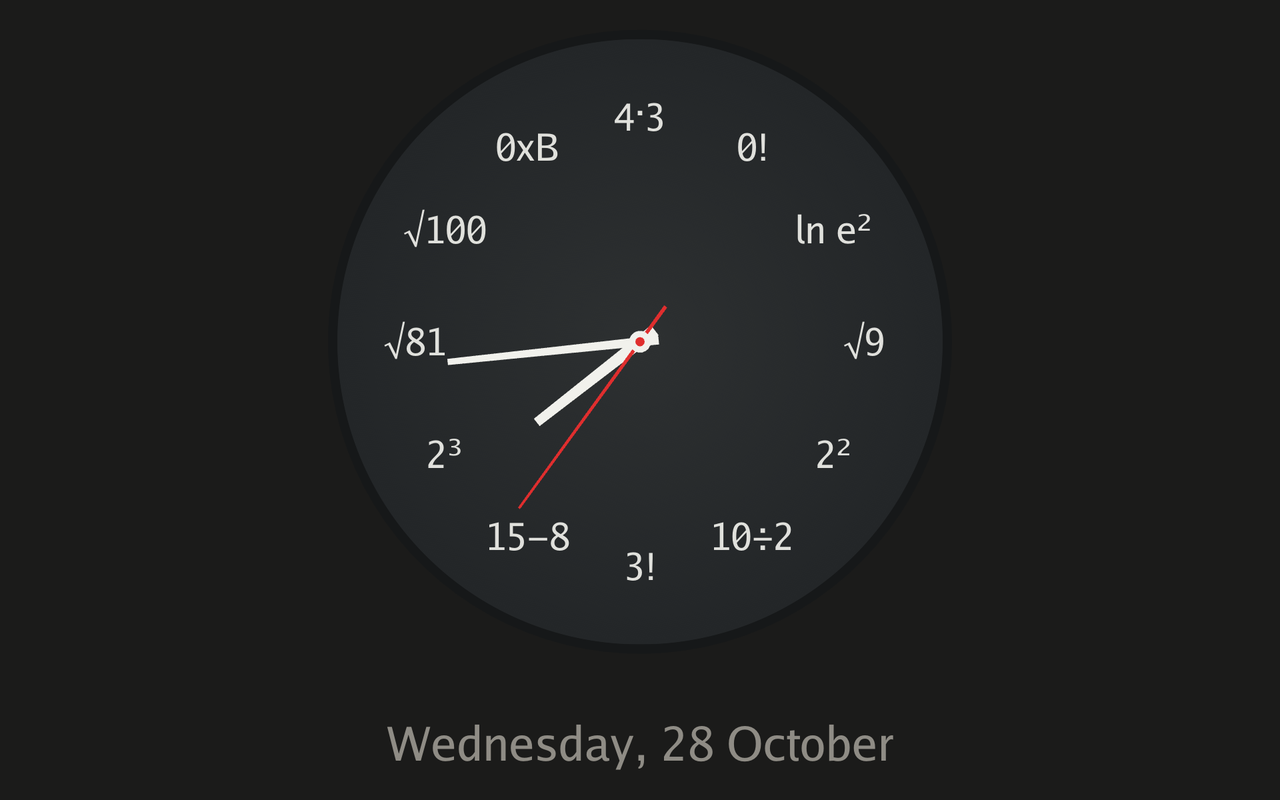
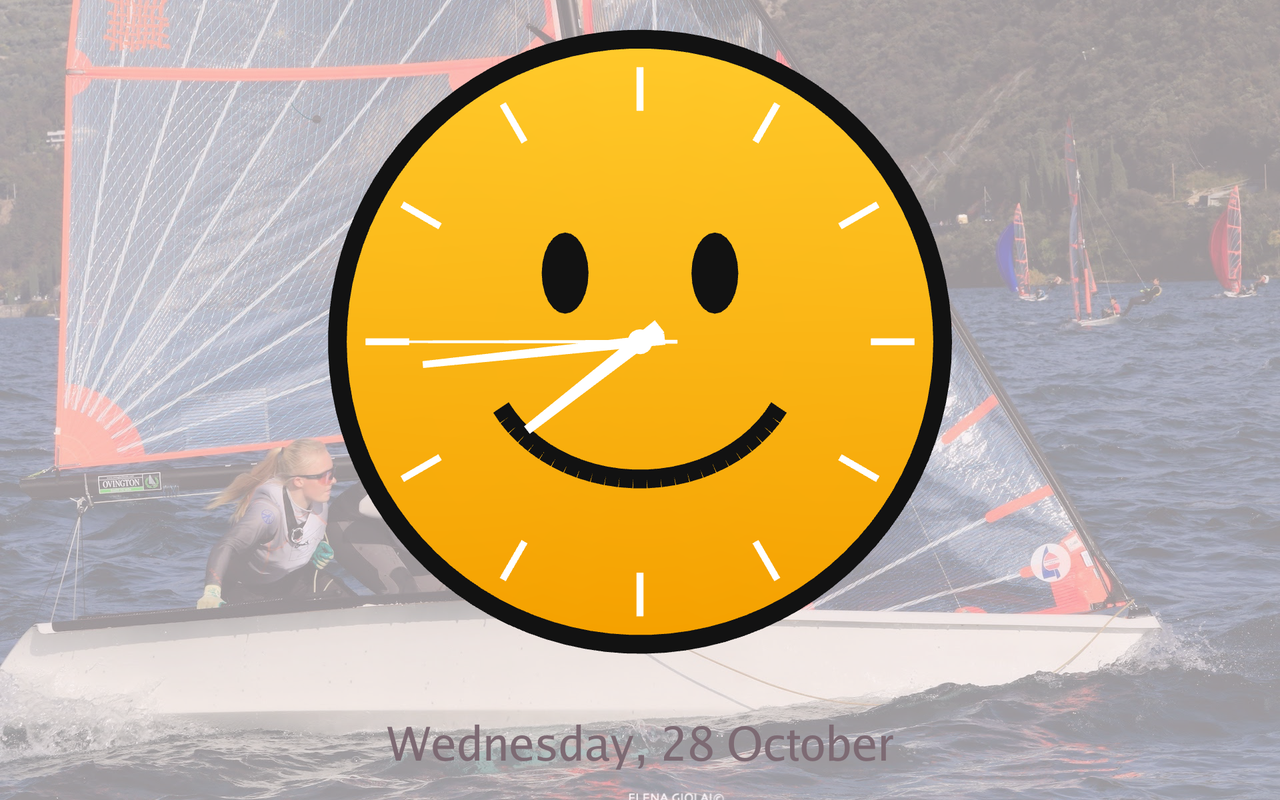
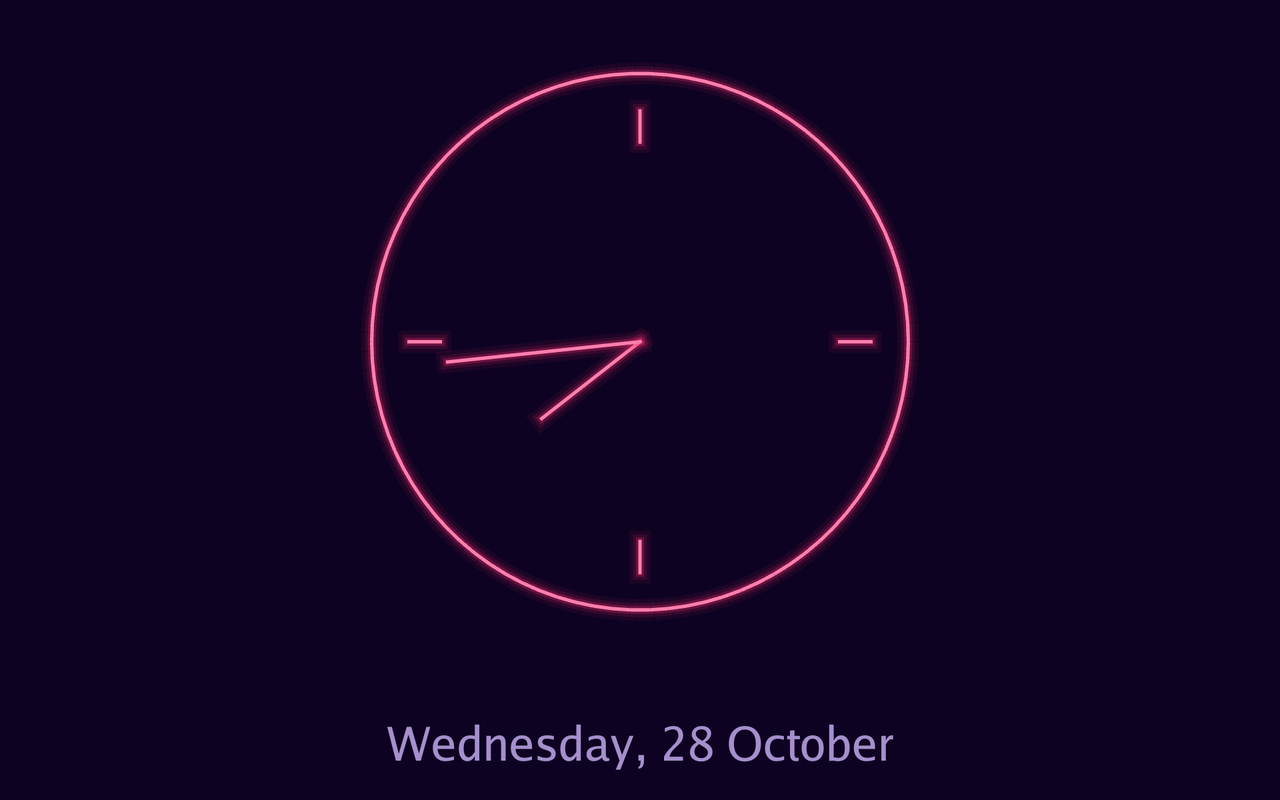
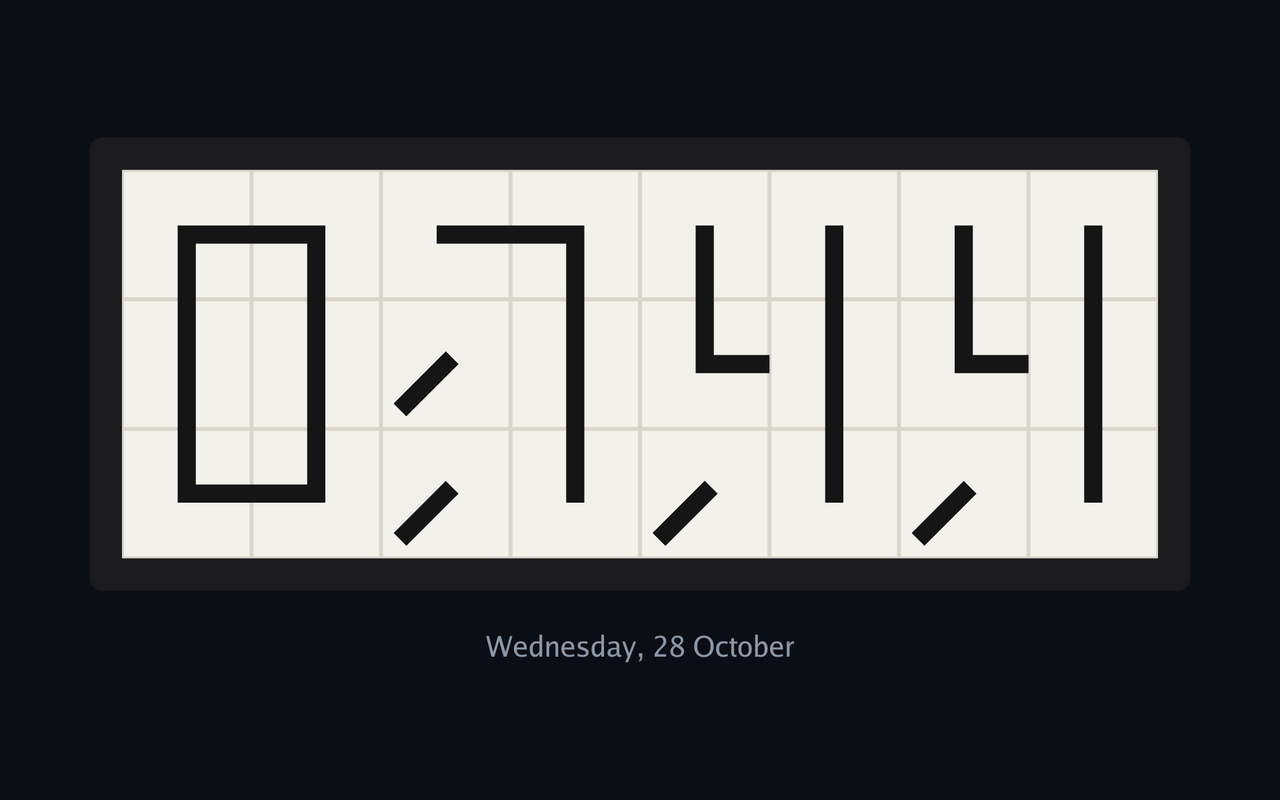
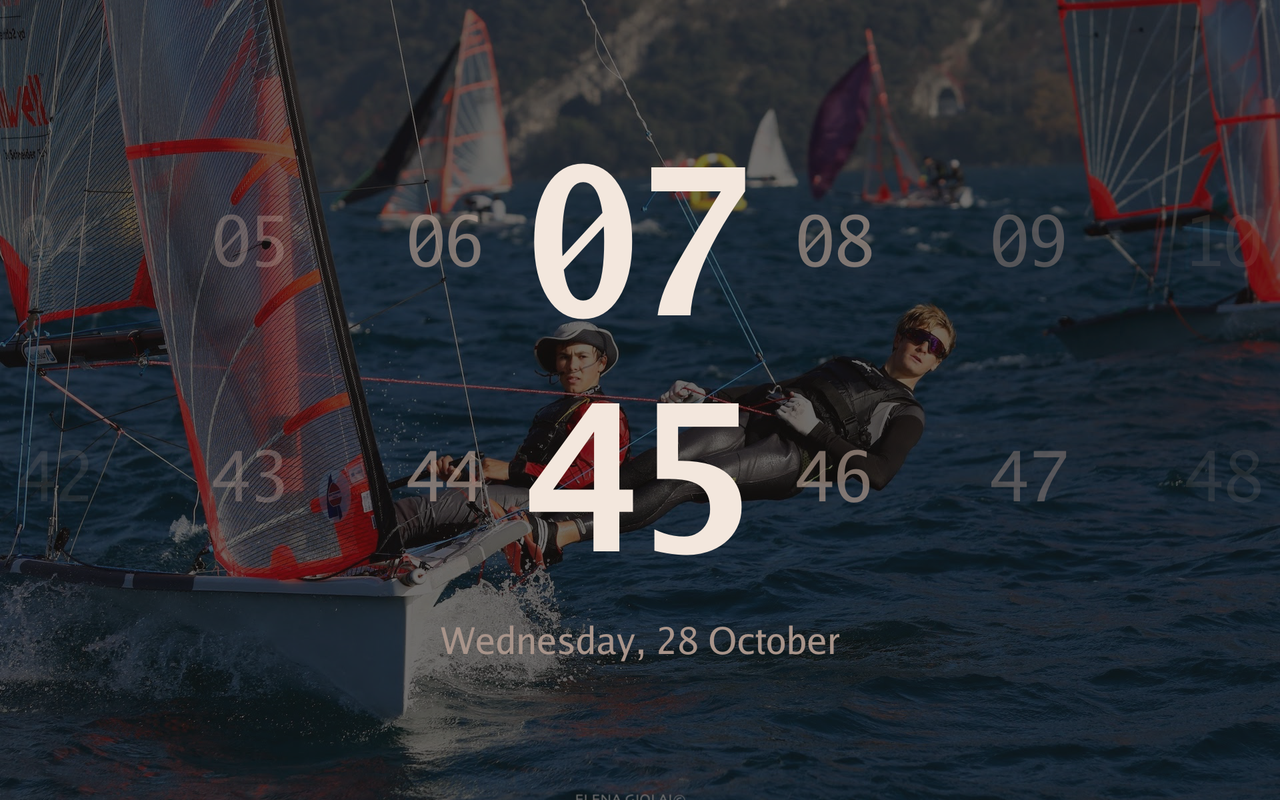
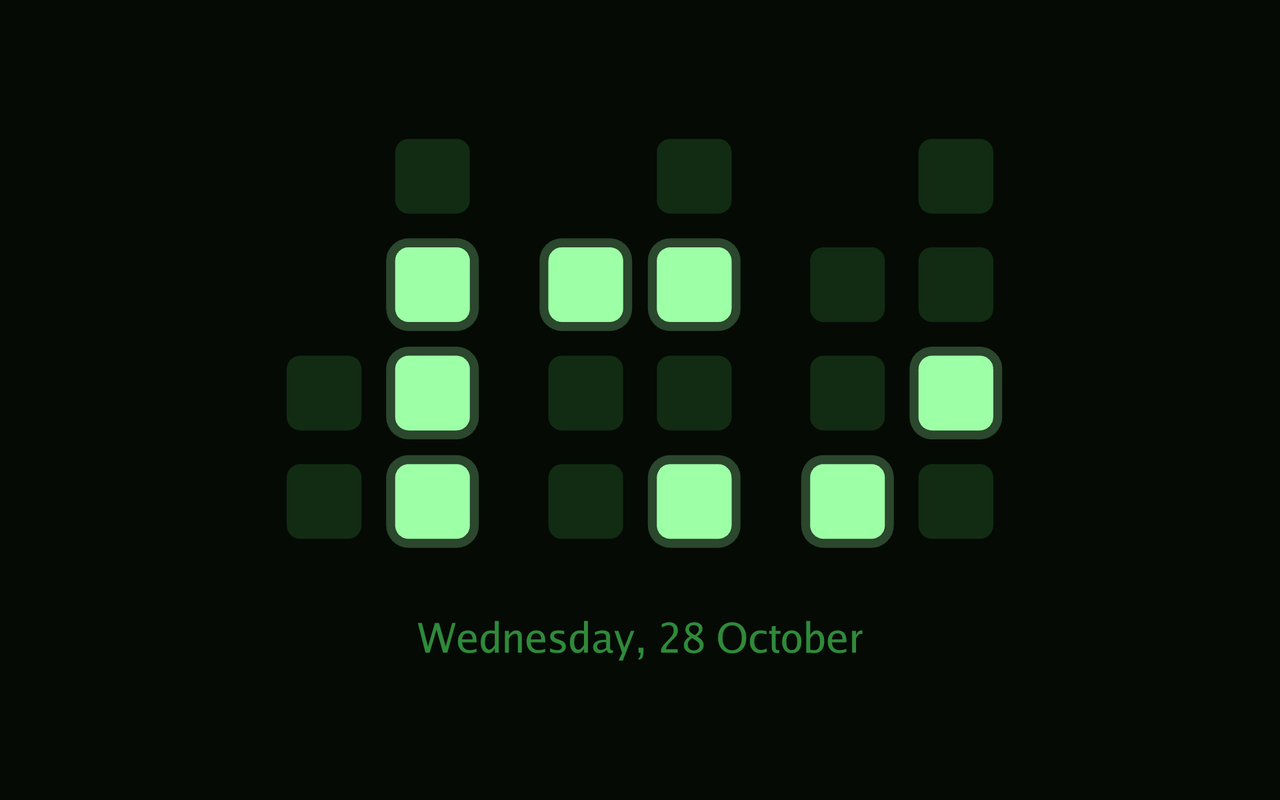
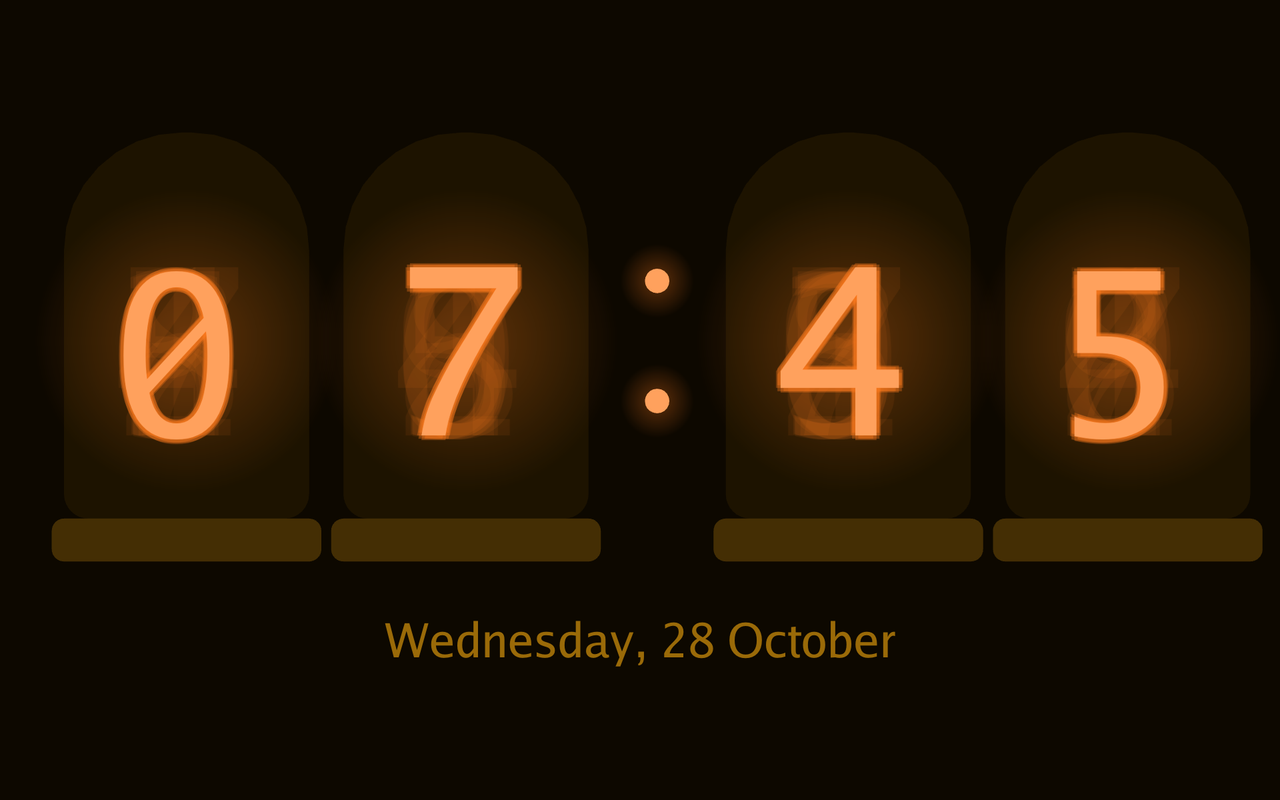
Section titled “Clock faces”Every clock face. Choose one under Settings → Dashboard → Clock; the screen saver has an independent clock selection. Clock settings.
Clock size and placement
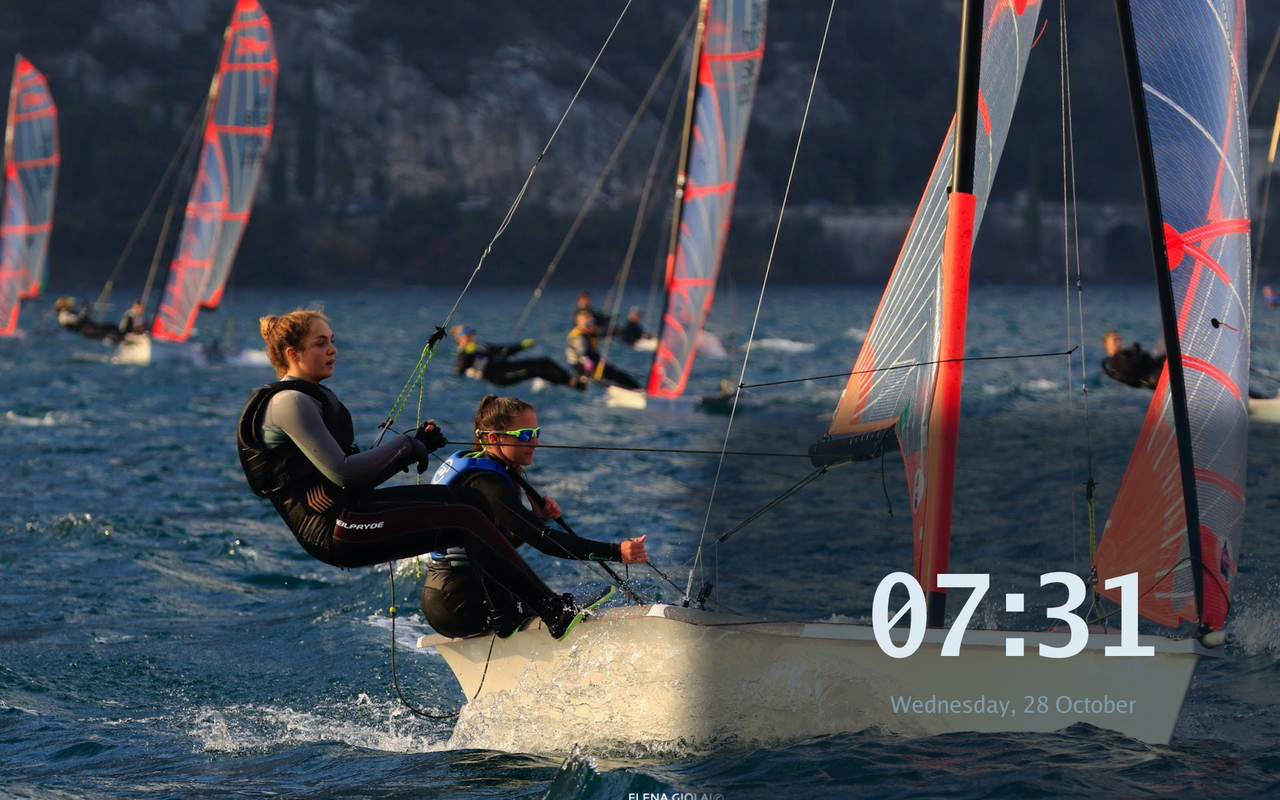
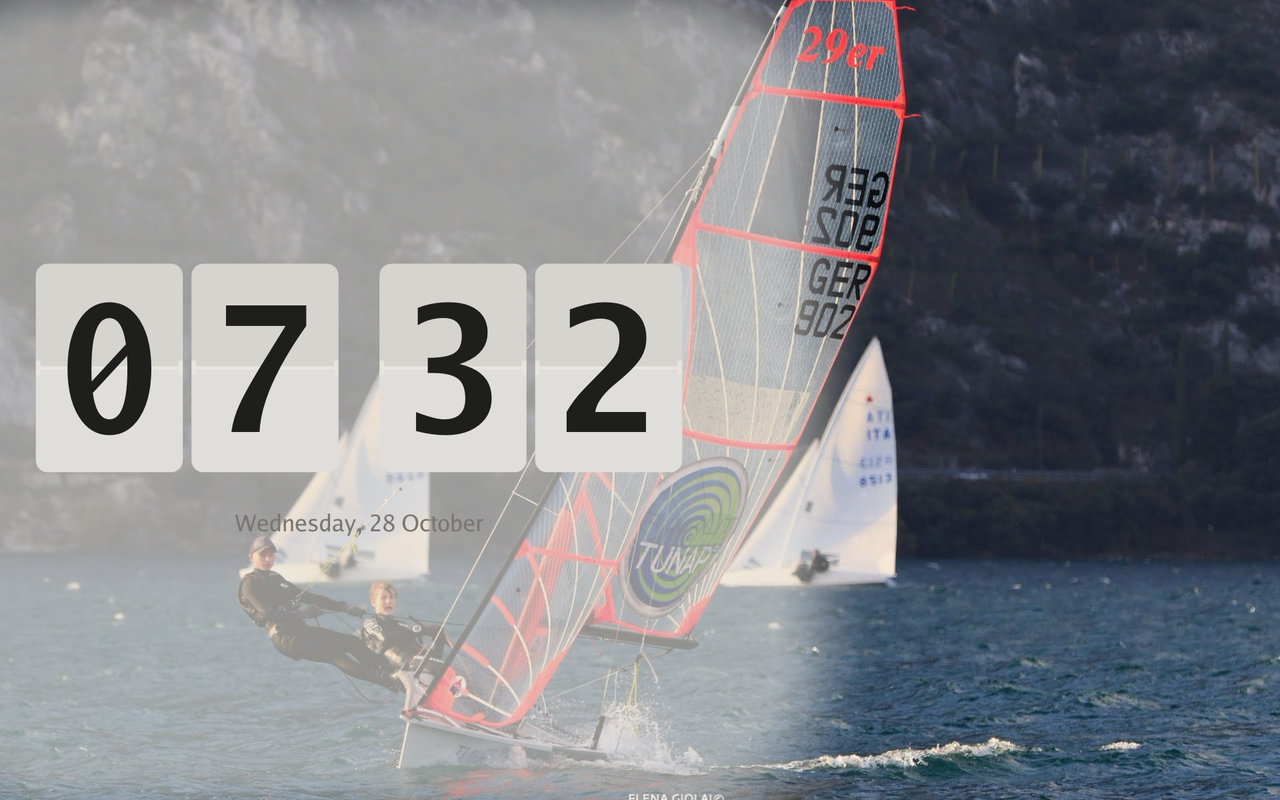
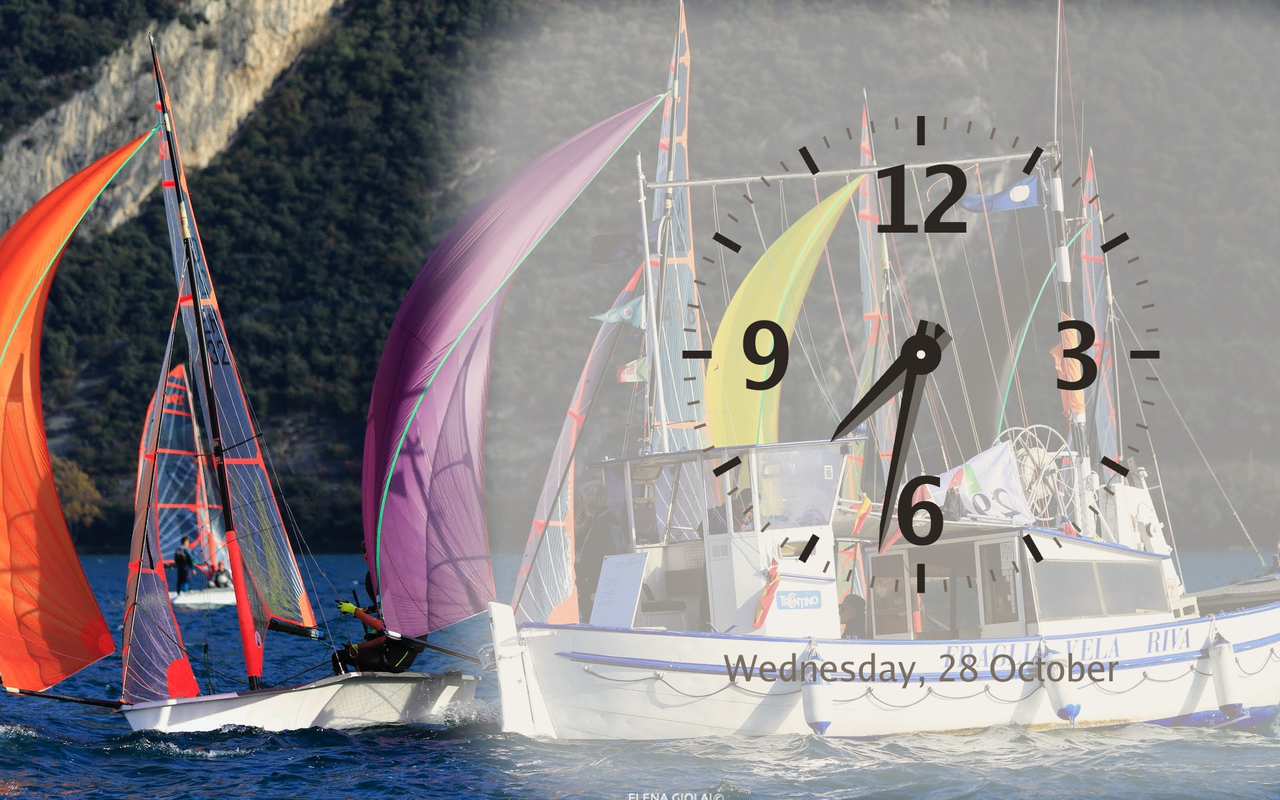
Section titled “Clock size and placement”Three placements over Google Photos wallpaper. Clock size, vertical position and alignment are independent settings under Settings → Dashboard → Clock.
UI styles
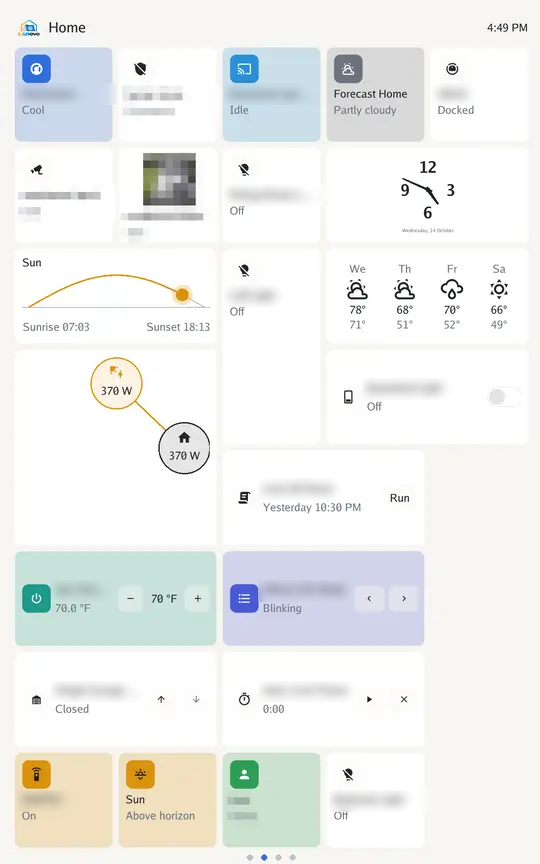
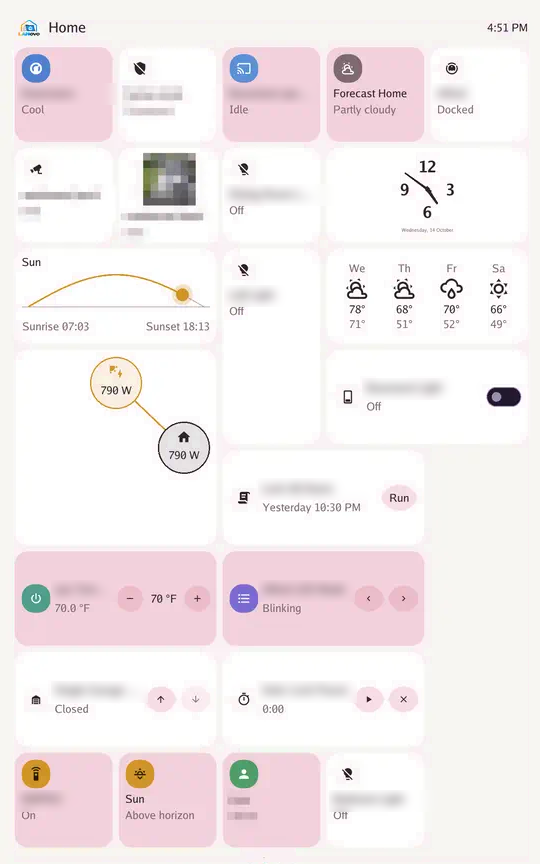
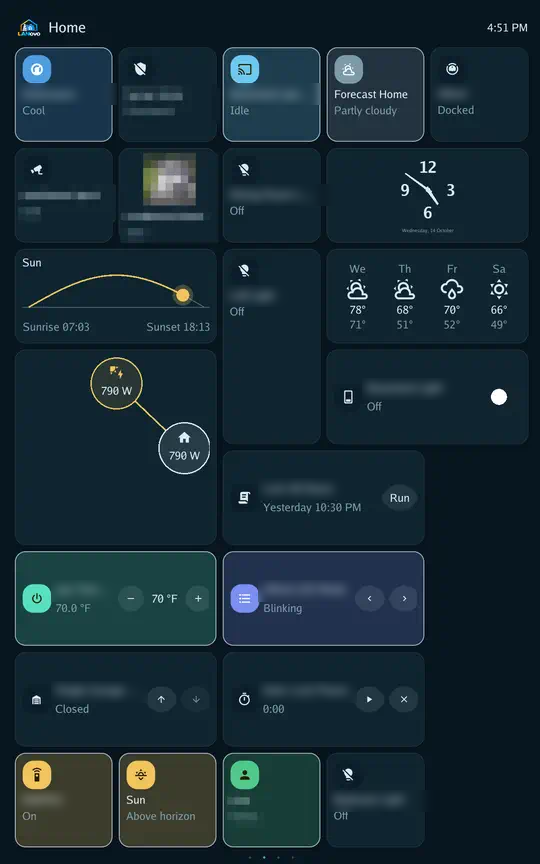
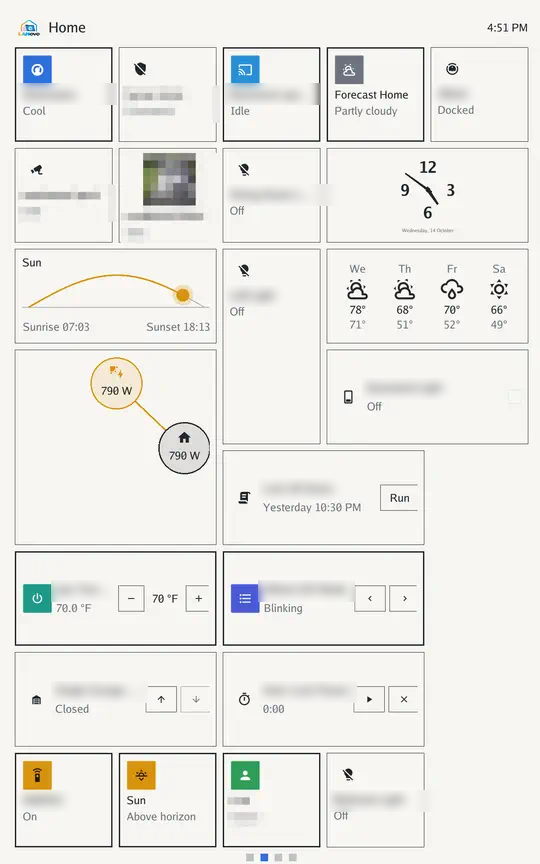
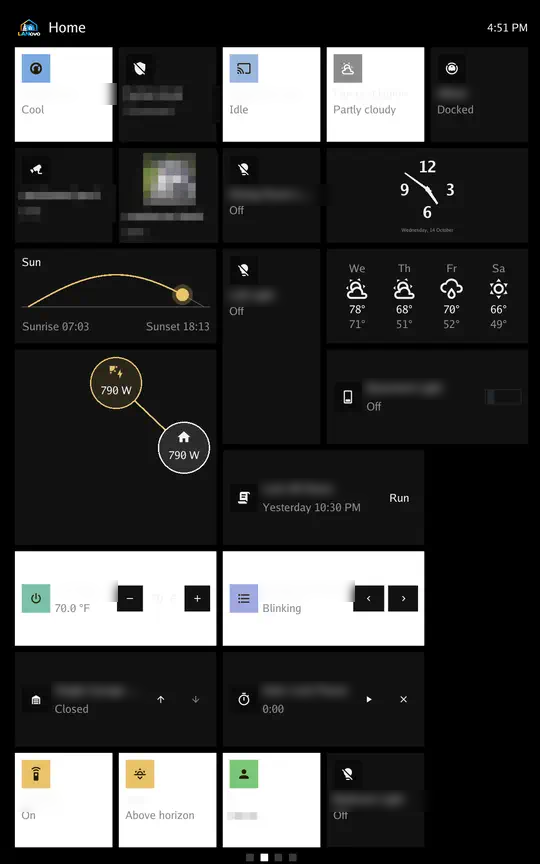
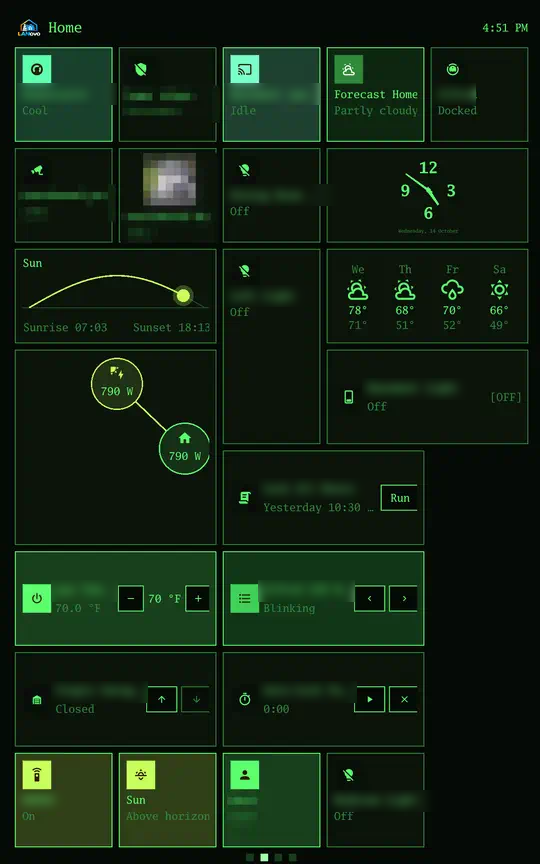
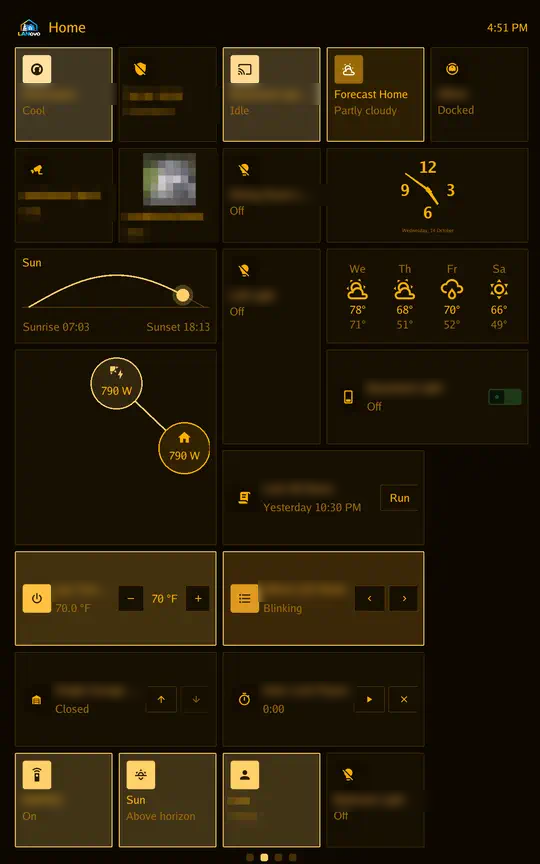
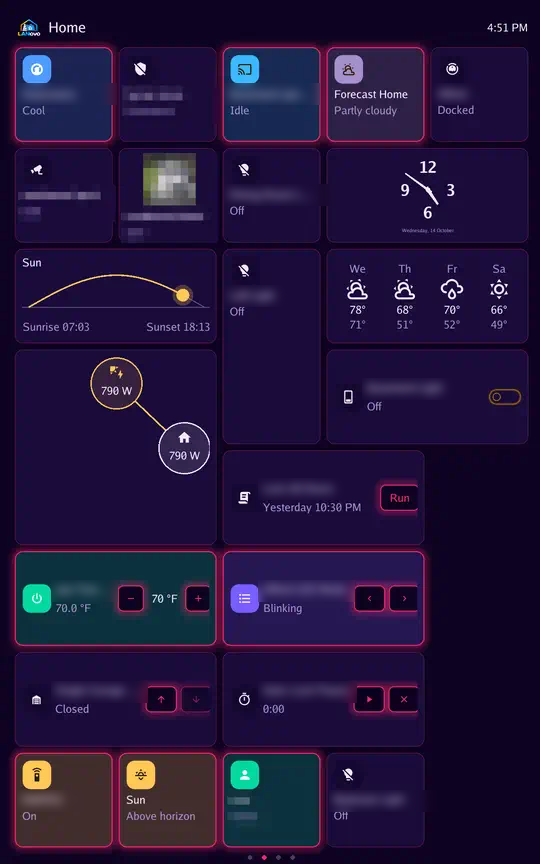
Section titled “UI styles”Every style on the same demonstration Tessera layout, with different theme palettes. Styles change shapes and typography; themes change colors. Styles and themes.
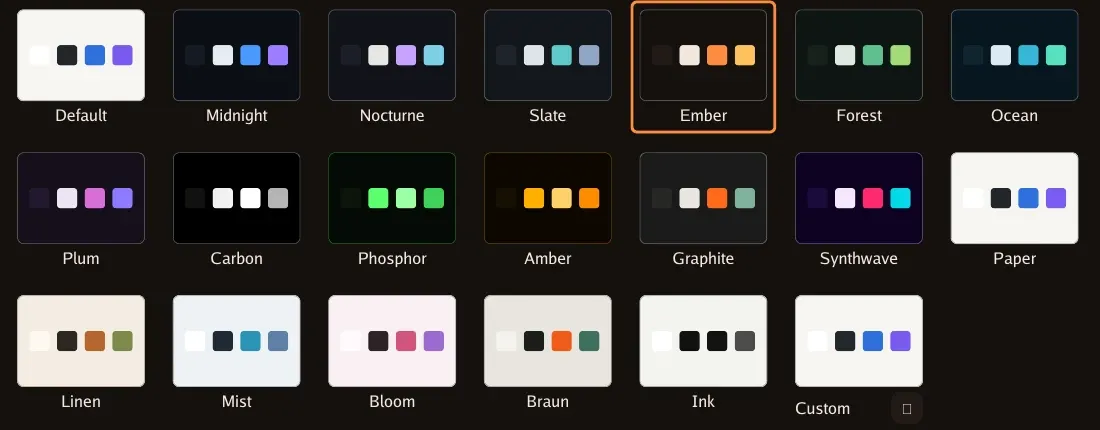
Theme palettes
Section titled “Theme palettes”The Default palette, every built-in dark and light theme, and Custom. Custom color settings.
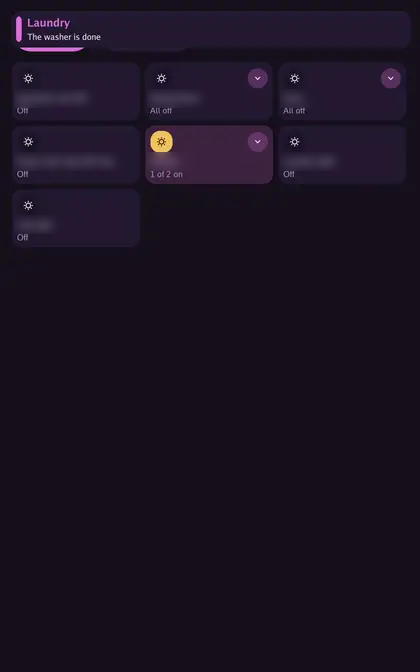
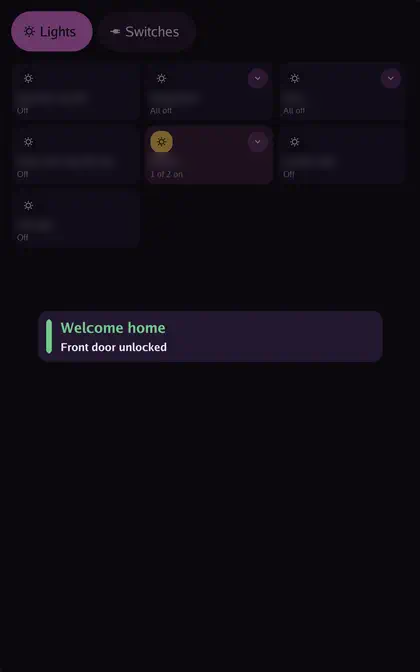
Message layouts
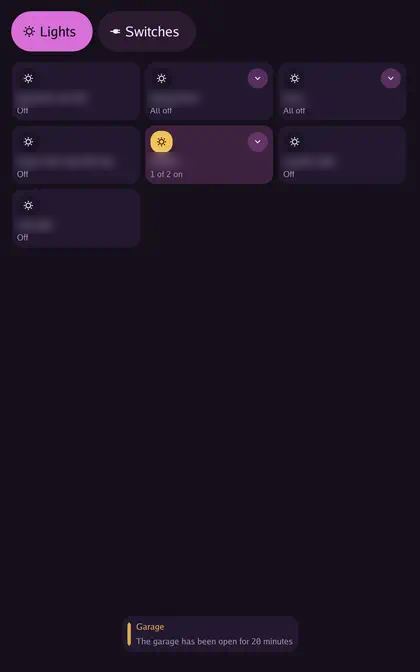
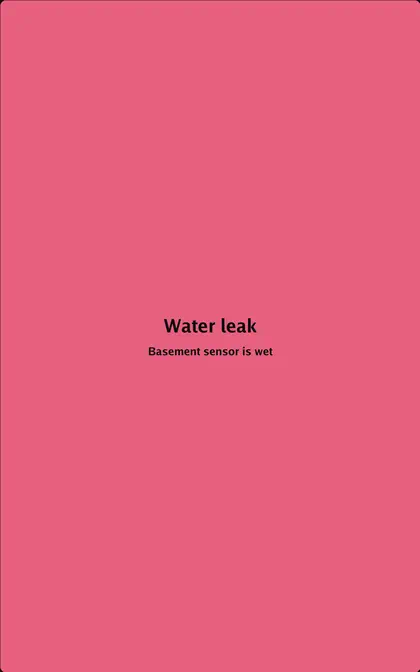
Section titled “Message layouts”Banner, Card, Toast and Full screen. Message actions and layout settings.
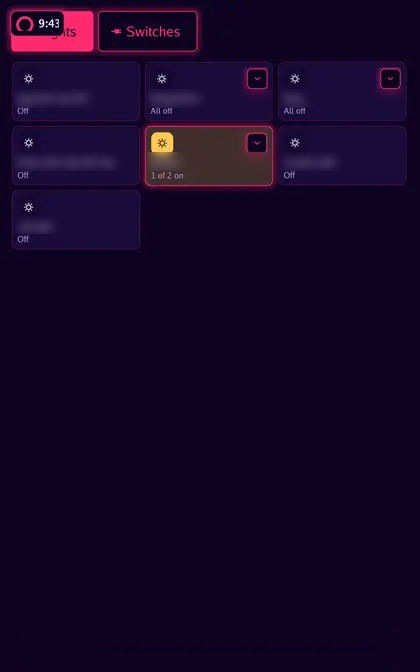
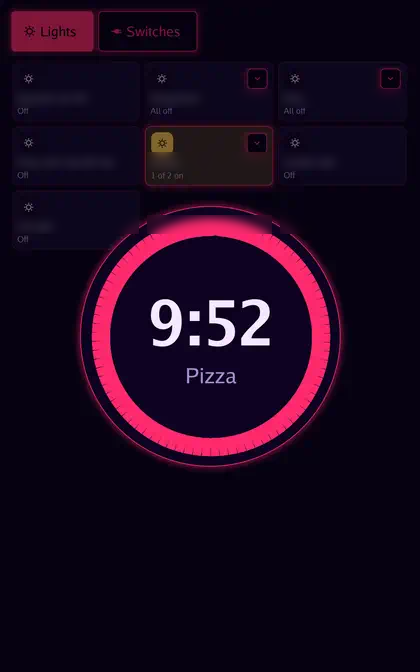
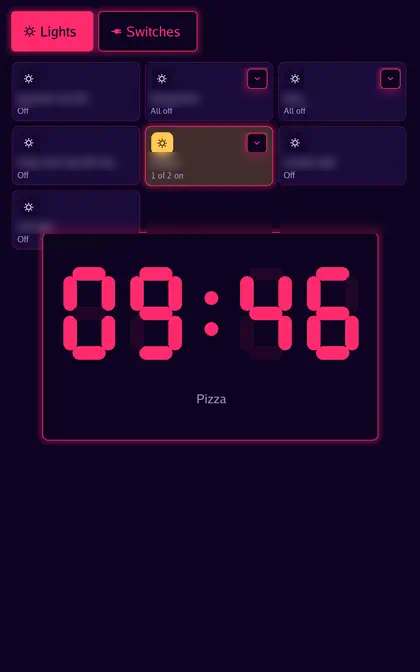
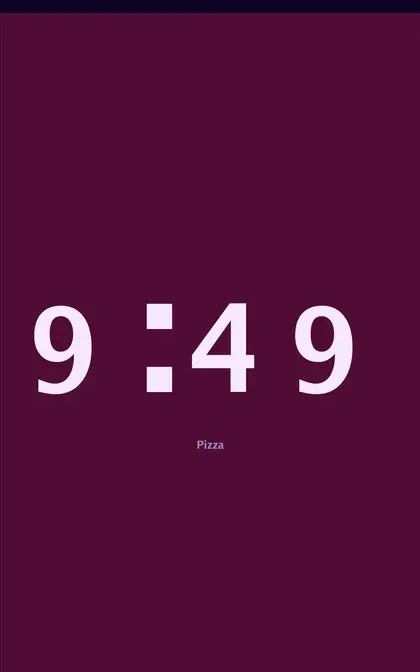
Timer layouts
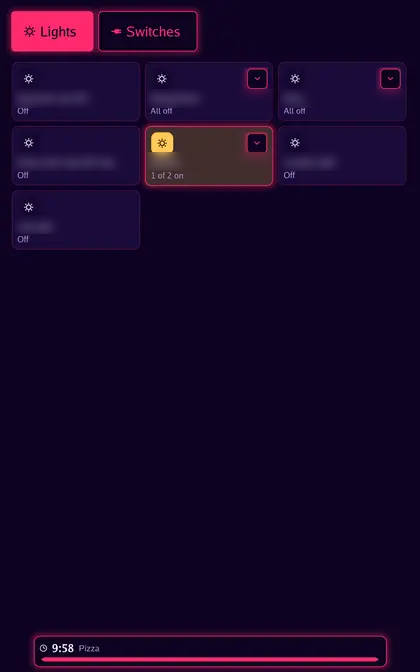
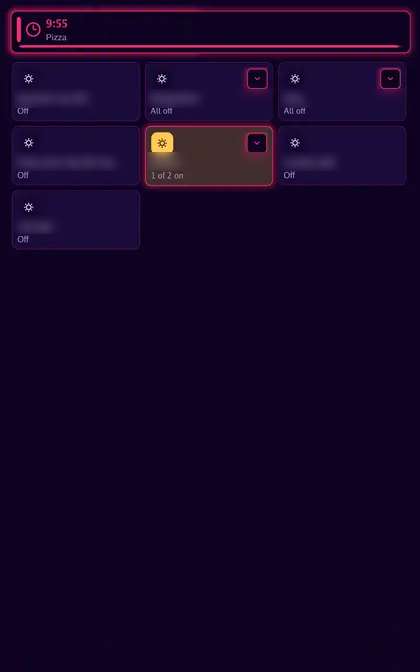
Section titled “Timer layouts”Every countdown layout. Timer controls and settings.
Screen savers
Section titled “Screen savers”Combine a clock with one or two visuals, or use photos. Clock placement and visual sources are independent of the dashboard. Screen saver and night mode.
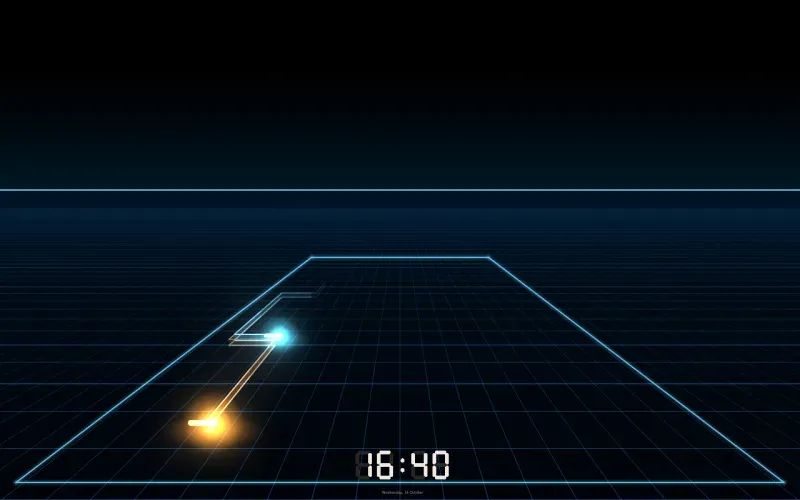
Audio visuals















Section titled “Audio visuals”Every visual with its picker name. Choose them for screen savers and assistant feedback. Visual settings and audio sources.